1
Equalizer Administration Guide
Setting Up an SNMP Management Station
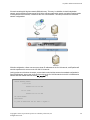
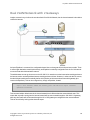
An SNMP management station is not provided with Equalizer. In order to use SNMP to manage Equalizer, a thirdparty management console must be installed and configured on a machine that can access Equalizer.
Configuration procedures are specific to the management console used.
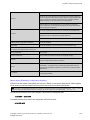
At a minimum, the SNMP management console needs to be configured to:
l
Use Equalizer’s IP address and port 161 for SNMP requests.
l
Use the community string specified for Equalizer (Refer to "SNMP Commands" on page 176 or "SNMP" on
page 198).
l
Use the address and port specified in the above for SNMP traps (usually port 162 is used for this purpose,
but this can be configured as shown in "Enabling SNMP Traps" on page 497).
l
Use Equalizer MIB definitions; these need to be loaded into the management console, following the
instructions for the console. The Equalizer MIB source files are located at:
http://<Equalizer-ip>/eqmanual/CPS-EQUALIZER-v10-MIB.my
http://<Equalizer-ip>/eqmanual/CPS-REGISTRATIONS-v10-MIB.my
http://<Equalizer-ip>/eqmanual/cpsSystemEqualizerv10TrapsB.my
In the above, <Equalizer-ip> is the IP address of the Equalizer. On the Equalizer, these are
located in the directory /usr/local/www/eqmanual.
Enabling SNMP
Note - SNMP is enabled using the CLI.
By default, SNMP is a globally enabled service -- meaning that it will run on any subnet that is configured to offer
the SNMP service. You must specifically enable SNMP on the subnet or subnets on which you want it to listen for
SNMP MIB browser and management station connections.
SNMP can be enabled on at most one IPv4 subnet address/port and one IPv6 subnet address/port. SNMP runs on
Equalizer’s IP address on the configured subnet. Currently, SNMP runs on the default SNMP port (161) only.
To enable SNMP, you must enable it at the global level, and then enable it on any single IPv4 subnet, any single
IPv6 subnet, or both. For this procedure, we assume the existence of a properly configured VLAN (172net) and its
Default subnet.
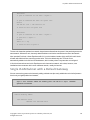
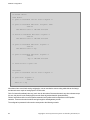
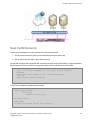
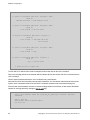
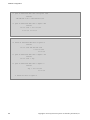
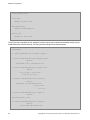
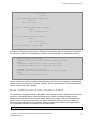
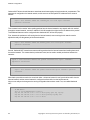
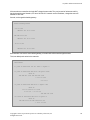
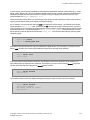
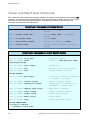
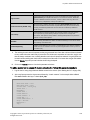
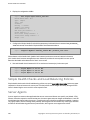
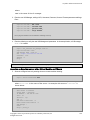
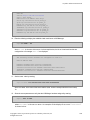
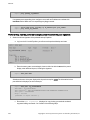
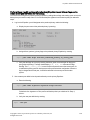
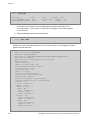
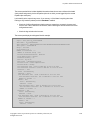
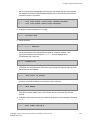
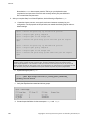
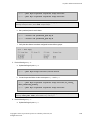
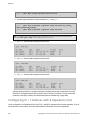
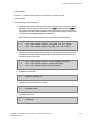
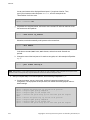
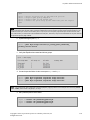
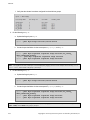
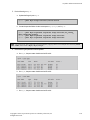
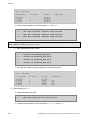
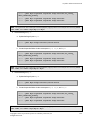
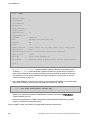
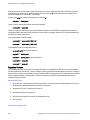
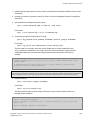
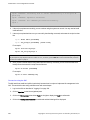
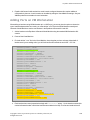
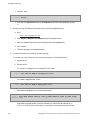
1. In the global CLI context, confirm that SNMP is globally enabled:
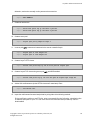
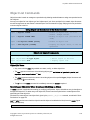
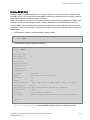
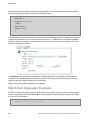
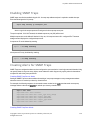
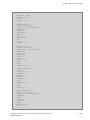
eqcli > show
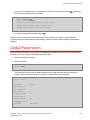
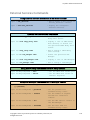
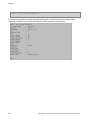
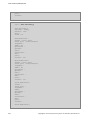
You should see a line that looks like the following:
Copyright © 2013 Coyote Point Systems. A subsidiary of Fortinet, Inc.
All Rights Reserved.
495