1
Equalizer Administration Guide
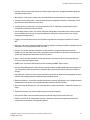
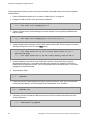
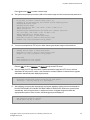
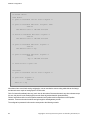
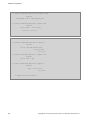
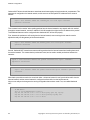
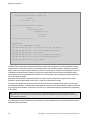
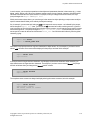
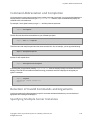
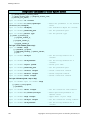
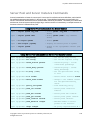
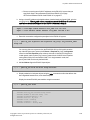
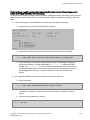
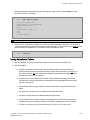
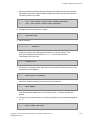
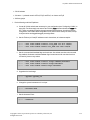
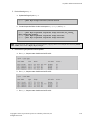
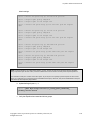
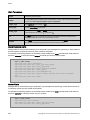
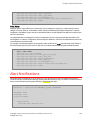
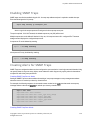
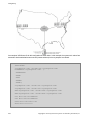
eqcli > peer Eq-A signature signature flags failover,fo_config_
xfer,preferred_primary
eqcli > peer Eq-C signature signature flags failover
eqcli > peer Eq-D signature signature flags failover
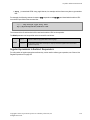
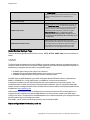
Note - The signature for each remote peer can be displayed by logging into the CLI on that peer and executing "show
peer name", where name is Eq-A, Eq-C, and Eq-D.
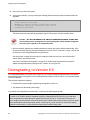
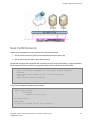
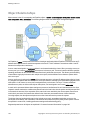
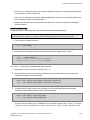
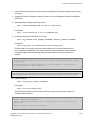
4. Do the following on Eq-C:
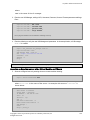
a. Update the flags for peer Eq-C:
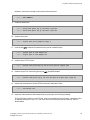
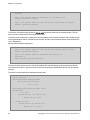
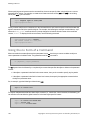
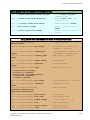
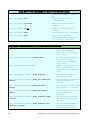
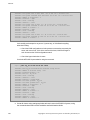
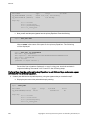
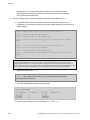
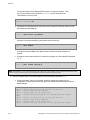
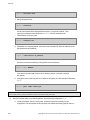
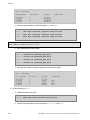
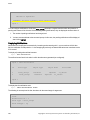
eqcli > peer Eq-C flags failover,active-active
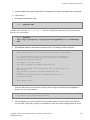
b. Create the peer definitions for the remote peers Eq-A, Eq-B, and Eq-D:
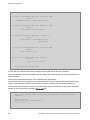
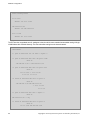
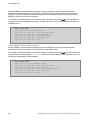
eqcli > peer Eq-A signature signature flags failover,fo_config_
xfer,preferred_primary
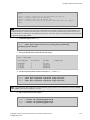
eqcli > peer Eq-B signature signature flags failover
eqcli > peer Eq-D signature signature flags failover
Note - The signature for each remote peer can be displayed by logging into the CLI on that peer and executing "show
peer name", where name is Eq-A, Eq-B, or Eq-D.
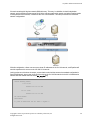
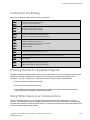
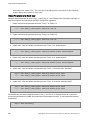
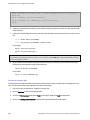
5. Do the following on Eq-D:
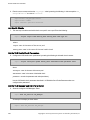
a. Update the flags for peer Eq-D:
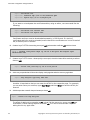
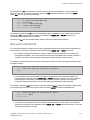
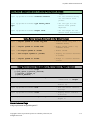
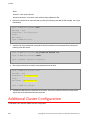
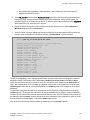
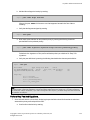
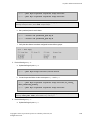
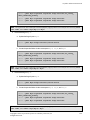
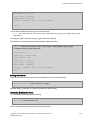
eqcli > peer Eq-D flags failover,active-active
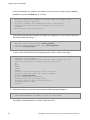
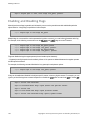
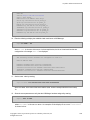
b. Create the peer definitions for the remote peers Eq-A, Eq-B, and Eq-C:
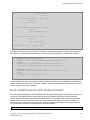
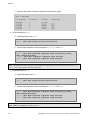
eqcli > peer Eq-A signature signature flags failover,fo_config_
xfer,preferred_primary
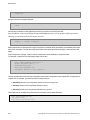
eqcli > peer Eq-B signature signature flags failover
eqcli > peer Eq-C signature signature flags failover
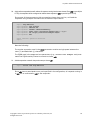
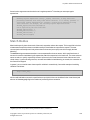
Note - The signature for each remote peer can be displayed by logging into the CLI on that peer and executing "show
peer name", where name is Eq-A, Eq-B, or Eq-C.
Copyright © 2013 Coyote Point Systems. A subsidiary of Fortinet, Inc.
All Rights Reserved.
481