1
Medtronic Confidential
9879EN-17_9501043EN/CTC.qxd 5/10/99 11:34 Page 17-10
7 x 9 inches (178 mm x 229 mm)
17-10
Understanding Pacemaker Operations
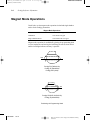
Collecting EGM Data
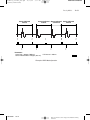
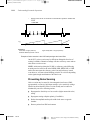
If the EGM option is programmed ON, an approximately two second EGM
with simulated pacing pulses is recorded for one episode, and the number
of episodes for which data can be recorded is reduced to seven. The episode
for which the EGM is recorded is selected as follows:
■
Frozen Episodes. An EGM is recorded for the first episode detected.
■
Rolling Episodes. An EGM is recorded for the first episode detected.
Once every 24 hours, a new EGM will be recorded if another episode
occurs. When episodes occur infrequently, the EGM will be for the last
episode. To avoid ambiguity, the programmer always identifies the
episode for which EGM data was recorded.
Recording High Rate Atrial Episodes in Dual
Chamber Modes
In the DDDR, DDD, DDIR, DDI, and VDD modes, atrial sensing is
blanked for a programmable interval (the Post-Ventricular Atrial Blanking)
following any ventricular event. Detection of high rate atrial episodes in
these modes may be inhibited by blanking when high Detection Counts are
programmed and may result in a periodic rate drop on the displayed graph
or printed tabular report.
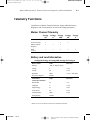
Events Displayed Outside Upper Rate Limit
The High Rate Episode displayed rate for each event is based on the
interval from the previous event. AR-AP or VR-VP intervals result in
displayed paced beats which are significantly higher than the actual pacing
rate. These displayed rates can appear above the programmed Upper
Activity Rate in rate responsive modes or above the programmed Lower
Rate in non-rate responsive modes. (For example, an AR-AP event at a rate
of 200 ppm (300 ms) can be an indicator of Non-Competitive Atrial Pacing
therapy.)
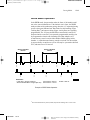
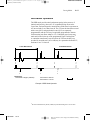
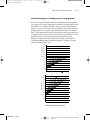
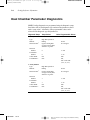
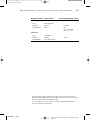
Retrieving High Rate Episode Data
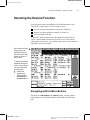
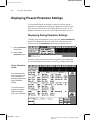
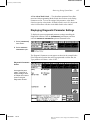
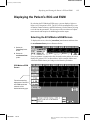
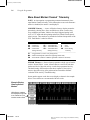
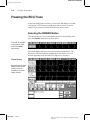
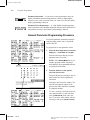
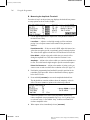
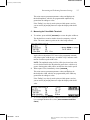
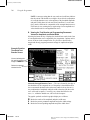
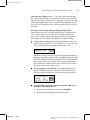
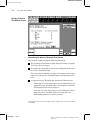
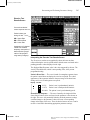
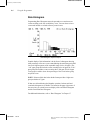
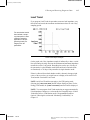
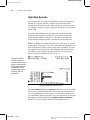
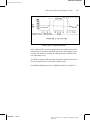
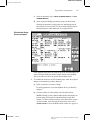
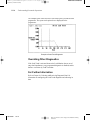
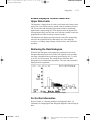
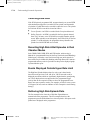
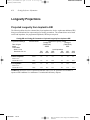
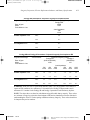
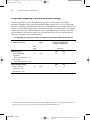
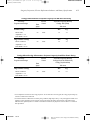
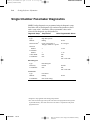
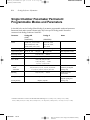
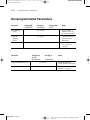
The first example below shows how High Rate Episode data are
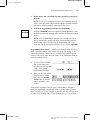
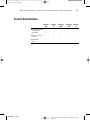
summarized on the programmer. The next example shows how the
programmer presents detailed data for a selected episode. All reports can be
printed out or displayed on the programmer.
196407001
Rev A
Refer to the “Reference man.” category in doc#163256 for Printing
Instructions.