1
English
Voice mail
If your subscription includes an answering service, callers can leave
a voice mail message when you cannot answer a call. Voice mail
is a network service and you may need to subscribe to it first. For
more information and for the voice mail number, contact your service
provider.
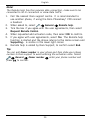
1.
2.
3.
4.
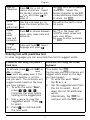
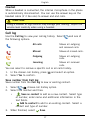
Select
Calls
Voice mail
Add.
Enter input number.
When finished, select
Save.
If wanted, select:
• Call to call your voice mail.
• Edit to edit the given information. When finished, select
.
• Delete to delete the voice mail. Select Confirm to confirm.
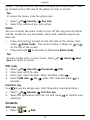
Tip:
From the Home screen, press and hold 1 to call your voice mail.
Communication
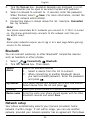
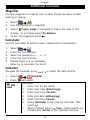
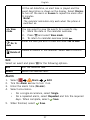
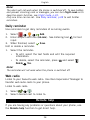
In order to send and receive texts and picture messages, specific
settings are needed which are provided by your service provider.
Text messaging
Text messaging requires a message centre number, this is normally
automatically set on your phone. The number can be obtained from
the network operator.
Message centre number
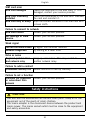
1.
2.
3.
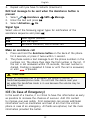
Select
Connectivity
Messages
SMS
center.
Add/edit the message service phone number.
When finished, press
.
Service
Create text message
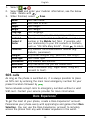
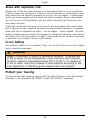
1.
2.
Select
Write message.
Enter your message, see Entering text
Send.
18
, p. 6 , then select