1
English
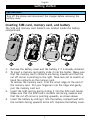
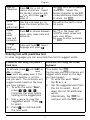
Time and date
1.
2.
3.
Select
General
Time and date.
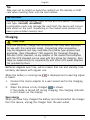
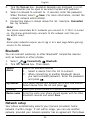
Select Set time and enter time (hh:mm). Press
.
Select Set date and enter date (dd/mm/yy). Press
.
Tip:
You can also change the time and date format as well as activate auto
time in the Time and date menu. Automatic update of date and time
does not change the time you have set for the alarm clock or the
calendar. They are in local time. Updating can cause some alarms you
have set to expire.
Text size
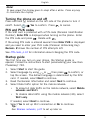
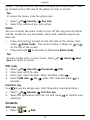
You can change the font size for all content on the display.
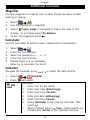
1.
2.
Select
Display
Text size.
Mark the preferred font size. If needed, press
.
Tip:
Medium size is set by default.
Answer mode
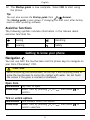
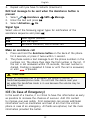
You can set your phone to answer a call by sliding open the phone.
1.
2.
Select
Calls
Mark Slide open.
Answer mode.
Weather
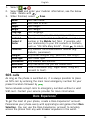
You can make the weather for a specific city appear at the top of the
Home screen.
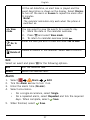
1.
2.
3.
4.
Select
General
Weather.
Select City and enter city name. When finished, press
.
If the city is found, select OK otherwise select Cancel and enter
another city.
Select Display and mark the wanted display.
Key lock
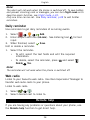
You can set it to automatically activate the key lock when the phone
is closed or to lock manually by pressing 1 on the left side of the
9