1
English
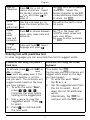
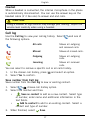
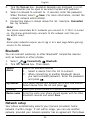
Create e-mail message
1.
2.
Select
Write e-mail.
Enter subject and your message, see Entering text
3.
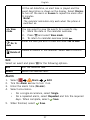
If wanted, add picture as attachment. Press
and select
Attach and select picture.
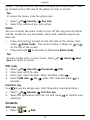
Select
Send
a contact from the list or enter an e-mail
address manually.
To add more recipients, select
Add and repeat step 4.
When finished, select
Send.
4.
5.
6.
, p. 6 .
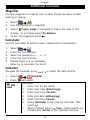
Camera
Use the camera to take photos.
Take pictures
1.
2.
3.
4.
5.
Press and hold
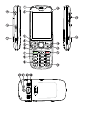
(on the side of the phone) to activate the
camera.
Press
OR
to take photo. The picture is automatically saved.
To delete the picture, select Delete.
To share the picture, select Share and then:
•
Messaging. See Picture messaging, p.19.
•
Bluetooth. See Bluetooth, p.23.
•
E-mail. See E-mail, p.19.
To take a new picture, press
to return to camera mode.
Tip:
Wipe the lens clean with a dry cloth.
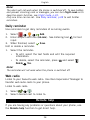
Camera adjustments
•
•
Use
/
to zoom in and out.
Use the side buttons + or – to adjust EV/Light sensitivity.
Note!
Zooming in may reduce image quality.
20