1
Messages [Main Menu + 3]
41
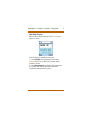
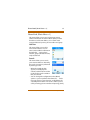
6. Use the [LSK] and [RSK] buttons to: forward, edit,
delete, or delete all messages in your Outbox.
» A maximum of 30 messages can be stored in the
outbox. Once the outbox reaches 30 messages, any
new message is placed at the top of the queue (most
current) and the oldest message is removed.
Draft
Any messages that have been prepared and saved, but
not yet sent, are stored in this area.
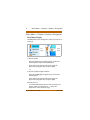
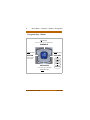
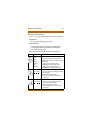
1. Press the [Down] navigation key, then skip to Step 5.
-or2. Press the [LSK] to access the Main Menu.
3. Press the [Down] navigation key, scroll to Messages,
and press [OK]. Write Message is already selected.
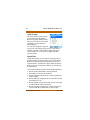
4. Press the [Down] navigation key, to scroll to “Draft”.
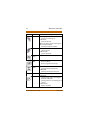
- Press [OK] to view the contents of messages that
you previously prepared and have saved, but not yet
sent.
- Press the [Down] navigation key to scroll to the
desired draft message.
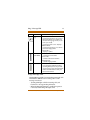
- Press [OK] to view the Contents and the” To”
information of the message. Make any desired
changes, then either send or save for future delivery.
» A maximum of 10 draft messages can be stored.
Nomad IP User Guide
June 2006