1
Chapter 15
Configuring VLANs
Configuring VLAN Trunks
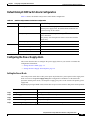
Configuring the Native VLAN for Untagged Traffic
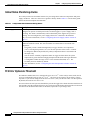
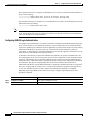
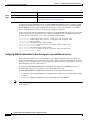
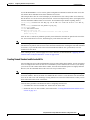
A trunk port configured with 802.1Q tagging can receive both tagged and untagged traffic. By default,
the switch forwards untagged traffic in the native VLAN configured for the port. The native VLAN is
VLAN 1 by default.
Note
The native VLAN can be assigned any VLAN ID; it is not dependent on the management VLAN.
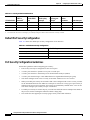
For information about 802.1Q configuration issues, see the “802.1Q Configuration Considerations”
section on page 15-16.
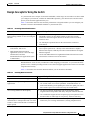
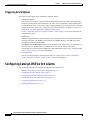
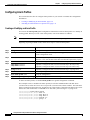
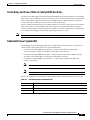
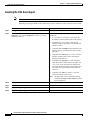
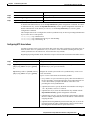
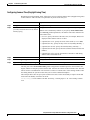
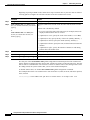
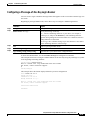
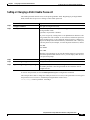
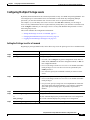
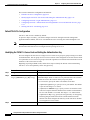
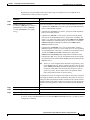
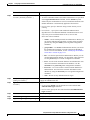
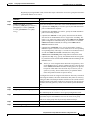
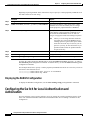
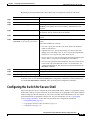
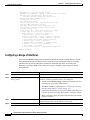
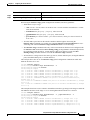
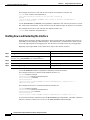
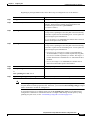
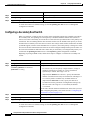
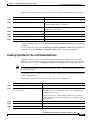
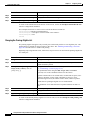
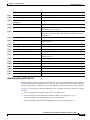
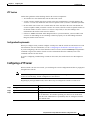
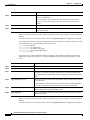
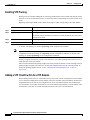
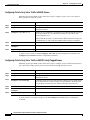
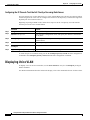
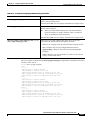
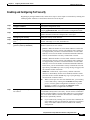
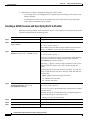
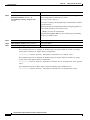
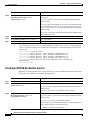
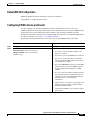
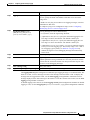
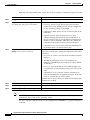
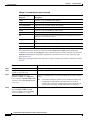
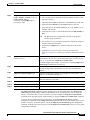
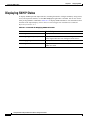
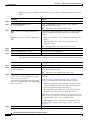
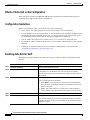
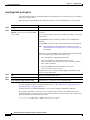
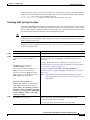
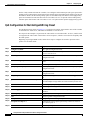
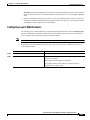
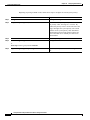
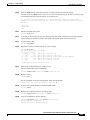
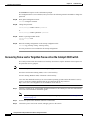
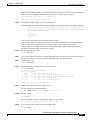
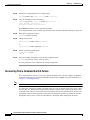
Beginning in privileged EXEC mode, follow these steps to configure the native VLAN on an 802.1Q
trunk:
Command
Purpose
Step 1
configure terminal
Enter global configuration mode.
Step 2
interface interface-id
Enter interface configuration mode, and define the interface that is
configured as the 802.1Q trunk.
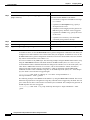
Step 3
switchport trunk native vlan vlan-id
Configure the VLAN that is sending and receiving untagged traffic
on the trunk port.
For vlan-id, the range is 1 to 4094 when the EI is installed, and 1 to
1005 when the SI is installed.
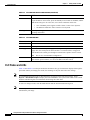
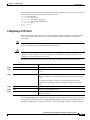
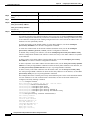
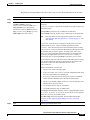
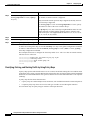
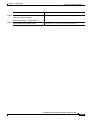
Step 4
end
Return to privileged EXEC mode.
Step 5
show interfaces interface-id switchport
Verify your entries in the Trunking Native Mode VLAN field.
Step 6
copy running-config startup-config
(Optional) Save your entries in the configuration file.
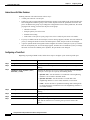
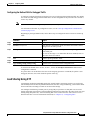
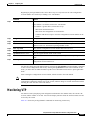
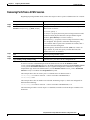
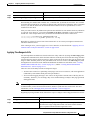
To return to the default native VLAN, VLAN 1, use the no switchport trunk native vlan interface
configuration command.
If a packet has a VLAN ID that is the same as the outgoing port native VLAN ID, the packet is sent
untagged; otherwise, the switch sends the packet with a tag.
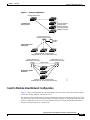
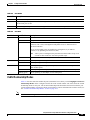
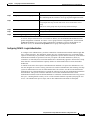
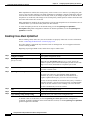
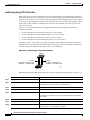
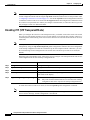
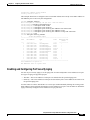
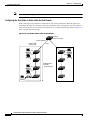
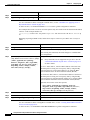
Load Sharing Using STP
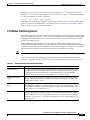
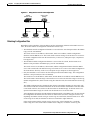
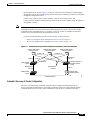
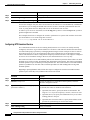
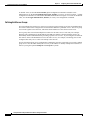
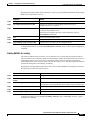
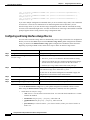
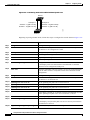
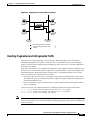
Load sharing divides the bandwidth supplied by parallel trunks connecting switches. To avoid loops,
STP normally blocks all but one parallel link between switches. Using load sharing, you divide the traffic
between the links according to which VLAN the traffic belongs.
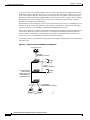
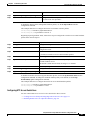
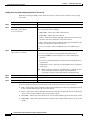
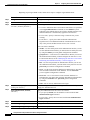
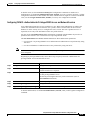
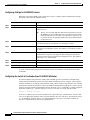
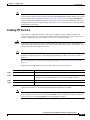
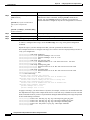
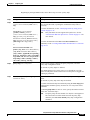
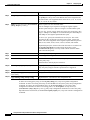
You configure load sharing on trunk ports by using STP port priorities or STP path costs. For load
sharing using STP port priorities, both load-sharing links must be connected to the same switch. For load
sharing using STP path costs, each load-sharing link can be connected to the same switch or to two
different switches. For more information about STP, see Chapter 12, “Configuring STP.”
Catalyst 2950 and Catalyst 2955 Switch Software Configuration Guide
78-11380-07
15-21