1
Chapter 28
Configuring EtherChannels
Configuring EtherChannels
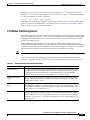
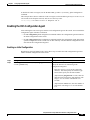
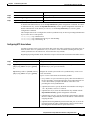
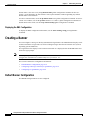
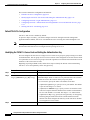
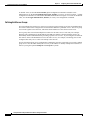
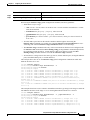
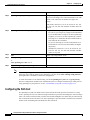
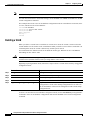
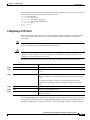
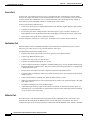
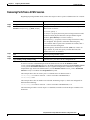
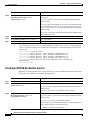
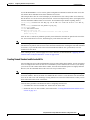
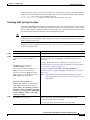
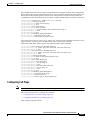
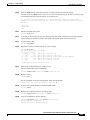
To remove an interface from the EtherChannel group, use the no channel-group interface configuration
command. If you delete the EtherChannel by using the no interface port-channel global configuration
command without removing the physical interfaces, the physical interfaces are shutdown. If you do not
want the member physical interfaces to shut down, remove the physical interfaces before deleting the
EtherChannel.
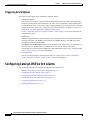
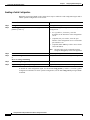
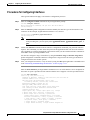
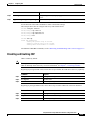
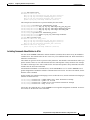
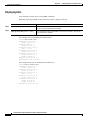
This example shows how to assign Gigabit Ethernet interfaces 0/1 and 0/2 with the PAgP mode
desirable:
Switch# configure terminal
Switch(config)# interface range gigabitethernet0/1 -2
Switch(config-if)# channel-group 5 mode desirable
Switch(config-if)# end
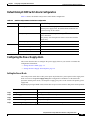
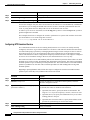
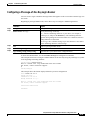
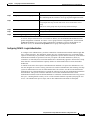
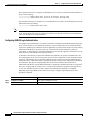
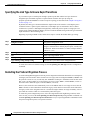
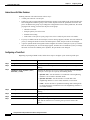
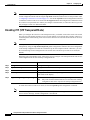
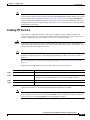
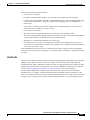
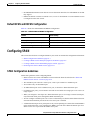
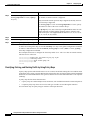
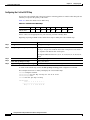
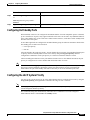
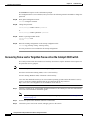
Configuring EtherChannel Load Balancing
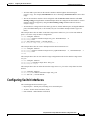
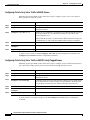
This section describes how to configure EtherChannel load balancing by using source-based or
destination-based forwarding methods. For more information, see the “Understanding Load Balancing
and Forwarding Methods” section on page 28-6.
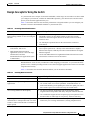
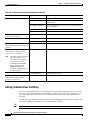
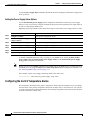
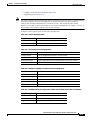
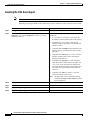
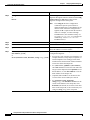
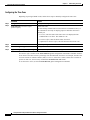
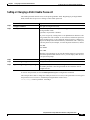
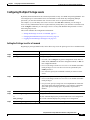
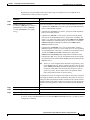
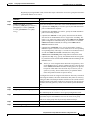
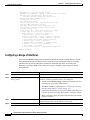
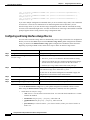
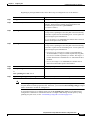
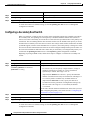
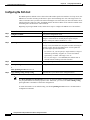
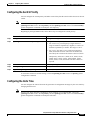
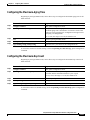
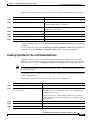
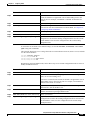
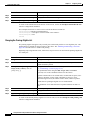
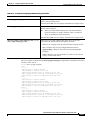
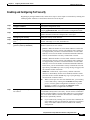
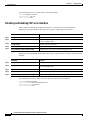
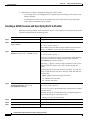
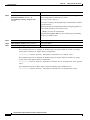
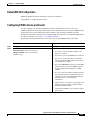
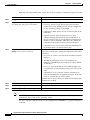
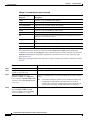
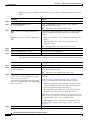
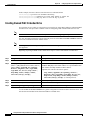
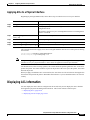
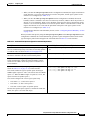
Beginning in privileged EXEC mode, follow these steps to configure EtherChannel load balancing:
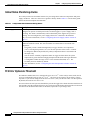
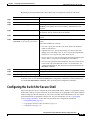
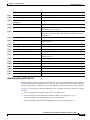
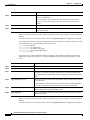
Command
Purpose
Step 1
configure terminal
Enter global configuration mode.
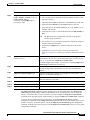
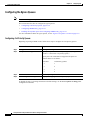
Step 2
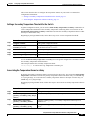
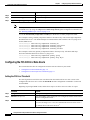
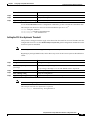
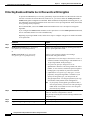
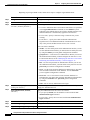
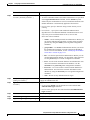
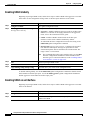
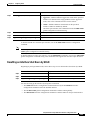
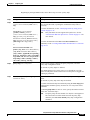
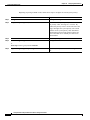
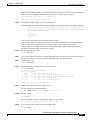
port-channel load-balance {dst-mac | src-mac} Configure an EtherChannel load-balancing method.
The default is src-mac.
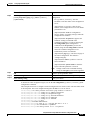
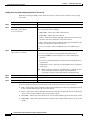
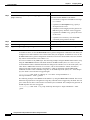
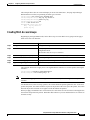
Select one of these keywords to determine the load-distribution
method:
•
dst-mac—Load distribution is based on the destination-host
MAC address of the incoming packet. Packets to the same
destination are sent on the same port, but packets to different
destinations are sent on different ports in the channel.
•
src-mac—Load distribution is based on the source-MAC
address of the incoming packet. Packets from different hosts
use different ports in the channel, but packets from the same
host use the same port in the channel.
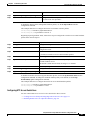
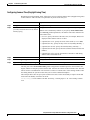
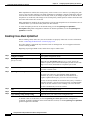
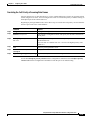
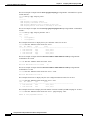
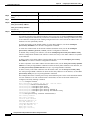
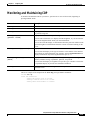
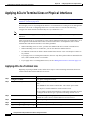
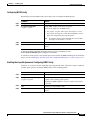
If the link partner to the switch is a physical learner, set the
load-distribution method to one of these ways:
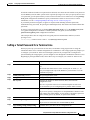
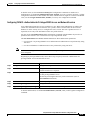
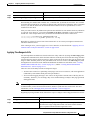
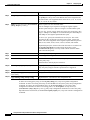
Step 3
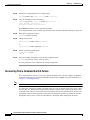
end
•
If the channel-group interface configuration command is
set to auto or desirable, the switch automatically uses the
load distribution method based on the source-MAC address,
regardless of the configured load-distribution method.
•
If the channel-group interface configuration command is
set to on, set the load-distribution method based on the
source-MAC address by using the port-channel
load-balance src-mac global configuration command.
Return to privileged EXEC mode.
Catalyst 2950 and Catalyst 2955 Switch Software Configuration Guide
78-11380-07
28-11