1
ES/DS410 IPPhone
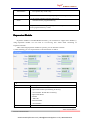
View status
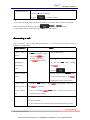
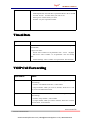
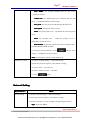
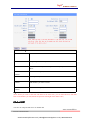
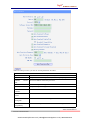
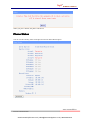
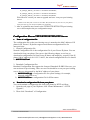
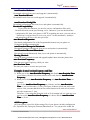
If you want to see the phone status,Press MENU button > “view status” ,or press OK button >
“view status”, you can see the detail information of the phone.
If you want to ......
Then......
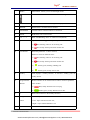
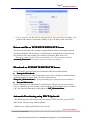
Network
You can see the network detail information of
the phone
Lines
You can see the SIP account
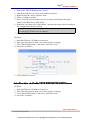
software
It include phone Mode、software version、kernel
version、Upgrade date、Running time
Expansion
Can check the expansion
Diagnose
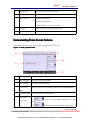
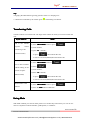
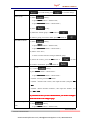
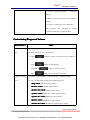
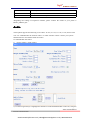
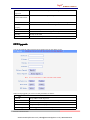
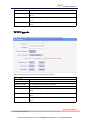
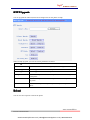
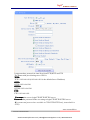
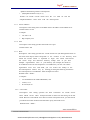
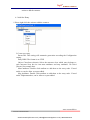
If you want to check the phone hardware function,Press MENU button > “diagnose” ,or press
OK button > “diagnose”, you can check the phone item as below.
If you want to ....
Then ....
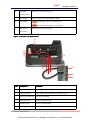
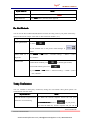
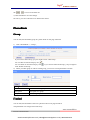
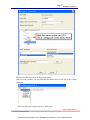
Keys
You can check the phone keys
LCD
OK
C’to exit
Press’OK
OK’to start,press’C
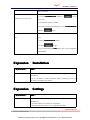
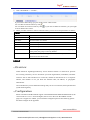
Lights
OK
C’to exit
Press’OK
OK’to start,press’C
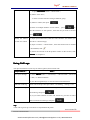
Sound
OK
Press’OK
OK’to start
www.escene.hk/en
Escene Communication
www.InternetVoipPhone.co.uk | [email protected] | 0800 088 48 46