1
Printer Features
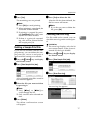
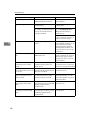
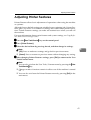
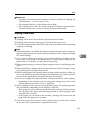
Temporarily canceling Menu Protect
When you select protected items in
Printer Features, a screen for entering
the access codes appears. When this
happens, enter the correct access
codes using the number keys, and
then press [OK]. Menu Protect is then
temporarily canceled.
Note
❒ If you enter the correct access
codes, Menu Protect remains canceled while the Printer Features
menu is displayed.
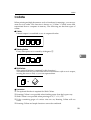
System
5
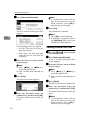
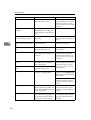
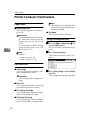
❖ Print Error Report
Select this to have an error report
printed when a printer or memory
error occurs.
• On
• Off
Note
❒ Default: Off
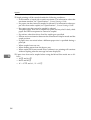
❖ Auto Continue
You can select this to enable Auto
Continue. When it is On, printing
continues after a system error occurs.
• Off
• 0 minute
• 1 minute
• 5 minutes
• 10 minutes
• 15 minutes
Note
❒ Default: Off
46
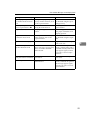
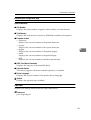
❖ Memory Overflow
Select this to have a memory overflow error report printed.
• Not Print
• Error Report
Note
❒ Default: Not Print
❖ Job Separation
You can enable Job Separation.
• On
• Off
Note
❒ Default: Off
❒ This menu appears only when
the optional finisher is installed.
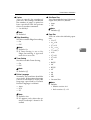
❖ Memory Usage
You can select the amount of memory used in Font Priority or Frame
Priority, according to paper size or
resolution.
• Font Priority
This setting uses memory for
registering fonts.
• Frame Priority
This setting uses frame memory
for high speed printing.
Note
❒ Default: Frame Priority
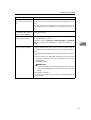
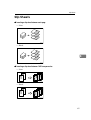
❖ Duplex
You can select to have print on
both sides of each page.
• Off
• Short Edge Bind
• Long Edge Bind
Note
❒ Default: Off