1
Protecting All Files
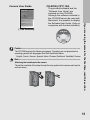
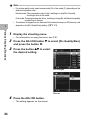
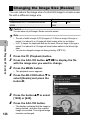
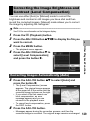
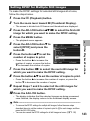
To protect all your files, follow the steps below.
1
2
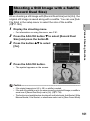
Press the 6 (Playback) button.
Press the MENU button.
• The playback menu appears.
3
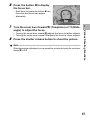
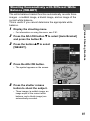
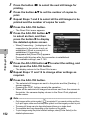
Press the ADJ./OK button " to
select [Protect] and press the
button $.
3
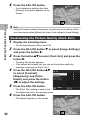
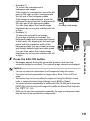
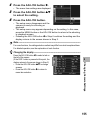
Press the ADJ./OK button !"
to select [All Files].
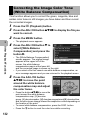
5
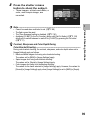
Make sure that [Select] is
selected, and then press the
ADJ./OK button.
Finish
1 File
All Files
Select
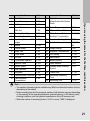
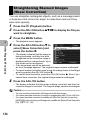
• All files are protected and the symbol
appears on the screen.
Cancel
Select
Note ---------------------------------------------------------------------------------------------To cancel protection for all protected files, select [Cancel] in Step 5.
Other Playback Functions
4
137