1
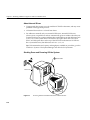
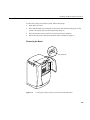
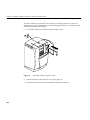
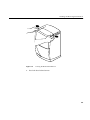
Removing and Installing the Frontplane Module and System Identification Module
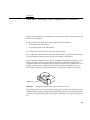
Task Information
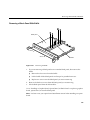
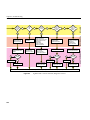
Replacing the frontplane module requires a number of steps from preparing the
workstation to removing modules. Before you begin, find some bookmarks to help you
organize your task.
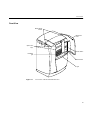
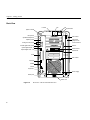
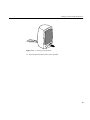
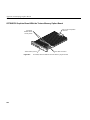
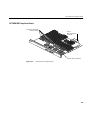
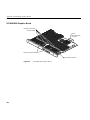
Also see the diagrams of the workstation in the front of Chapter 1 of this guide to learn
the workstation’s part names.
Be sure to have the replacement part beside you before removing the frontplane module.
To replace the system fan you perform the following tasks. Instructions for completing
the tasks follow the task list.
•
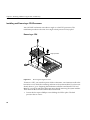
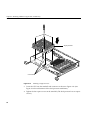
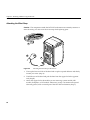
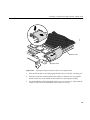
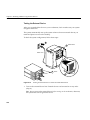
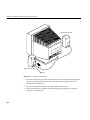
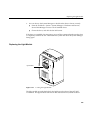
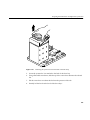
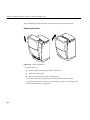
Prepare the workstation: shut down and power off, remove the bezel, and attach the
wrist strap.
•
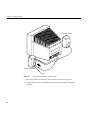
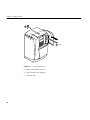
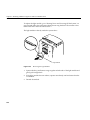
Remove the system drive, option drives, and light module.
•
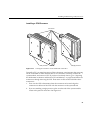
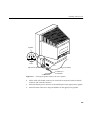
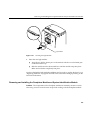
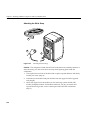
Remove all the cables and modules from the back of the workstation.
•
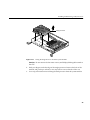
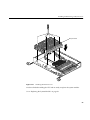
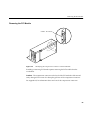
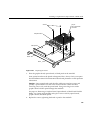
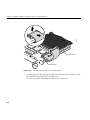
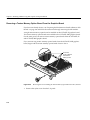
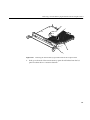
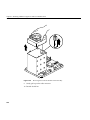
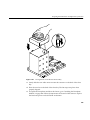
Remove the frontplane module.
•
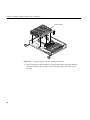
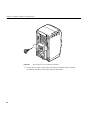
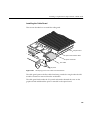
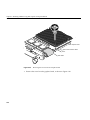
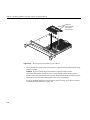
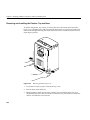
Remove and the system fan.
•
Reinstall everything and start the system.
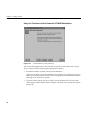
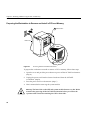
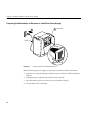
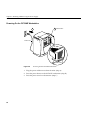
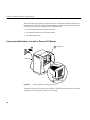
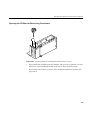
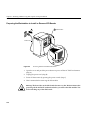
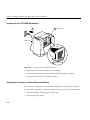
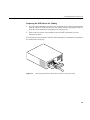
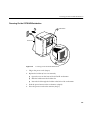
Preparing the Workstation to Remove the Frontplane Module
1.
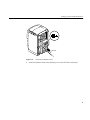
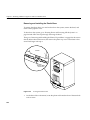
Go to “Shutting Down and Powering Off the System” on page 218 and follow the
instructions through removing the bezel. Then return to this section.
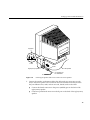
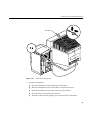
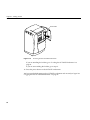
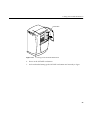
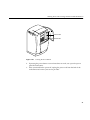
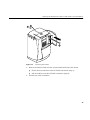
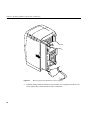
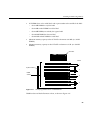
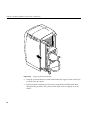
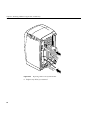
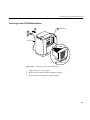
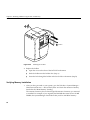
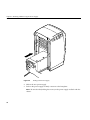
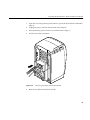
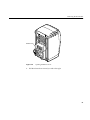
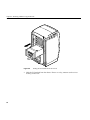
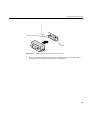
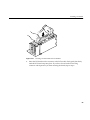
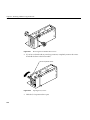
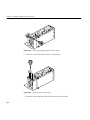
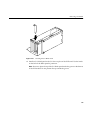
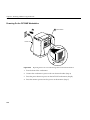
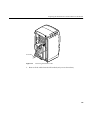
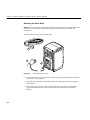
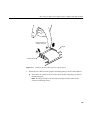
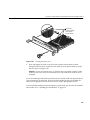
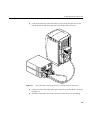
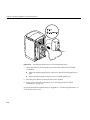
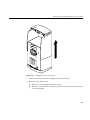
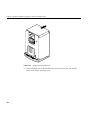
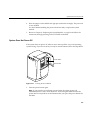
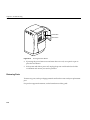
2. On the back of the OCTANE workstation:
■
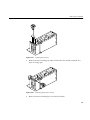
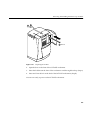
Disconnect the system module from the chassis by unscrewing the captive
screws and pulling the system module an inch or two from the chassis, or
remove it. (See Chapter 2 for help disconnecting or removing this module.)
Then return to this section.
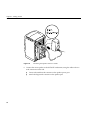
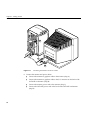
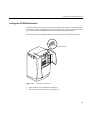
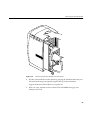
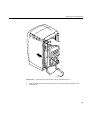
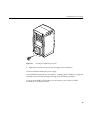
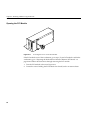
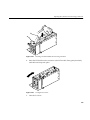
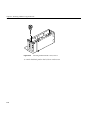
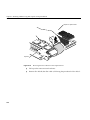
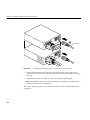
■
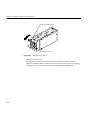
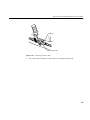
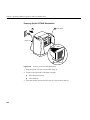
Disconnect the PCI module from the chassis by unscrewing the captive screws
and pulling the PCI module an inch or two from the chassis, or remove it. (See
Chapter 4 for help disconnecting or removing this module.) Then return to this
section.
239