1
Chapter 7: Installing and Removing Drives and Front Module Parts
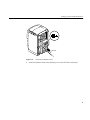
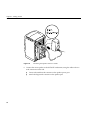
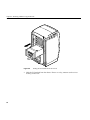
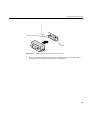
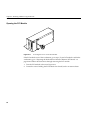
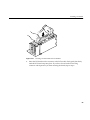
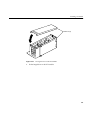
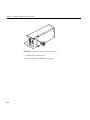
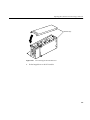
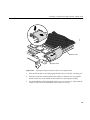
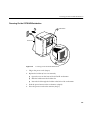
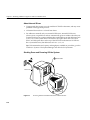
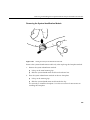
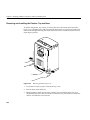
Removing and Installing the Plastic Base
To remove the plastic base, you need to shut down the system, remove the bezel, and
remove the top plastic cover.
To shut down the system, go to “Shutting Down and Powering Off the System” on
page 218 and follow the steps through removing the bezel.
Then go to “Removing and Installing the Plastics: Top and Base” on page 250, the section
directly before these instructions, and remove the plastic top cover. Then return to this
section and begin with step 1.
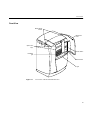
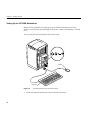
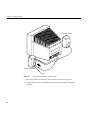
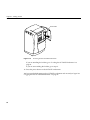
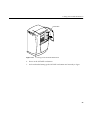
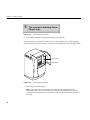
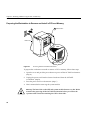
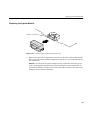
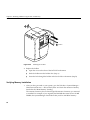
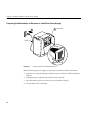
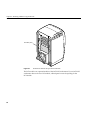
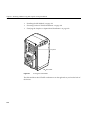
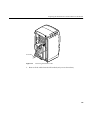
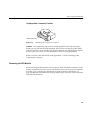
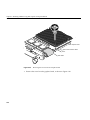
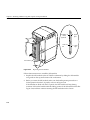
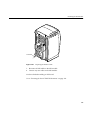
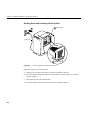
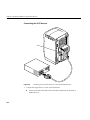
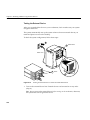
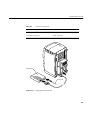
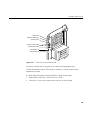
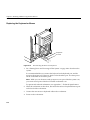
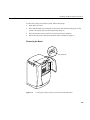
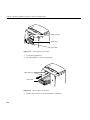
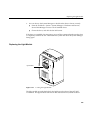
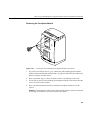
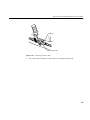
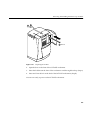
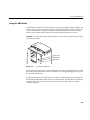
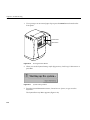
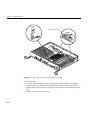
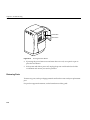
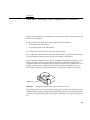
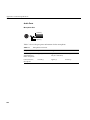
Chassis
Plastic
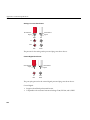
release tab
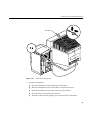
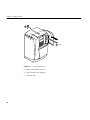
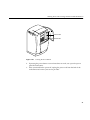
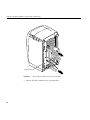
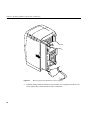
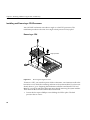
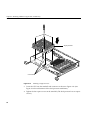
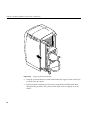
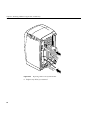
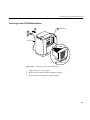
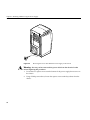
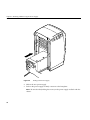
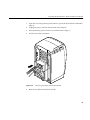
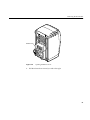
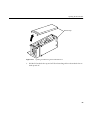
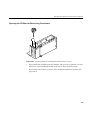
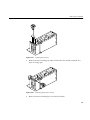
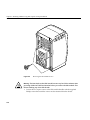
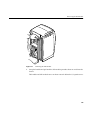
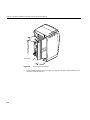
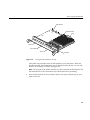
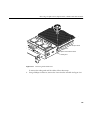
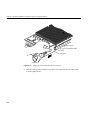
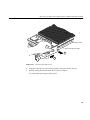
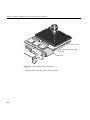
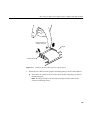
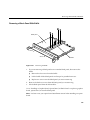
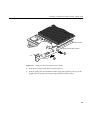
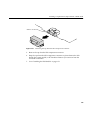
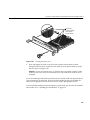
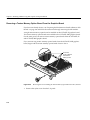
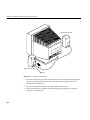
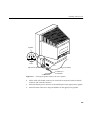
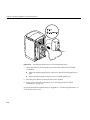
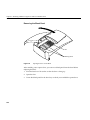
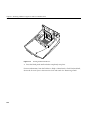
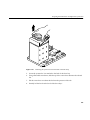
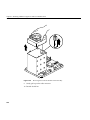
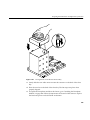
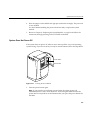
Figure 7-32
1.
252
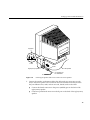
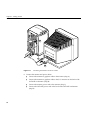
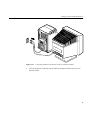
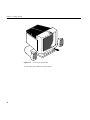
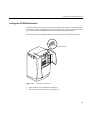
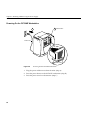
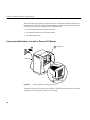
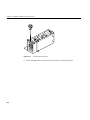
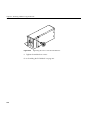
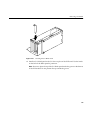
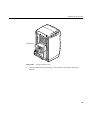
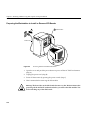
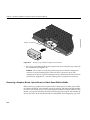
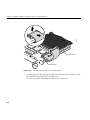
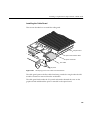
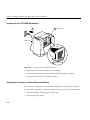
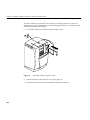
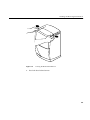
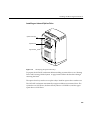
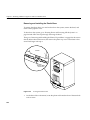
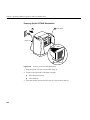
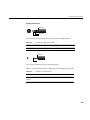
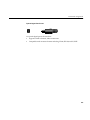
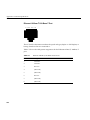
Locating the Release Slots
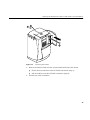
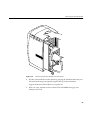
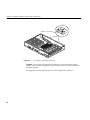
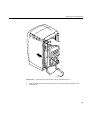
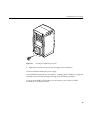
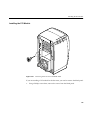
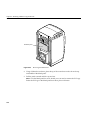
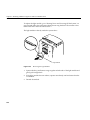
On the base of the workstation, locate the plastic tab located in front of the metal tab
with an arrow.