1
Take Apart
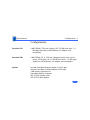
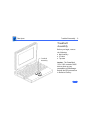
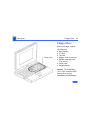
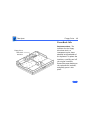
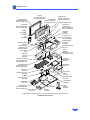
Display Cable - 70
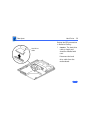
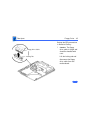
2
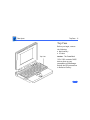
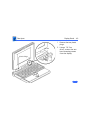
Left
Clutch
Cover
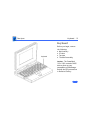
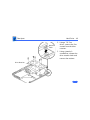
3
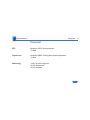
Center
Clutch
Cover
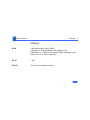
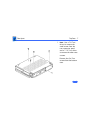
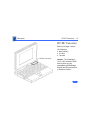
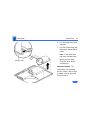
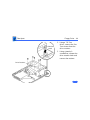
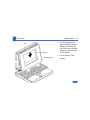
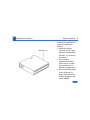
Left Clutch
4
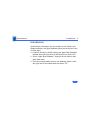
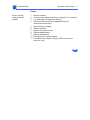
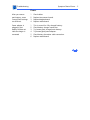
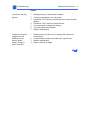
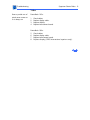
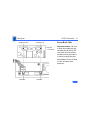
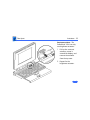
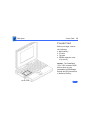
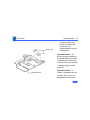
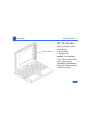
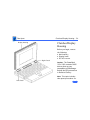
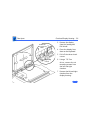
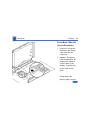
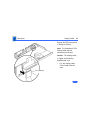
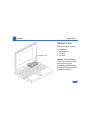
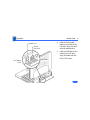
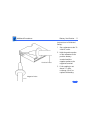
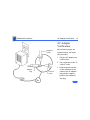
Pull off the center and
left clutch covers.
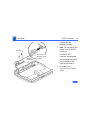
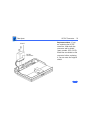
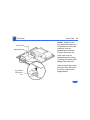
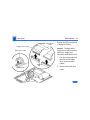
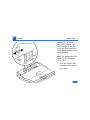
Using a T-8 Torx
driver, remove the three
mounting screws from
the left clutch.
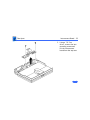
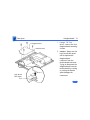
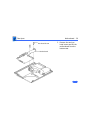
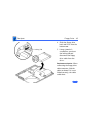
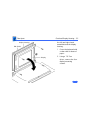
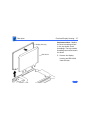
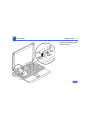
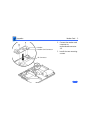
Remove the clutch from
the display housing.
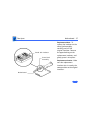
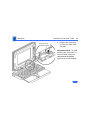
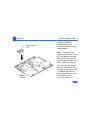
Replacement Note: Replace
the short mounting screw in
the top-inside clutch
threading. The top-outside
threading is used to mount
the bezel.