1
SWITCHING
FROM THE
ETHERNET
CABLE TO THE
USB
CABLE
If you are using the Efficient Networks SpeedStream 5200 modem with the Ethernet cable and you wish
to use the USB cable instead, please follow these instructions.
1.
Download the USB software. In your Web browser, go to http://en.bellnet.ca.
2.
Click the Downloads link, and download the USB driver for the SpeedStream 5200 modem. Choose to
download the file to your Desktop.
3.
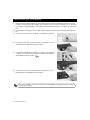
When the download is finished, disconnect from the Internet and unplug the Ethernet cable from your
computer.
4.
5.
6.
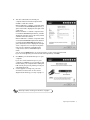
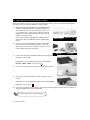
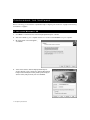
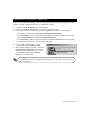
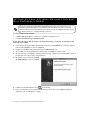
Double-click the file drv_4.2.2.122 on your Desktop.
Click OK in the WinZip Self-Extractor window.
Click Unzip in the next window.
7.
8.
Click OK in the final WinZip window.
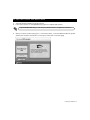
Follow the instructions in the SpeedStream program to install the USB software.
If you have Windows 98 First Edition, you will need your Windows CD to complete the
installation.
9.
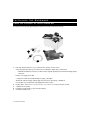
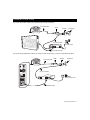
When you see the window telling you to connect the modem, connect your Efficient Networks SpeedStream 5200 modem as described in Connecting the USB modem on page 10.
10. If you do not have Windows XP, you will now be asked to restart your computer. Click Finished to
restart.
Connecting and disconnecting from the Internet 21