1
Chapter 11 Data Communication
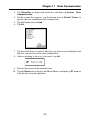
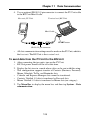
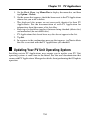
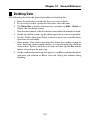
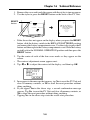
4. On the screen that appears, tap the button next to BUSINESS
NAVIGATOR to specify the data communication configuration.
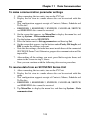
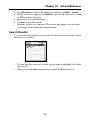
5. Tap the button next to Send.
6. Tap Set.
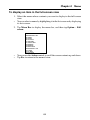
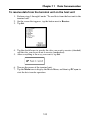
7. Tap the check boxes to specify the data you want to send (checked) and
the data you do not want to send (unchecked).
8. After everything is the way you want it, tap Set.
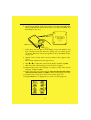
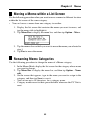
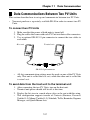
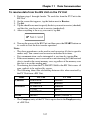
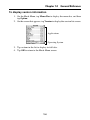
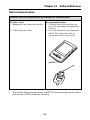
9. Turn on the power of the BN Unit and then press the START button on
its cradle to start the data transfer operation.
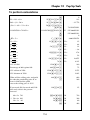
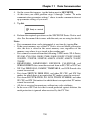
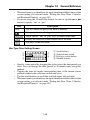
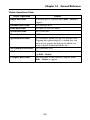
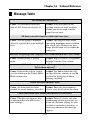
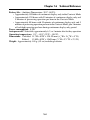
• The following shows the relationship between data when sent from the
PV Unit to a BN Unit.
Mode
Contacts
To Do
Memo
BN Unit
PV Unit
Untitled 1-5
PERSONAL
• Check Contacts (1-5) as the data
type to send this data.
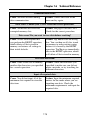
Category names
Not transferred
Item (field) names
Not transferred
Category names
Not transferred
Due date
Due date
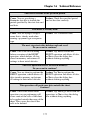
Untitled 1-5
MEMO
• Check Memo (1-5) as the data
type to send this data.
Quick-Memo
Category names
Not transferred
No corresponding BN Mode
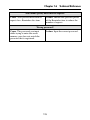
Expense
Manager
Not transferred. Use the data communication software
that comes with the PV Unit to transfer this data.
126