1
Planning the use
3.1
3
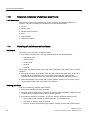
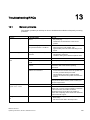
Overview
Introduction
This section describes the first steps after unpackaging, the permitted mounting positions
and the fixation. This section describes the necessary considerations for EMC.
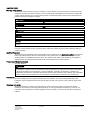
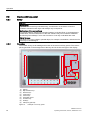
Field of application
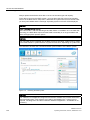
The Panel PC is an industry-standard PC platform for demanding tasks in the field of PCbased automation. The Panel PC is designed for on-site use on the machine, installed for
example in:
● Control cabinet installation
● Swivel arm mounting
● Rack mounting
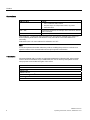
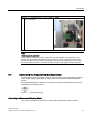
Note
In the following, the term "switchgear cabinet" also refers to rack, mounting rack,
switchboard, operator panel and console. The term "device" represents the Panel PC and
its variants.
3.2
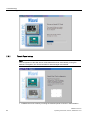
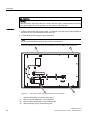
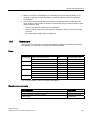
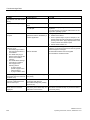
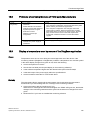
Unpacking and checking the delivery
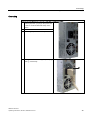
Procedure
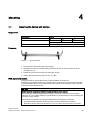
1. Please check the packaging material for transport damage upon delivery.
2. If any transport damage is present at the time of delivery, lodge a complaint at the
shipping company in charge. Have the shipper confirm the transport damage
immediately.
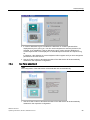
3. Unpack the device.
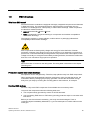
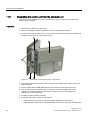
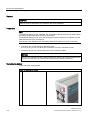
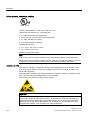
CAUTION
Do not lie the device on its back. This will avoid any damage to an optical drive which
may be present. Lie the front side on a soft surface to avoid damaging the front panel
USB port.
4. Keep the packaging material in case you have to transport the unit again.
SIMATIC IPC677C
Operating Instructions, 05/2010, A5E02722710-01
21