1
Detailed descriptions
16.4 BIOS Setup
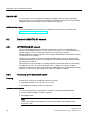
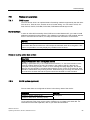
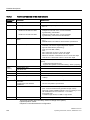
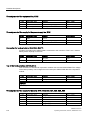
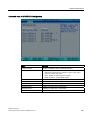
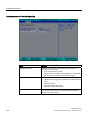
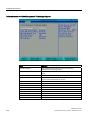
Bootable components that are disconnected from and then reconnected to the PC between
booting processes are set by the BIOS to the first position in the case of the "Advanced"
setting, and relocated back to their original booting position (Advanced Placeholder Boot) in
the case of the "Advanced Placeholder" setting.
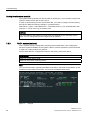
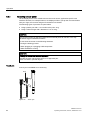
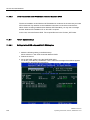
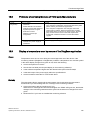
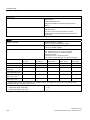
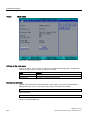
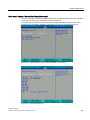
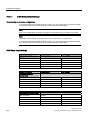
The boot sequence is changed as follows:
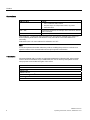
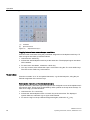
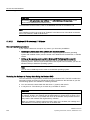
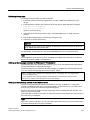
Select the boot component with the ↑↓ keys, move to the desired position with + or -.
Note
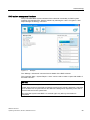
During the booting process the boot manager can be started by using the F12 key. The boot
manager displays all the available boot components and boots the device selected by the
user.
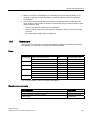
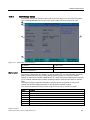
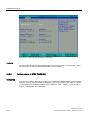
16.4.9
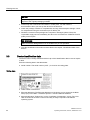
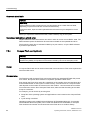
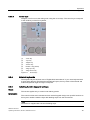
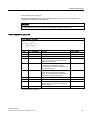
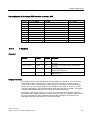
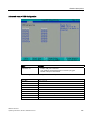
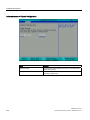
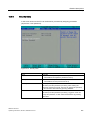
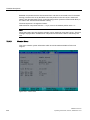
Version Menu
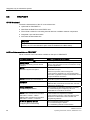
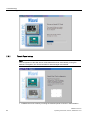
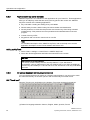
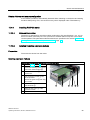
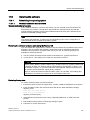
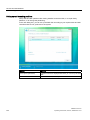
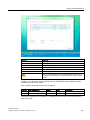
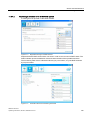
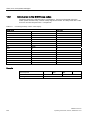
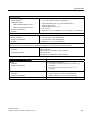
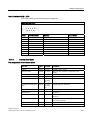
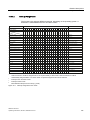
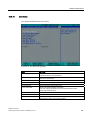
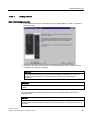
This menu contains system information which should be made available to Technical
Support.
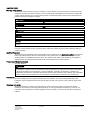
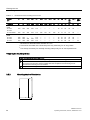
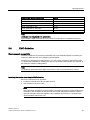
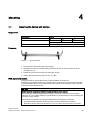
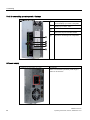
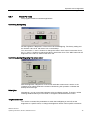
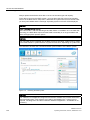
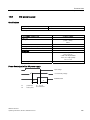
Figure 16-21 Version menu
206
SIMATIC IPC677C
Operating Instructions, 05/2010, A5E02722710-01