1
Configuring Network Services
Quality of Service (QoS) Network Management
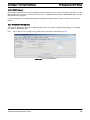
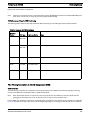
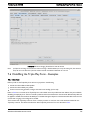
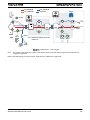
6.11.11 Example of an EPON/ONU Interface Policy
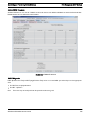
Creating policies for the EPON/ONU involves the same steps as creating policies for the various device types, but the
administrator should understand the EPON/ONU interfaces and how policies work on these interfaces.
Note:
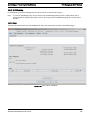
The user should refer to the iMAP User Guide for complete information about provisioning the components that make up the
EPON configuration.
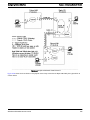
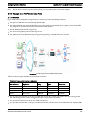
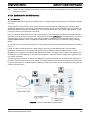
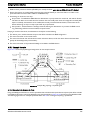
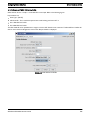
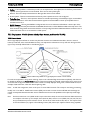
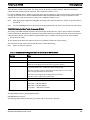
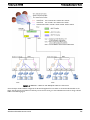
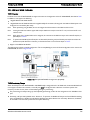
Following are the components that make the EPON/ONU interfaces:
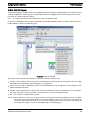
• EPON Interface - The EPON interface is one-to-one with the physical EPON port on the card. Like other interfaces the
system can raise alarms on it, collect statistics on it, enable/disable it, etc. It will host ONU interfaces but it does not
support any ETH interfaces directly.
The EPON interface is always present when the card is present (i.e. they are not created/deleted by the user). The EPON
interface is identified as an interface like epon:4.1 with the slot and physical port as the indices.
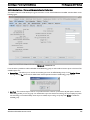
The EPON interface has IGMP-specific attributes for video multicasting:
• The VLAN for IP Multicast
• IP Source Address for IGMP Proxy (0.0.0.0 is the default; refer to the iMAP User Guide on using other addresses).
• ONU (Included with iMG/RG)
The ONU interface supports/hosts one (and only one) ETH interface, which is actually an Ethernet port inside the iMG/RG.
The ONU interface is identified like “onu:4.1.7” with the EPON's slot and physical port as the first two indices. The last
index is a logical identifier.
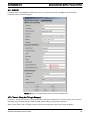
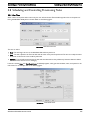
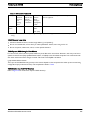
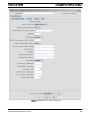
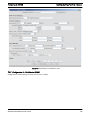
• SLA / QOSPOLICY (VLAN basis)
The SLA provides attributes to ensure that a traffic flow is given adequate bandwidth to support a service on an ONU. Since
the service may involve downstream only or upstream/downstream data flows, the QOSPOLICY has both upstream and
downstream attributes.
The QOSPOLICY is associated with a VLAN as well, and so to configure the QOSPOLICY, the user must understand the
VLANs associated with a service and the traffic flows (upstream/downstream and downstream only) for each type of service.
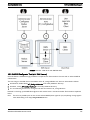
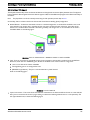
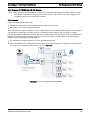
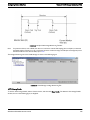
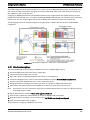
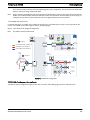
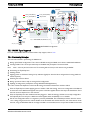
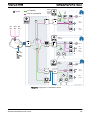
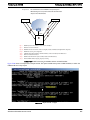
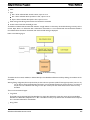
There are two types of traffic flows on which QOSPOLICYs are configured:
1.
Upstream/Downstream Links
•
•
•
•
•
2.
There is one or more per ONU
Each one carries one VLAN to one ONU.
Downstream, they carry known unicast packets to the ONU
Upstream, they carry unicast, broadcast, multicast, and unknown MAC packets.
The first one provisioned on the ONU carries some control and management traffic upstream
Downstream Only Link
• One is for all ONUs
• Carries two types of traffic, with each having a separately defined SLA (and therefore QOSPOLICY)
- Multicast traffic for only the IP Multicast (IPMC) VLAN
- Broadcast, Unknown Unicast, and flooded Multicast (BRUUM). This downstream link is shared for all VLANs on all
ONUs on the EPON.
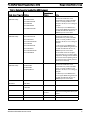
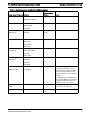
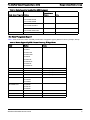
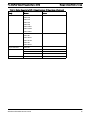
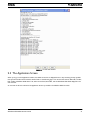
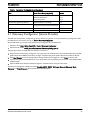
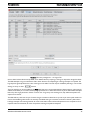
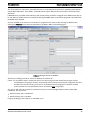
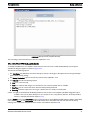
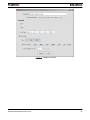
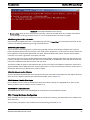
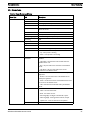
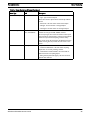
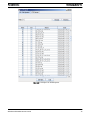
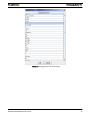
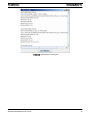
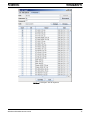
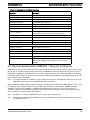
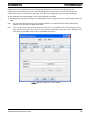
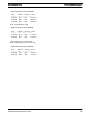
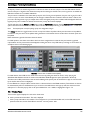
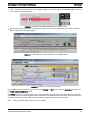
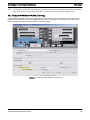
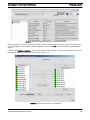
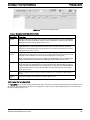
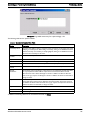
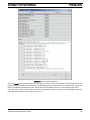
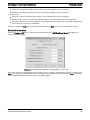
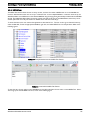
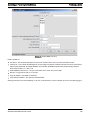
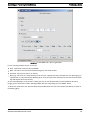
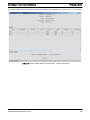
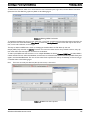
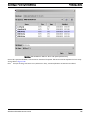
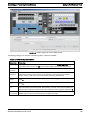
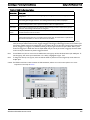
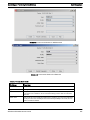
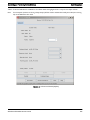
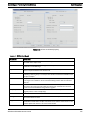
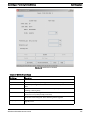
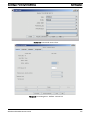
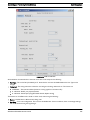
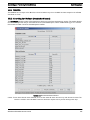
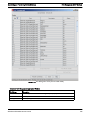
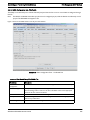
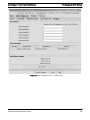
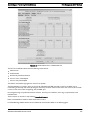
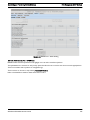
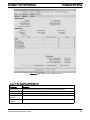
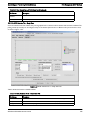
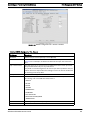
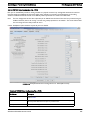
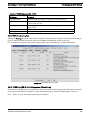
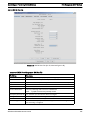
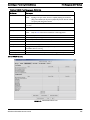
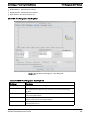
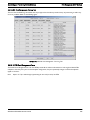
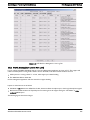
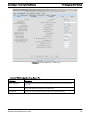
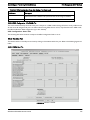
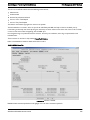
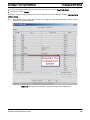
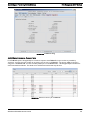
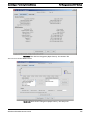
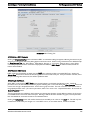
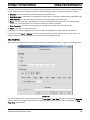
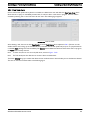
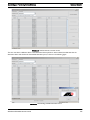
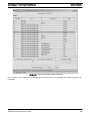
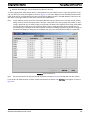
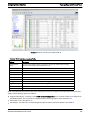
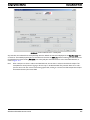
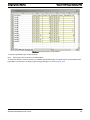
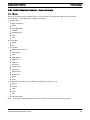
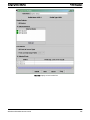
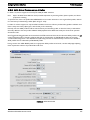
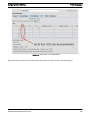
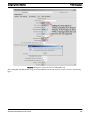
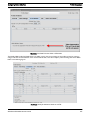
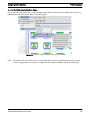
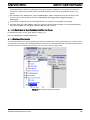
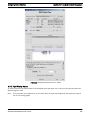
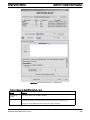
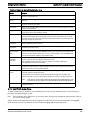
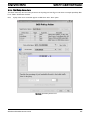
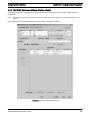
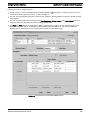
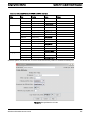
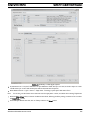
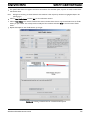
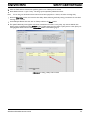
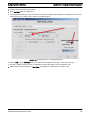
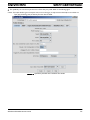
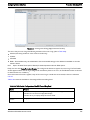
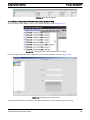
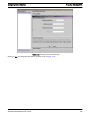
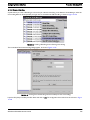
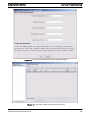
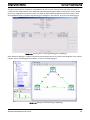
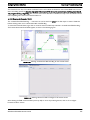
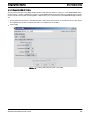
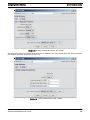
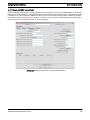
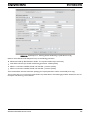
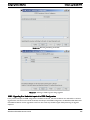
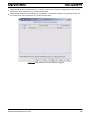
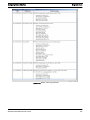
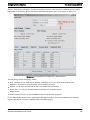
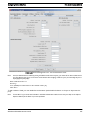
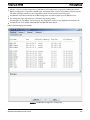
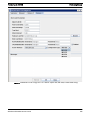
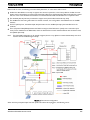
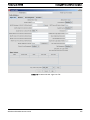
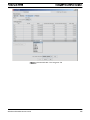
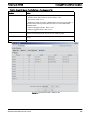
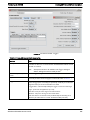
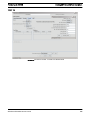
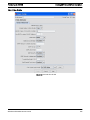
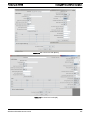
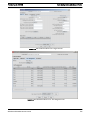
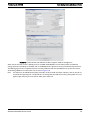
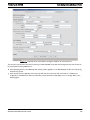
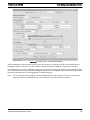
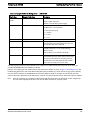
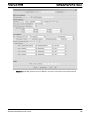
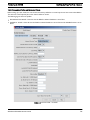
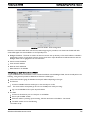
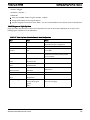
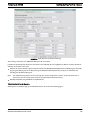
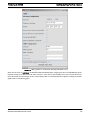
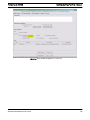
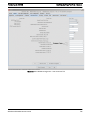
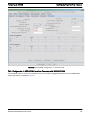
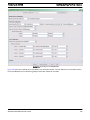
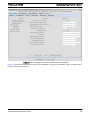
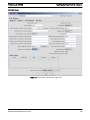
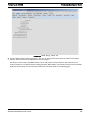
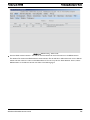
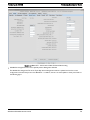
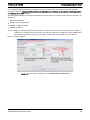
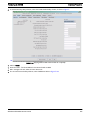
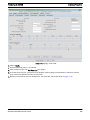
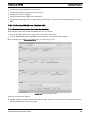
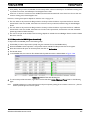
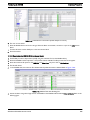
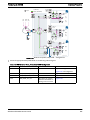
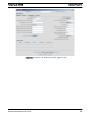
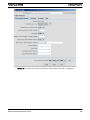
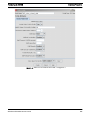
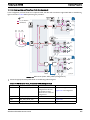
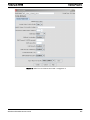
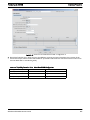
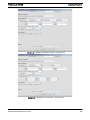
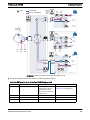
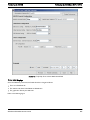
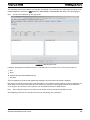
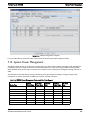
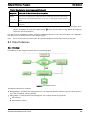
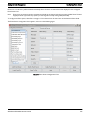
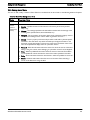
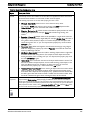
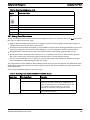
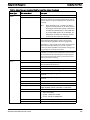
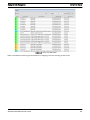
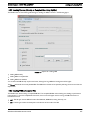
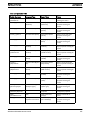
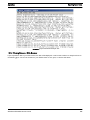
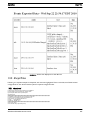
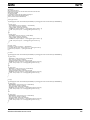
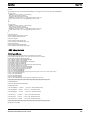
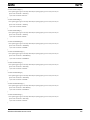
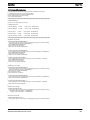
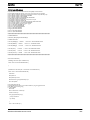
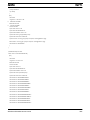
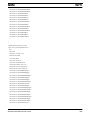
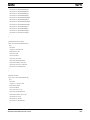
When the AlliedView NMS is first loaded, a set of polices (with their flows, priorities, and traffic actions) are included. These
profiles as well as the relevant VLAN can then be included with EPON and ONU port profiles.
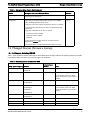
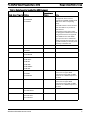
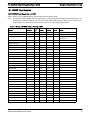
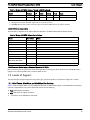
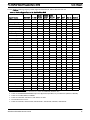
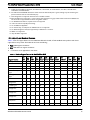
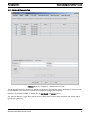
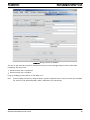
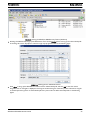
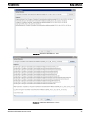
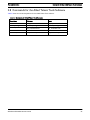
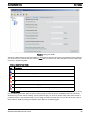
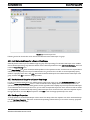
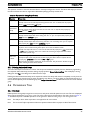
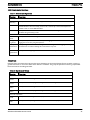
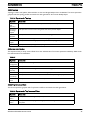
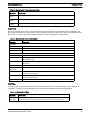
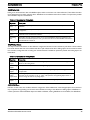
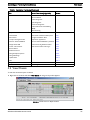
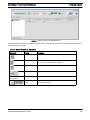
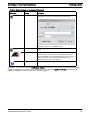
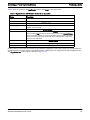
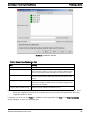
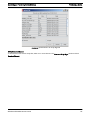
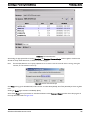
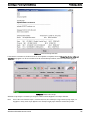
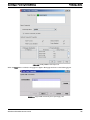
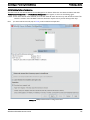
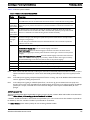
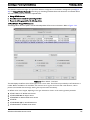
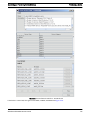
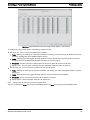
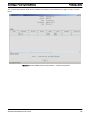
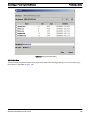
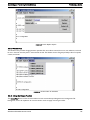
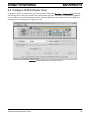
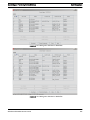
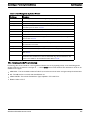
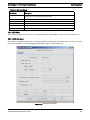
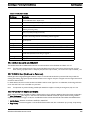
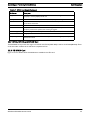
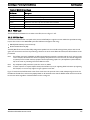
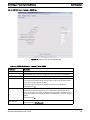
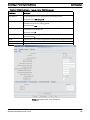
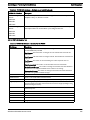
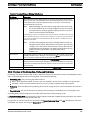
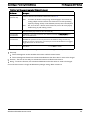
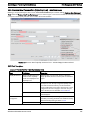
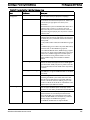
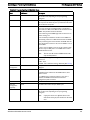
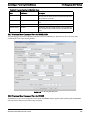
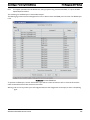
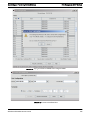
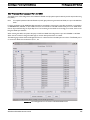
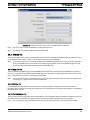
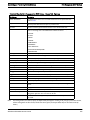
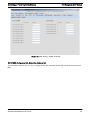
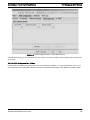
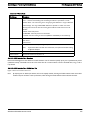
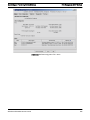
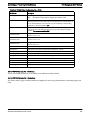
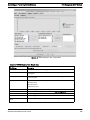
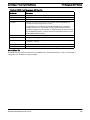
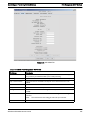
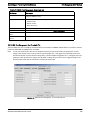
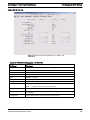
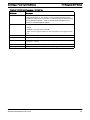
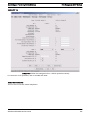
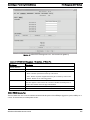
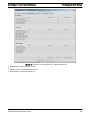
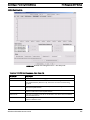
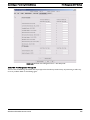
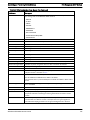
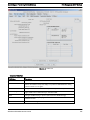
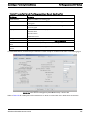
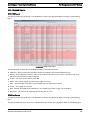
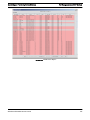
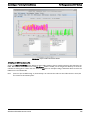
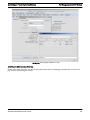
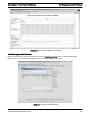
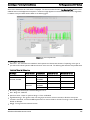
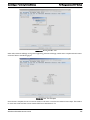
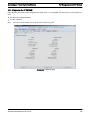
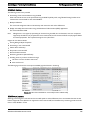
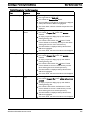
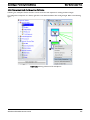
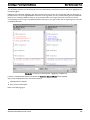
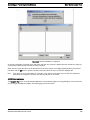
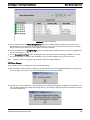
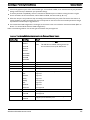
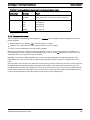
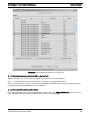
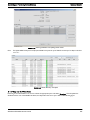
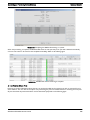
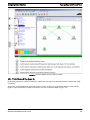
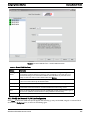
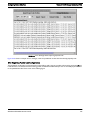
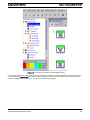
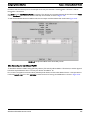
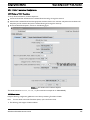
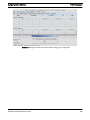
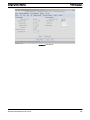
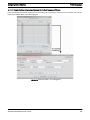
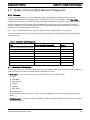
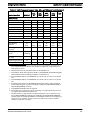
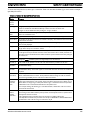
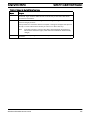
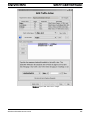
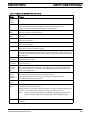
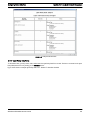
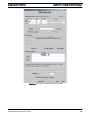
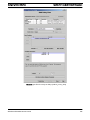
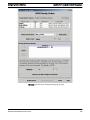
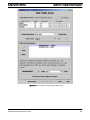
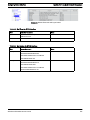
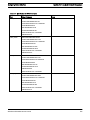
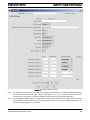
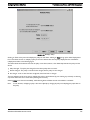
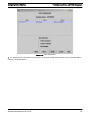
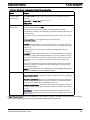
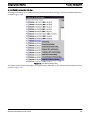
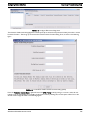
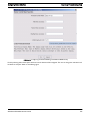
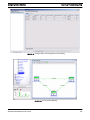
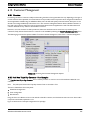
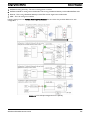
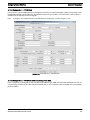
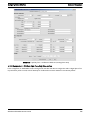
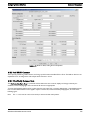
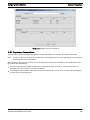
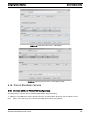
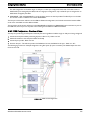
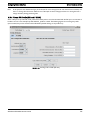
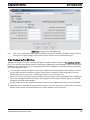
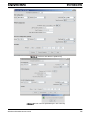
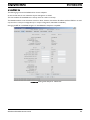
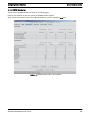
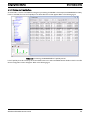
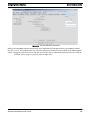
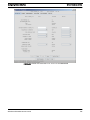
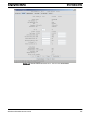
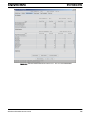
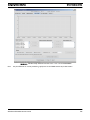
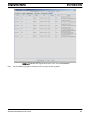
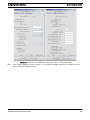
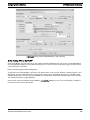
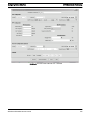
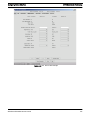
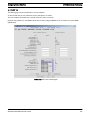
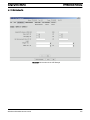
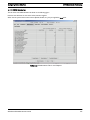
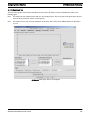
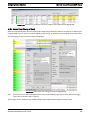
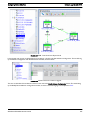
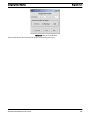
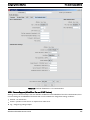
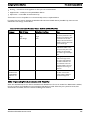
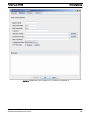
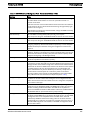
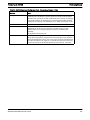
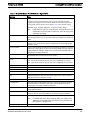
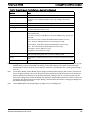
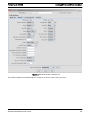
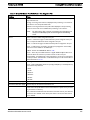
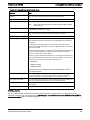
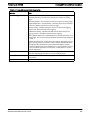
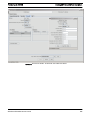
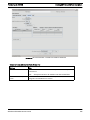
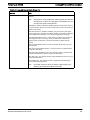
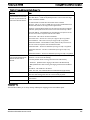
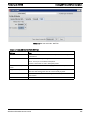
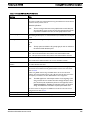
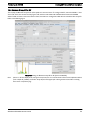
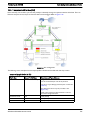
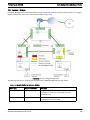
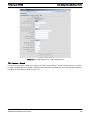
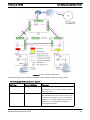
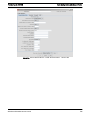
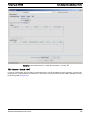
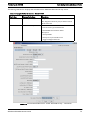
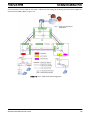
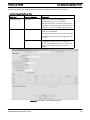
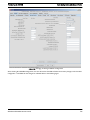
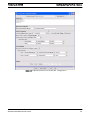
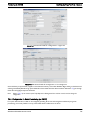
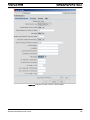
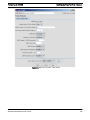
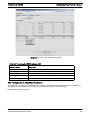
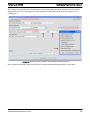
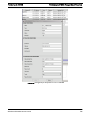
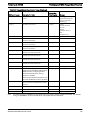
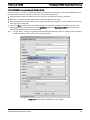
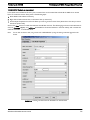
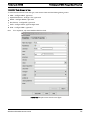
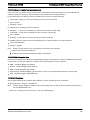
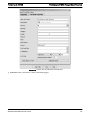
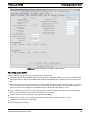
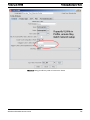
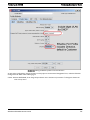
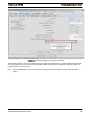
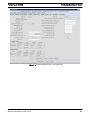
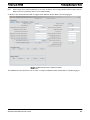
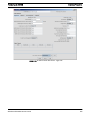
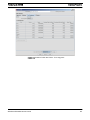
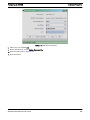
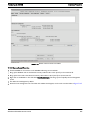
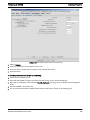
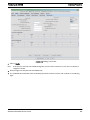
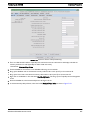
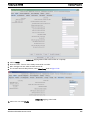
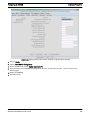
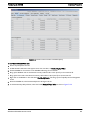
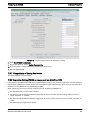
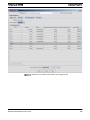
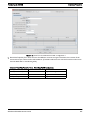
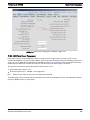
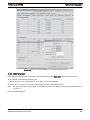
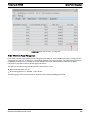
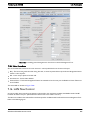
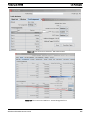
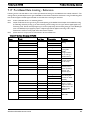
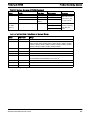
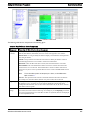
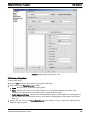
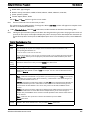
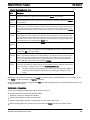
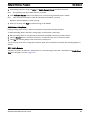
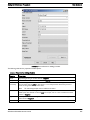
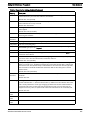
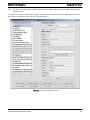
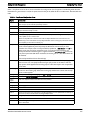
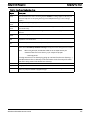
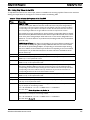
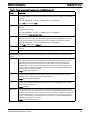
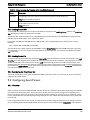
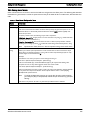
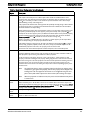
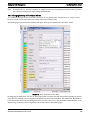
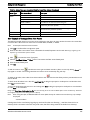
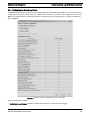
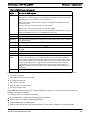
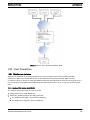
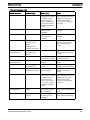
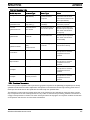
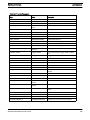
The following figure shows the default profiles, followed by a table that describes the attributes of these policies.
AlliedView NMS Administration Guide
502