1
Controlling and Provisioning Network Devices
Provisioning a Device
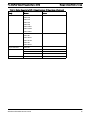
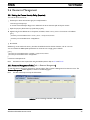
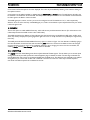
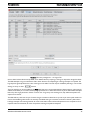
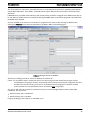
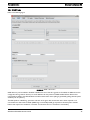
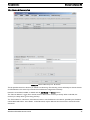
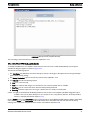
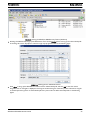
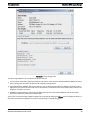
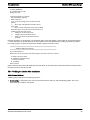
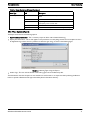
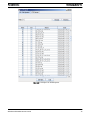
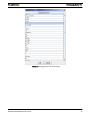
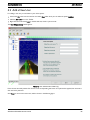
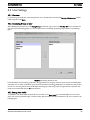
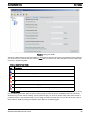
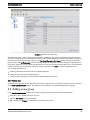
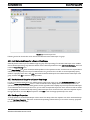
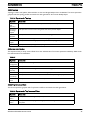
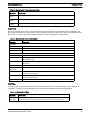
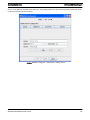
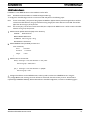
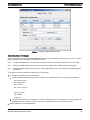
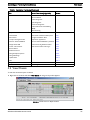
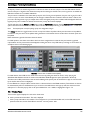
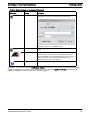
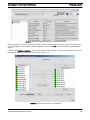
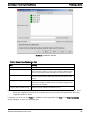
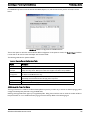
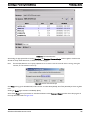
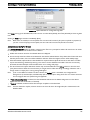
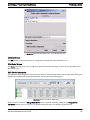
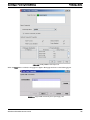
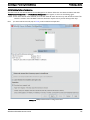
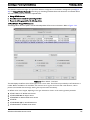
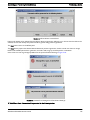
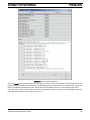
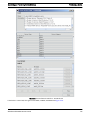
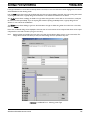
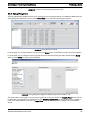
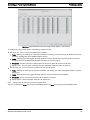
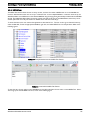
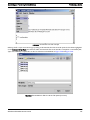
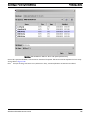
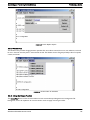
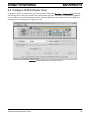
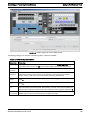
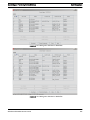
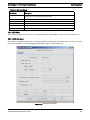
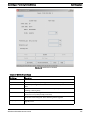
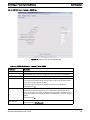
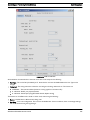
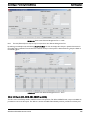
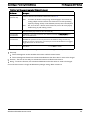
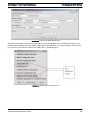
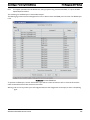
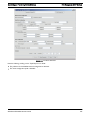
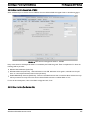
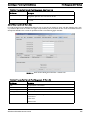
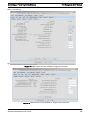
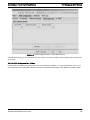
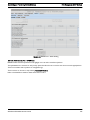
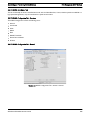
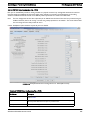
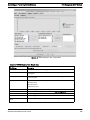
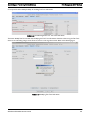
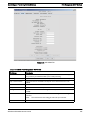
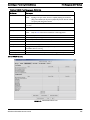
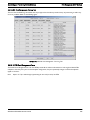
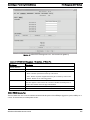
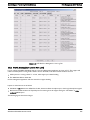
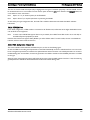
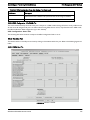
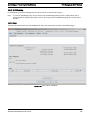
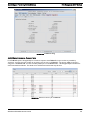
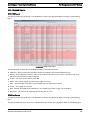
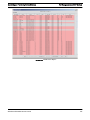
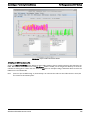
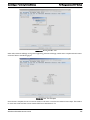
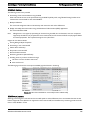
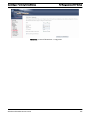
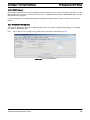
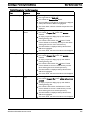
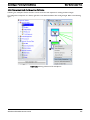
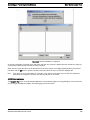
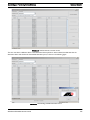
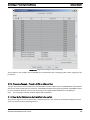
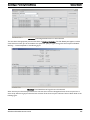
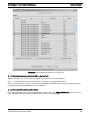
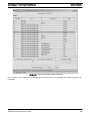
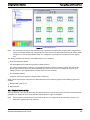
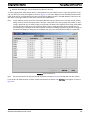
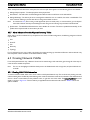
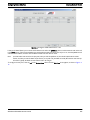
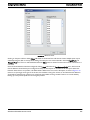
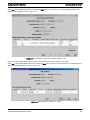
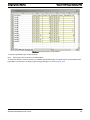
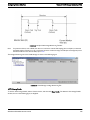
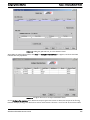
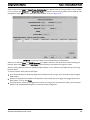
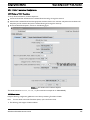
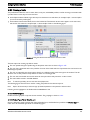
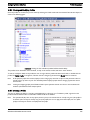
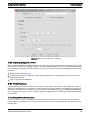
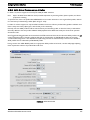
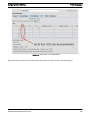
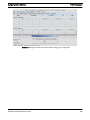
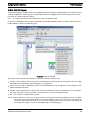
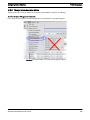
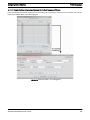
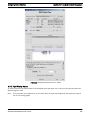
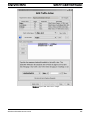
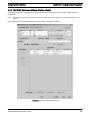
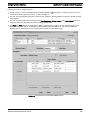
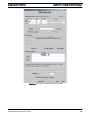
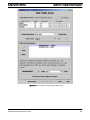
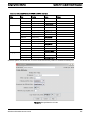
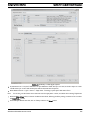
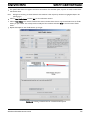
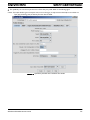
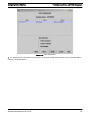
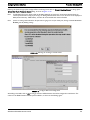
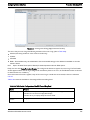
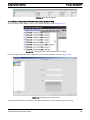
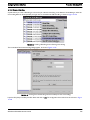
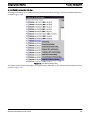
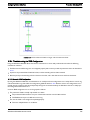
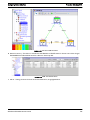
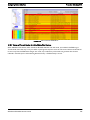
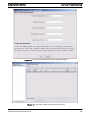
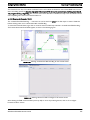
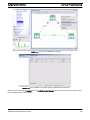
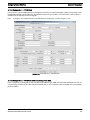
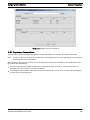
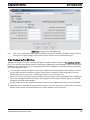
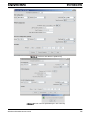
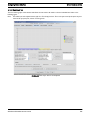
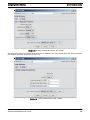
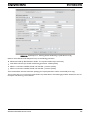
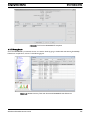
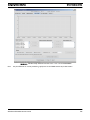
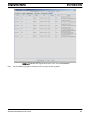
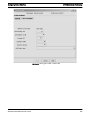
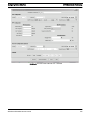
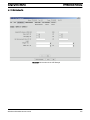
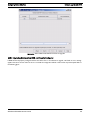
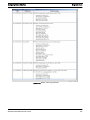
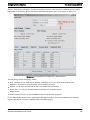
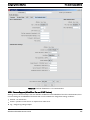
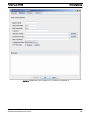
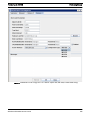
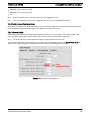
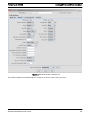
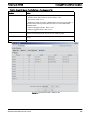
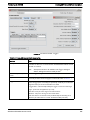
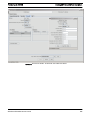
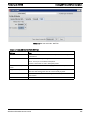
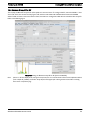
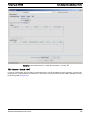
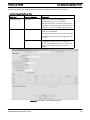
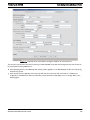
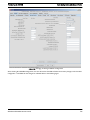
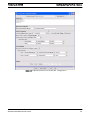
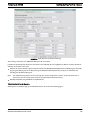
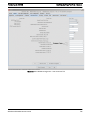
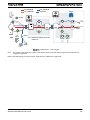
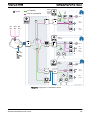
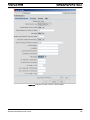
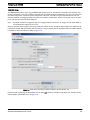
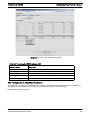
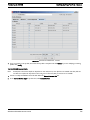
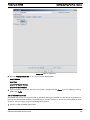
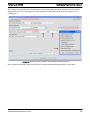
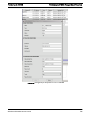
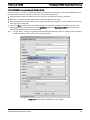
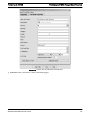
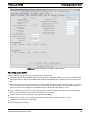
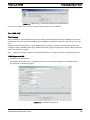
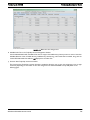
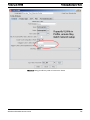
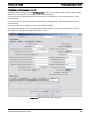
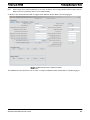
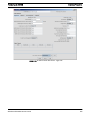
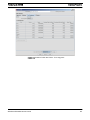
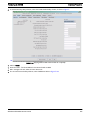
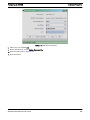
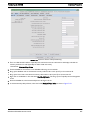
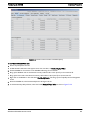
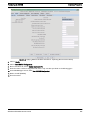
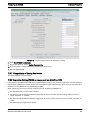
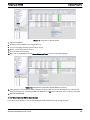
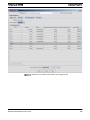
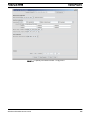
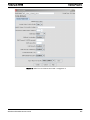
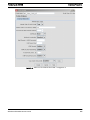
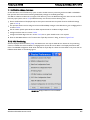
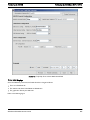
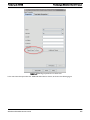
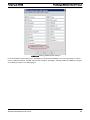
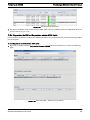
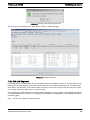
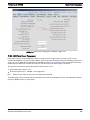
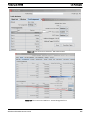
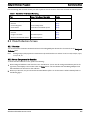
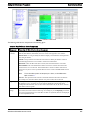
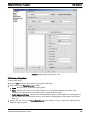
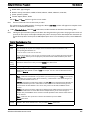
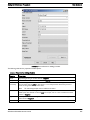
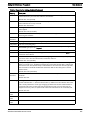
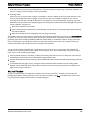
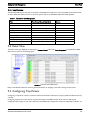
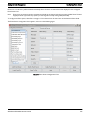
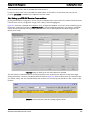
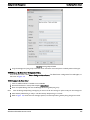
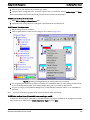
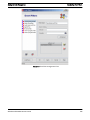
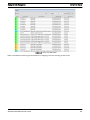
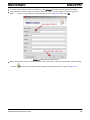
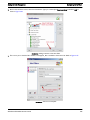
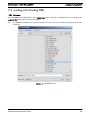
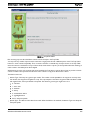
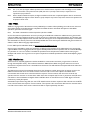
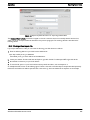
The file name can be typed, pasted (with ctl-v), or selected with a file chooser. The file chooser will list all the files loaded in
the device's category directory (either swdownload/Rapier or swdownload/MAP). See Figure 5-54.
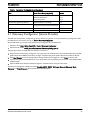
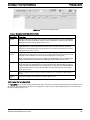
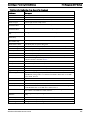
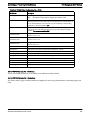
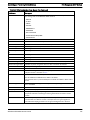
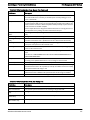
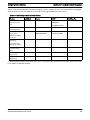
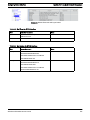
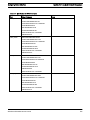
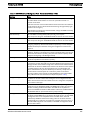
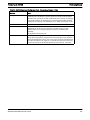
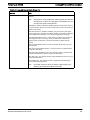
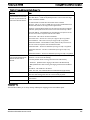
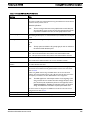
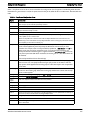
In some cases, one or more file names will be optional for a load. When unneeded for iMAP devices, the field should be left
blank. For Rapier devices, the field should be set to NONE. Otherwise, errors may be returned during Software
Configuration.
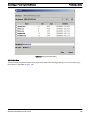
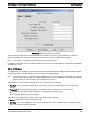
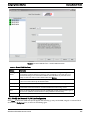
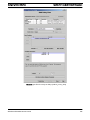
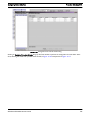
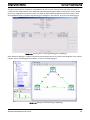
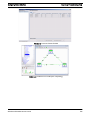
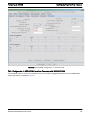
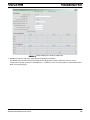
FIGURE 5-54
File Chooser - to select a file in Type Details
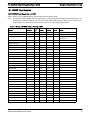
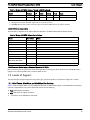
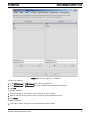
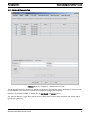
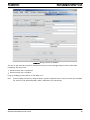
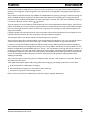
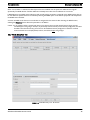
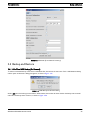
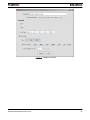
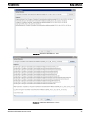
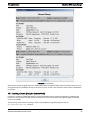
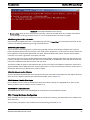
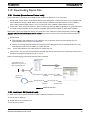
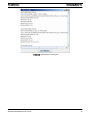
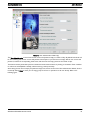
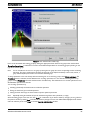
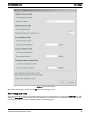
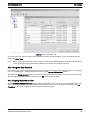
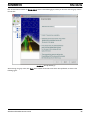
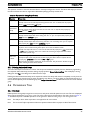
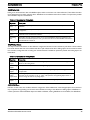
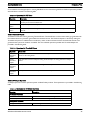
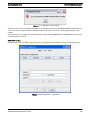
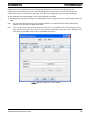
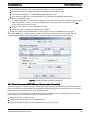
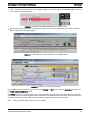
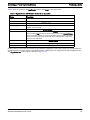
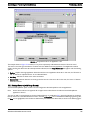
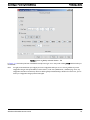
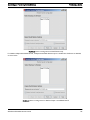
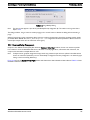
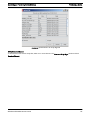
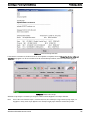
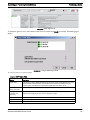
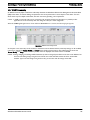
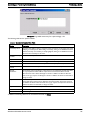
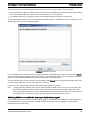
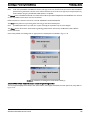
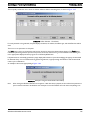
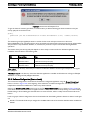
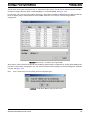
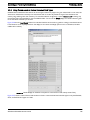
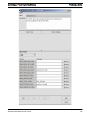
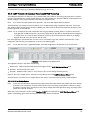
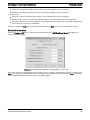
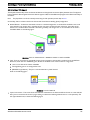
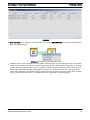
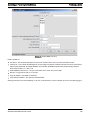
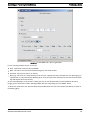
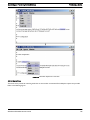
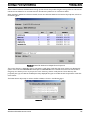
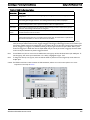
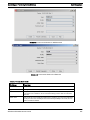
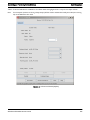
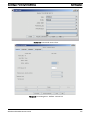
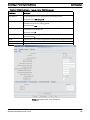
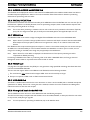
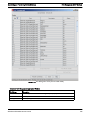
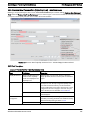
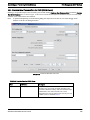
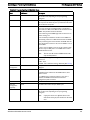
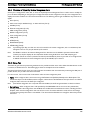
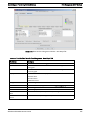
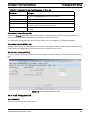
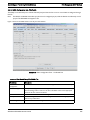
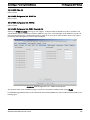
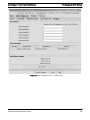
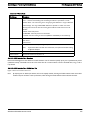
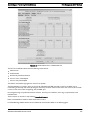
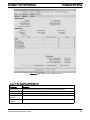
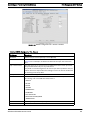
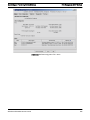
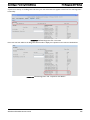
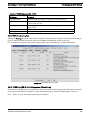
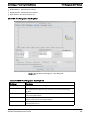
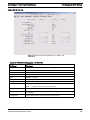
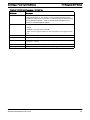
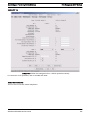
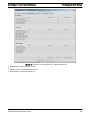
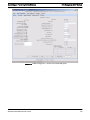
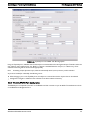
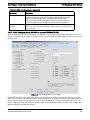
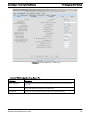
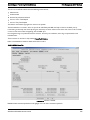
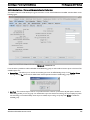
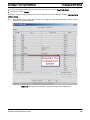
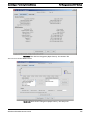
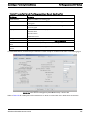
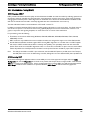
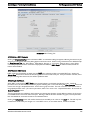
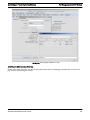
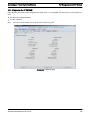
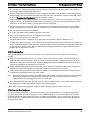
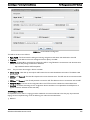
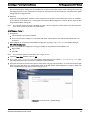
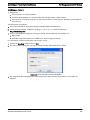
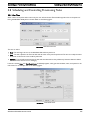
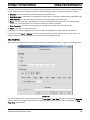
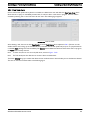
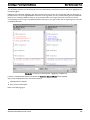
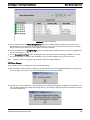
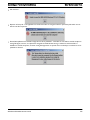
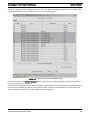
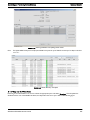
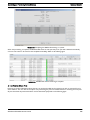
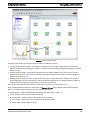
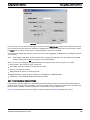
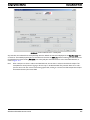
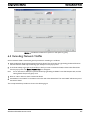
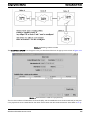
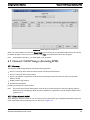
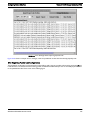
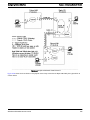
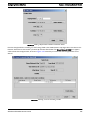
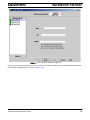
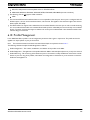
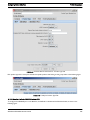
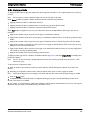
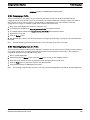
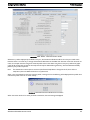
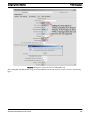
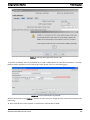
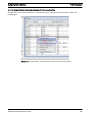
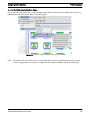
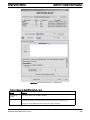
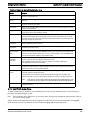
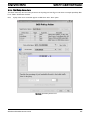
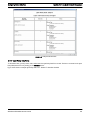
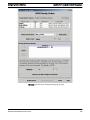
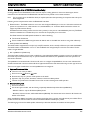
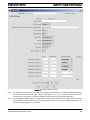
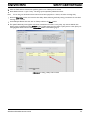
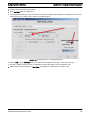
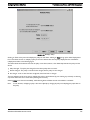
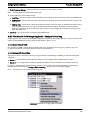
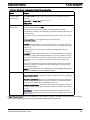
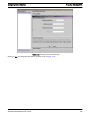
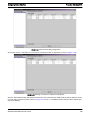
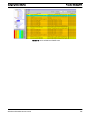
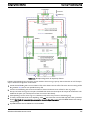
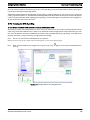
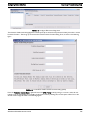
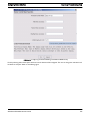
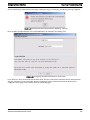
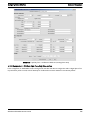
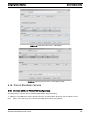
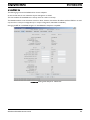
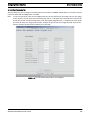
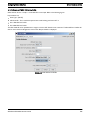
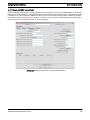
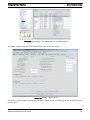
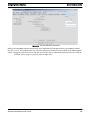
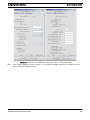
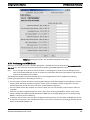
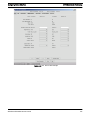
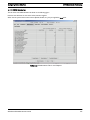
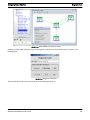
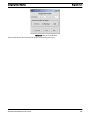
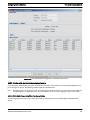
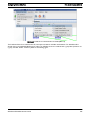
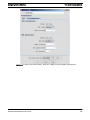
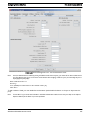
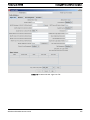
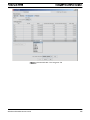
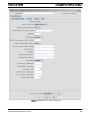
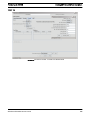
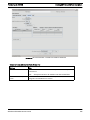
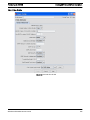
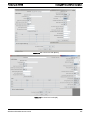
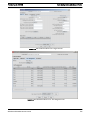
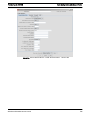
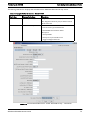
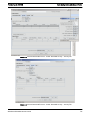
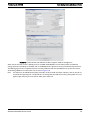
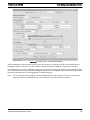
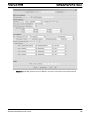
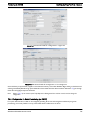
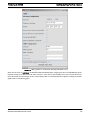
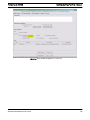
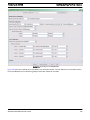
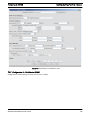
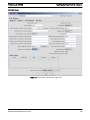
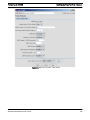
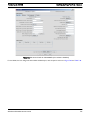
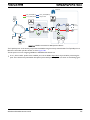
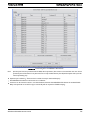
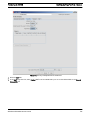
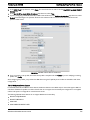
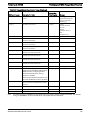
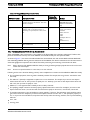
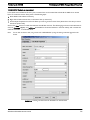
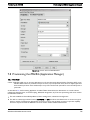
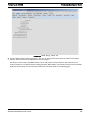
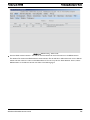
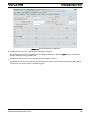
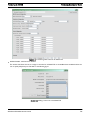
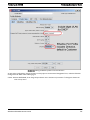
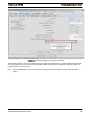
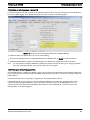
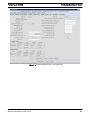
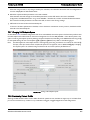
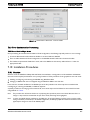
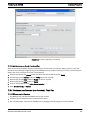
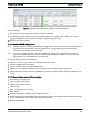
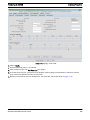
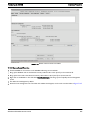
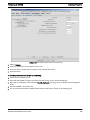
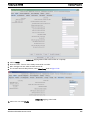
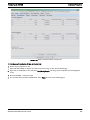
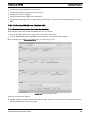
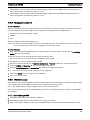
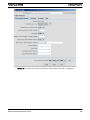
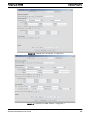
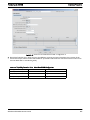
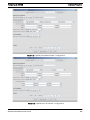
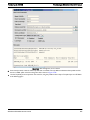
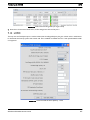
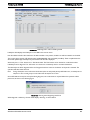
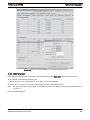
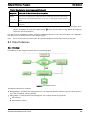
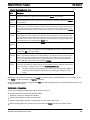
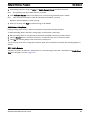
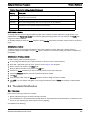
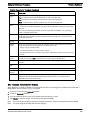
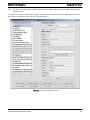
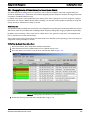
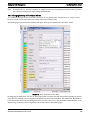
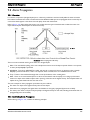
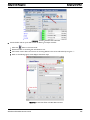
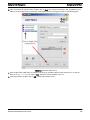
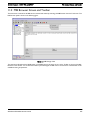
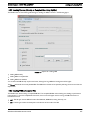
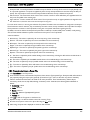
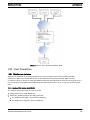
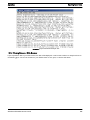
After creation, custom loads can be selected when modifying a device software configuration. A warning will be displayed the
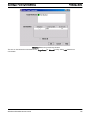
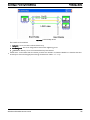
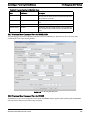
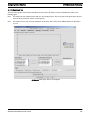
first time a custom load is used giving the user a last chance to back out before making sure the load configuration is defined
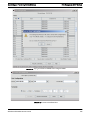
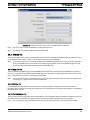
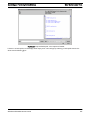
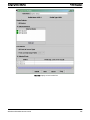
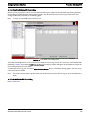
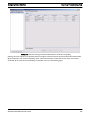
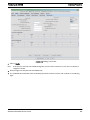
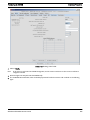
correctly. See Figure 5-55.
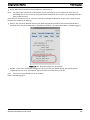
Note:
Once a custom load is used, the warning will never be displayed again.
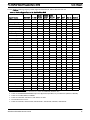
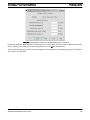
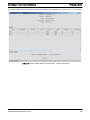
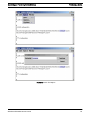
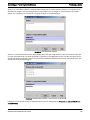
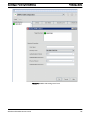
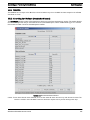
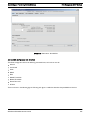
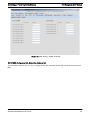
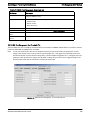
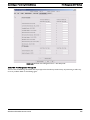
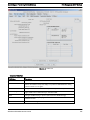
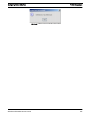
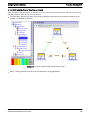
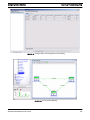
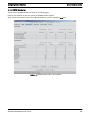
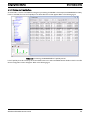
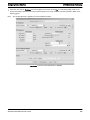
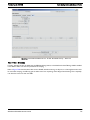
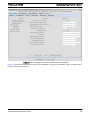
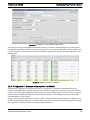
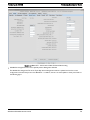
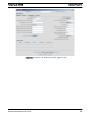
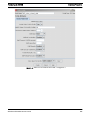
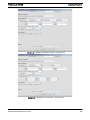
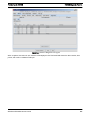
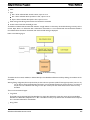
FIGURE 5-55
AlliedView NMS Administration Guide
Confirmation Before Using a Custom Load
167