1
Appendix F - Cutter Option Programming
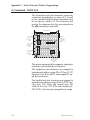
OC Command - Cutter Option Select
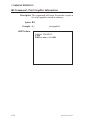
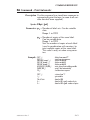
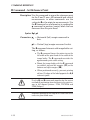
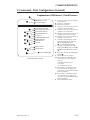
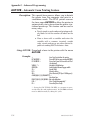
Description This sub-command is used to enable the cutter
o p t i o n f e at u r e w h e n i n s t al l e d . T h i s
sub-command set of the O command works
with other O Option commands.
See the Command Reference, Section 2, and
the Advanced Programming, Appendix G, for
additional O (Option) command parameters.
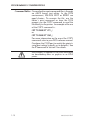
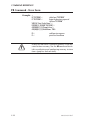
Syntax OC[p1]
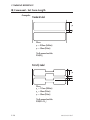
Enables the label liner cutter. The cutter
will cut at the end of each form as specified by
the Q command.
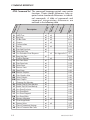
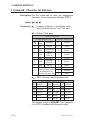
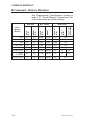
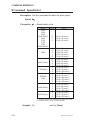
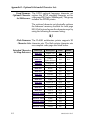
Some options are model specific. Refer to Options
Availability Table on page 40, for option command
availability for each printer model.
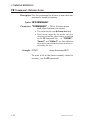
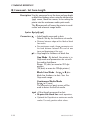
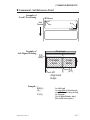
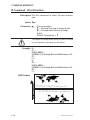
Parameters p1= Sets the number of labels to print prior to
cut.
If a number between 1 - 255 is specified
for p1, the printer will cut after the specified number of labels have been printed.
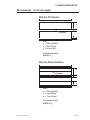
If b is specified for p1, the “batch print
& cut” feature is enabled. This feature
uses the P command to control cutter
operation.
(The p1 command option is not supported by the TLP2046 printer).
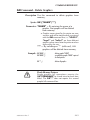
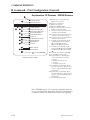
When using direct thermal media in a TLP series
printer, the proper option command to enable the
cutter is OD,C.
980009-001 Rev.E
F-5