1
COMMAND REFERENCE
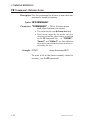
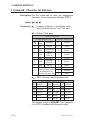
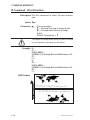
GK Command - Delete Graphics
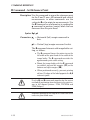
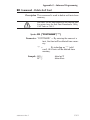
Description Use this command to delete graphics from
memory.
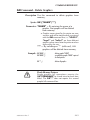
Syntax GK {“NAME”|"*"}
Parameters “NAME” = By entering the name of a
graphic, that graphic will be deleted
from memory.
· Graphic names stored by the printer are case
sensitive and will be stored exactly as entered
with the GM command line; i.e. “LOGO1”,
“logo1” and “LoGo1” are three different
graphics when stored into the printer or when
retrieved by the user.
“*” = By including an “*” (wild card), ALL
graphics will be deleted from memory.
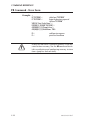
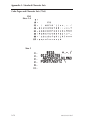
Example: GK"LOGO"↵
GK"LOGO"↵
:deletes graphic “LOGO”
:second delete graphic “LOGO” required
:for flash printers.
GK"*"↵
:deletes all graphics
Flash Memory Printers
Single graphic kill operations require the
GK”FORMNAME” be issued twice for each form
killed. The GK”*” does not require this second
graphic kill command line.
980009-001 Rev.F
2-25