1
Changing Your Workstation’s Hardware Configuration
Hard Disk Drives
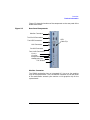
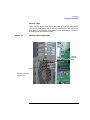
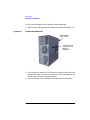
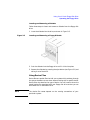
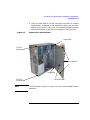
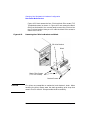
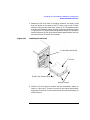
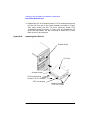
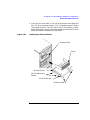
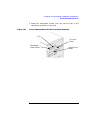
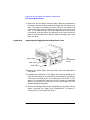
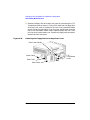
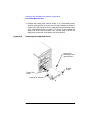
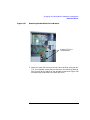
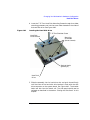
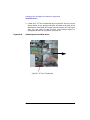
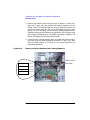
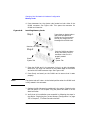
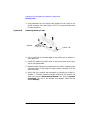
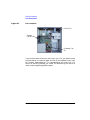
4. Replace the four mounting screws on the hard disk drive bracket to
store them for future use. Slide the mounting bracket into its hard
drive slot, and push firmly inward to secure the hard drive bracket to
the system board connector. Tighten the T-15 Torx thumbscrew to
secure the bracket to the system board. See Figure 4-45. The side
panel should now be replaced as explained in the section “Closing the
Left Side Panel” on page 80 in this chapter.
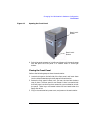
Figure 4-45
Replacing the Hard Disk Drive Bracket
126
Chapter 4