1
7
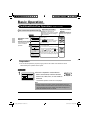
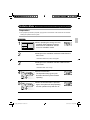
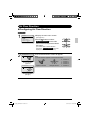
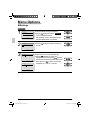
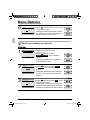
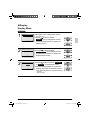
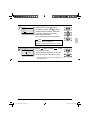
Date & Time
Year 2009
Month 10
Day
07
Thursday
12:21 P
Setting
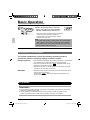
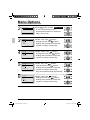
● Select “Minute” with
buttons.
Change the minute with
buttons.
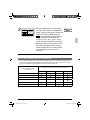
Holding down the button causes the
number to change continuously.
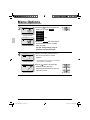
● Press Menu/OK button.
The confirmation screen will appear.
Note:
The date can be set between
January 1, 2009 and December 31, 2099.
8
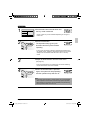
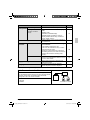
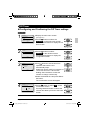
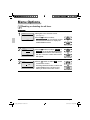
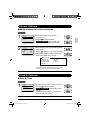
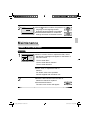
Date & Time
Save the settings?
Yes
No
Setting
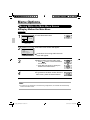
● Press
button to select Yes on the
confirmation screen.
Press Menu/OK button to confirm the
clock and return to the basic screen.
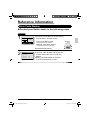
* When setting the schedule, the display returns to
the settings screen.
English
01_EN_3P243520-2C.indd 41
41
8/27/2009 1:49:04 PM