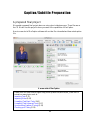
1
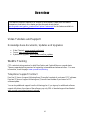
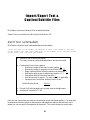
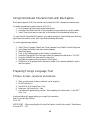
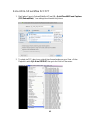
3. Highlight the block of text.
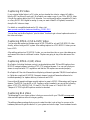
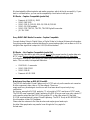
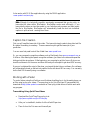
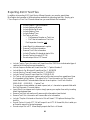
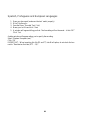
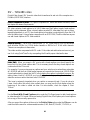
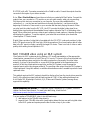
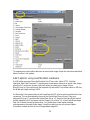
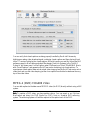
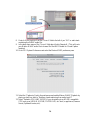
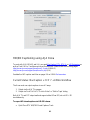
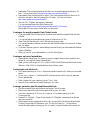
4. Then choose the Fill-In Time code option from the menu bar or by right-clicking on
any of the highlighted cells. A dialog box will open.
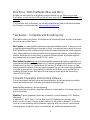
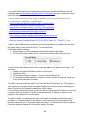
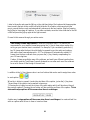
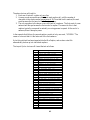
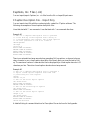
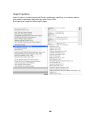
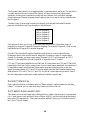
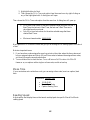
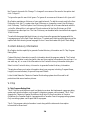
Then choose the Fill-In Time code option from the menu bar. A dialog box will open up.
•
•
•
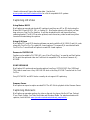
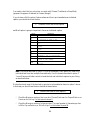
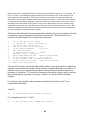
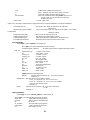
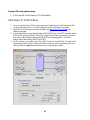
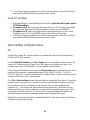
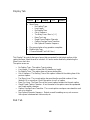
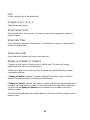
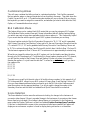
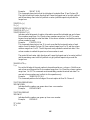
Fill-In time code values for the entire selected range using the first row’s
Start Time, the last row’s Start Time, the last row’s Start Time and a
calculated words per minute.
Only fill-in time code values for the entire selected range that have
cleared Start Times.
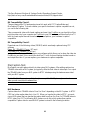
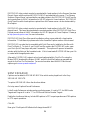
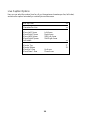
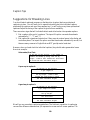
Minimum frame duration 00:00:00:20
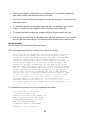
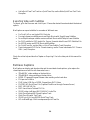
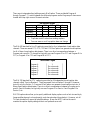
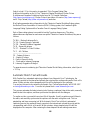
MacCaption will fill in the time codes and give you an average WPM reading speed for the block
of text.
Note two important issues.
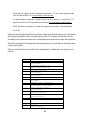
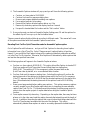
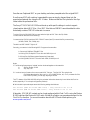
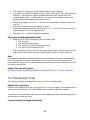
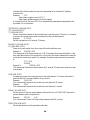
1. If you have time codes assigned to some key points on the video where the time codes must
be your assigned values and like to fill-in all time codes in between the assigned time codes,
you should choose the second radio button.
2. You would also like to check the box: Force a Minimum Cell Duration of to 20 to 30
frames or so, so captions with a single or a few words, would not end up
Movie Time
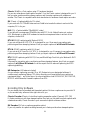
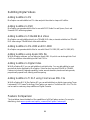
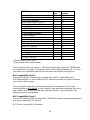
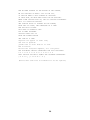
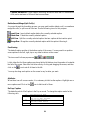
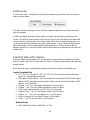
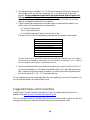
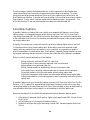
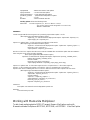
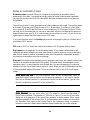
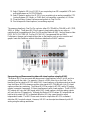
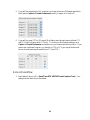
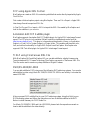
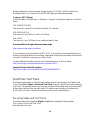
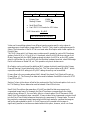
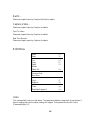
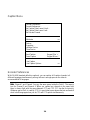
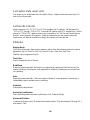
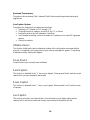
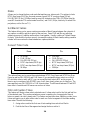
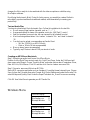
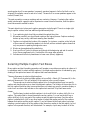
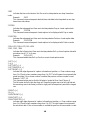
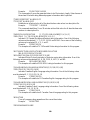
If your movie does not contain time code, you can assign a time code (movie or caption) start
time.
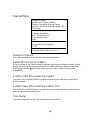
Set Movie Starting Time
•
•
•
01:00:00:00
Movie Time Code
Caption Starting Time
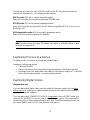
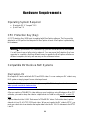
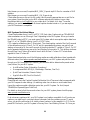
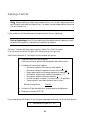
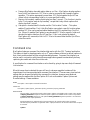
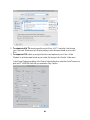
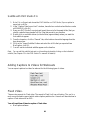
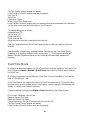
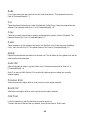
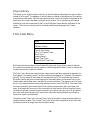
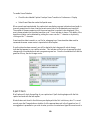
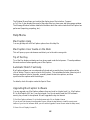
Reading Speed
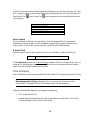
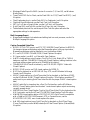
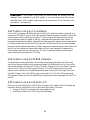
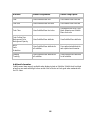
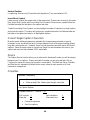
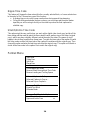
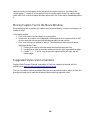
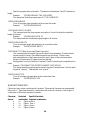
Adjust caption text display times so that words are displayed at a specific Words Per Minute
reading speed
127