1
SBLMPC.book Page 12 Sunday, September 17, 2000 2:35 PM
$XGLR+4
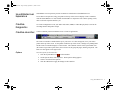
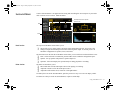
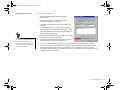
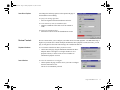
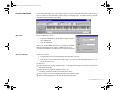
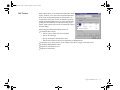
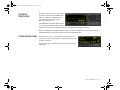
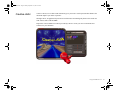
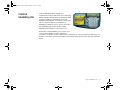
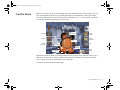
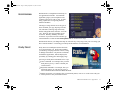
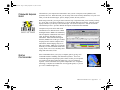
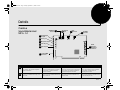
AudioHQ utilities allow you to view, audition, or set up the audio properties of one or more audio
devices on your computer.
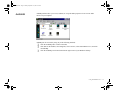
AudioHQ can be accessed by using any of the following methods:
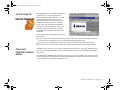
T Click the AudioHQ tab in Creative Launcher;
T Click Start on the Taskbar, select Programs, select Creative, select Sound Blaster Live!, and click
on AudioHQ.
T Click the AudioHQ icon located at the bottom right corner of your Windows desktop.
Using Sound Blaster Live!
12