1
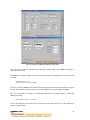
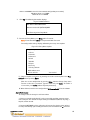
connection.
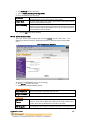
DHCP Name
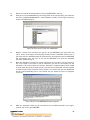
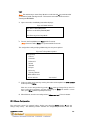
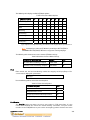
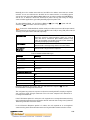
There are three methods for assigning DHCP names to the unit.
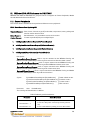
. Default DHCP Name: If the DHCP name is not changed and the IP is 0.0.0.0, then the
DHCP name defaults to CXXXXXX (XXXXXX is the last 6 digits of the MAC address shown
on the label on the bottom/side of the unit). For example, if the MAC address is 00-204A-12-34-56, then the default DHCP name is C123456.
.
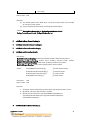
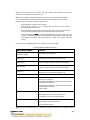
Custom DHCP Name: Create your own DHCP name. If using an IP address of 0.0.0.0,
then the last option in Server configuration is Change DHCP device name. This option
allows you to change the DHCP name to an alphanumeric name (LTX in the example).
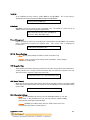
Change DHCP device name (not set) ? (N)
Enter new DHCP device name : LTX
.
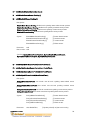
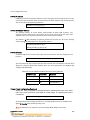
Numeric DHCP Name: Change the DHCP name by specifying the last octet of the IP
address. When using this method, the DHCP name is LTXYY where YY is the last octet of
the IP address. If the IP address specified is 0.0.0.12, then the DHCP name is LTX12.
This method only works with 2 digit numbers (0-99).
IV.5.3 Channel 1 and Channel 2 Configuration
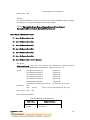
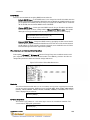
Select option 1 Channel 1 or 2 Channel 2 from the Change Setup menu to define how the serial
port responds to network and serial communications. The following sections describe the
configurable parameters within the Channel configuration menu.
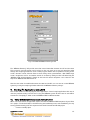
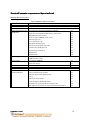
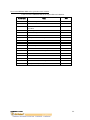
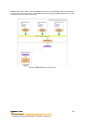
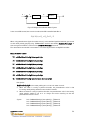
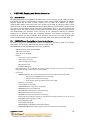
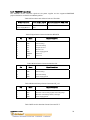
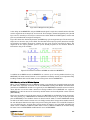
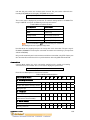
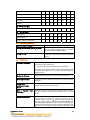
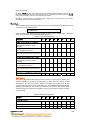
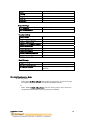
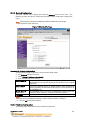
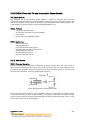
Figure IV.5 Serial and Telnet Port Parameters
Baudrate
The unit and attached serial device, such as a modem, must agree on a speed or baud rate to
use for the serial connection. Valid baud rates are 300, 600, 1200, 2400, 4800, 9600
(default), 19200, 38400, 57600, 115200, 230400, 460800, or 921600. The current
value is displayed in parentheses.
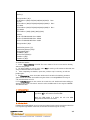
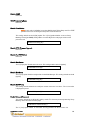
Baudrate (9600) ? _
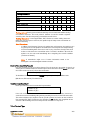
I/F (Interface) Mode
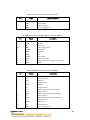
The Interface (I/F) Mode is a bit-coded byte entered in hexadecimal notation. The
current value is displayed in parentheses.
I/F Mode (4C) ? _
Copyright © Dr Robot Inc. 2006
100