1
MENU
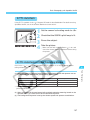
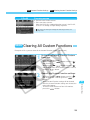
Clearing and Resetting Personal Functions
You can clear or reset Personal Functions set and registered with bundled driver software. The
Personal Function settings can be modified only with the driver software. For details, see
“EOS-1D Software Instructions.”
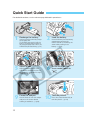
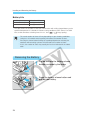
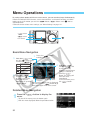
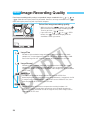
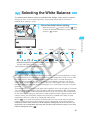
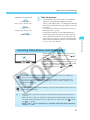
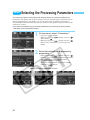
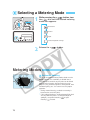
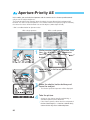
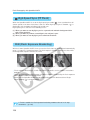
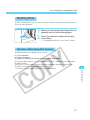
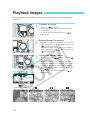
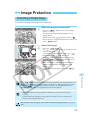
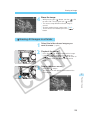
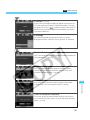
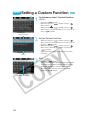
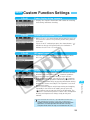
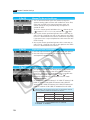
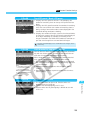
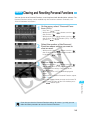
On the menu, select “Personal Functions (P.Fn).”
1•
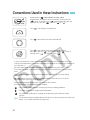
Press the <
> button.
While pressing the <
> button, turn the < >
• dial
to select < >.
While pressing the <
> button, turn the < >
• dial
to select “Personal Functions (P.Fn).” Then let
go of the <
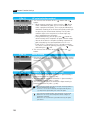
2
> button.
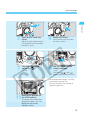
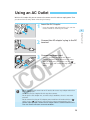
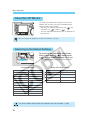
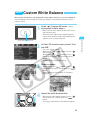
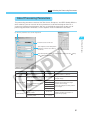
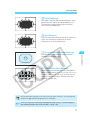
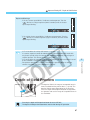
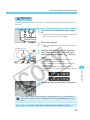
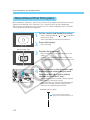
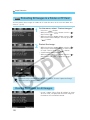
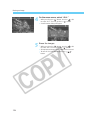
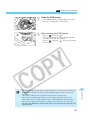
Select the number of the Personal
Function whose setting you want to
clear or reset.
While pressing the <
> button, turn the < >
• dial
to select the Personal Function number. Then
let go of the <
> button.
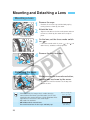
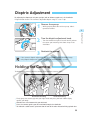
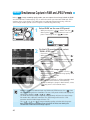
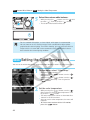
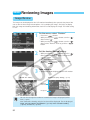
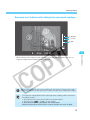
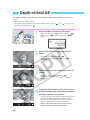
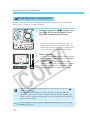
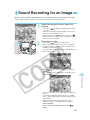
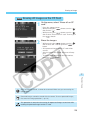
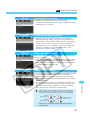
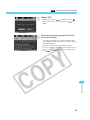
Clear or reset the setting.
3•
s
•
•
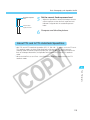
While pressing the <
> button, turn the < >
dial to select “OFF” to clear the settings or select
“ON” to reset the settings. Then let go of the
> button.
<
When it is “ON” or “OFF,” it will be displayed in
green.
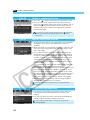
To clear or reset another Personal Function, repeat
steps 2 and 3.
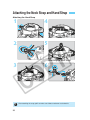
Press the <
> button to return to the menu. To
exit the menu and turn off the LCD monitor, press
> button again.
the <
8
Menu Settings
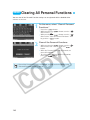
Even after you clear the Personal Function settings all at once (→p.146), you can
follow the above procedure to reset the Personal Functions.
145