1
Mounting and Detaching a Lens
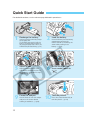
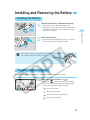
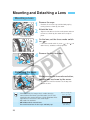
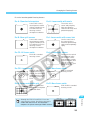
Mounting a Lens
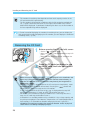
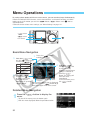
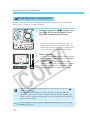
Remove the caps.
1•
2•
Remove the rear lens cap and the body cap by
turning them as shown by the arrow.
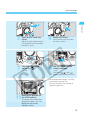
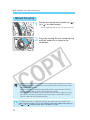
Attach the lens.
Lens mount index
Align the red dots on the lens and camera and turn
the lens as shown by the arrow until it snaps in
place.
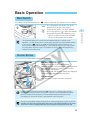
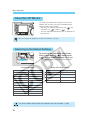
On the lens, set the focus mode switch
to < >.
3•
4
If the focus mode switch is set to < > (or < > on
older lenses), autofocus will not operate.
Remove the front lens cap.
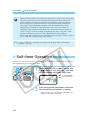
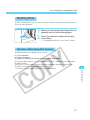
Detaching the Lens
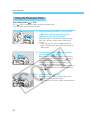
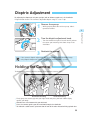
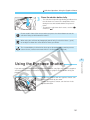
While pressing the lens release button,
turn the lens as shown by the arrow.
the lens until the red dot is at the top, then
• Turn
detach the lens.
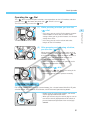
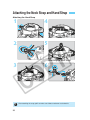
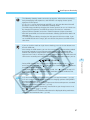
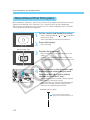
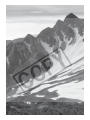
the EOS-1D’s image size is smaller than the
• Since
normal 35mm film format (see illustration), the EF lens
•
•
•
26
attached to the camera will have a slight telephoto effect
equivalent to 1.3 times the lens focal length.
AF stands for autofocus.
MF or M stands for manual focus.
Be careful not to lose the lens caps and body cap.
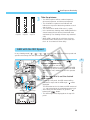
EOS-1D’s image size
(28.7 x 19.1 mm)
35mm image size
(36 x 24 mm)