1
Playing audio files in Bluetooth mode
When you have successfully connected your radio with the chosen
Bluetooth device you can start to play your music using the controls on
your connected Bluetooth device.
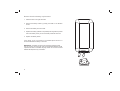
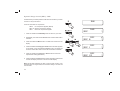
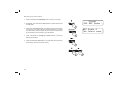
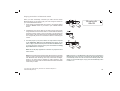
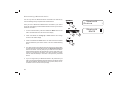
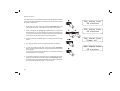
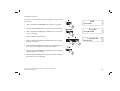
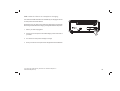
1. Once playing has started adjust the volume to the required setting
using the Volume control on your radio or your enabled bluetooth
device.
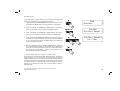
2. Provided that your phone, tablet or PC allows volume control when
using Bluetooth we recommend that for normal Bluetooth listening
the radio's volume control is set to a high level. This will permit the
audio volume to be controlled using the connected Bluetooth device.
This will generally be the more convenient method of controlling the
volume.
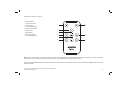
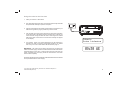
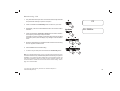
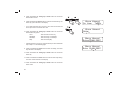
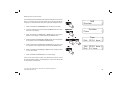
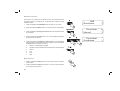
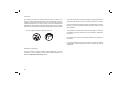
3. The audio player in your phone, tablet or PC may be able to respond
to the Play/Pause, Next track and Previous track buttons on the
radio. To play or pause the audio press and release the Select button.
To access the next or previous track, press and release the Tuning
Up or Down buttons as required.
1
1
Bluetooth
09:30
3
3
3
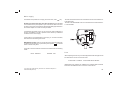
Note:That not all player applications or devices may respond to all of
these controls.
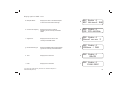
Note: Some mobile phones may temporarily disconnect from your radio
when you make or receive calls. Some devices may temporarily mute
their Bluetooth audio streaming when they receive text messages,
emails or for other reasons unrelated to audio streaming. Such
behaviour is a function of the connected device and does not indicate
a fault with your radio.
If you need any further advice, please call our Technical Helpline on :020 8758 0338 (Mon-Fri)
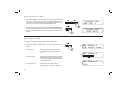
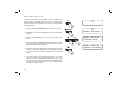
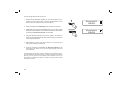
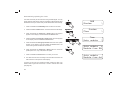
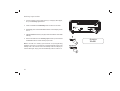
Note: If the unit is in the Bluetooth mode and it is not connected to a
Bluetooth device for more than 15 minutes it will automatically switch
to the standby mode. The LCD will revert to the standby mode clock
display. To use the radio again, simply press the On/Standby button
to switch it on.
24