1
S E R I A L CO M M U N I C AT I O N P R OTO CO L
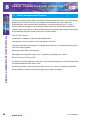
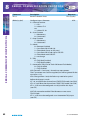
Response
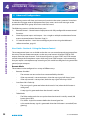
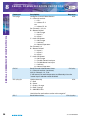
ACK:
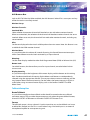
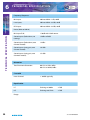
D = Mode for Input 1
0 = ON / OFF
1 = ON / REPEAT / OFF
E = Mode for Input 2
0 = ON / OFF
1 = ON / REPEAT / OFF
F = Lock Button
0 = Normal Operation
1 = Button Locked
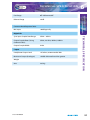
G = Force Fader Up
1 = Fader Forced Up
0 = Normal Operation
N.B. if button is forced on,(F=1) the B / C = Button Control has no effect.
N.B If Telco mode on Input 1 is enabled, option D shall be forced to 0 = ON / OFF
N.B If Telco mode on Input 2 is enabled, option E shall be forced to 0 = ON / OFF
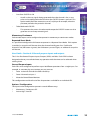
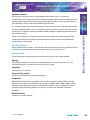
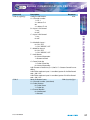
CON:a?
Read ON Button Status
CON:a,b,c,d,e,f,g,h,i
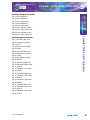
A = Channel number. (see above)
H = Fader Position
0 = Fader Down
1 = Fader Up
I = Channel Routed
0 = Not Routed
1 = Routed
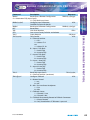
S1 User Handbook
S E RI A L COMMUNIC ATION P ROTOCOL
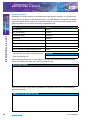
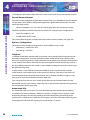
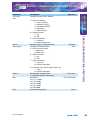
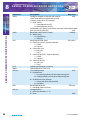
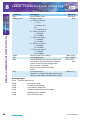
Command
Description
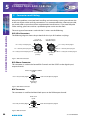
CON:a,b,c,||d,e,f,g
Configure ON Buttons
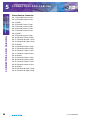
A = Channel number.
1 = Ch 1
2 = selects Ch 2
etc
a = selects Ch 10
B = Input 1 ON Control
1 = on
0 = off
C = Input 2 ON Control
1 = on
0 = off
8
57