1
96
Managing messages — Deleting messages
1.
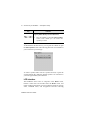
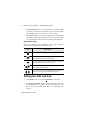
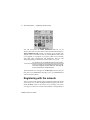
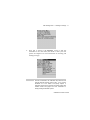
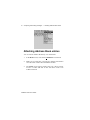
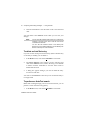
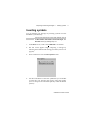
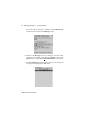
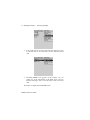
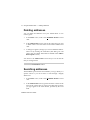
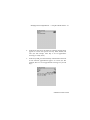
In the Home screen, scroll to the MESSAGES icon and click.
2.
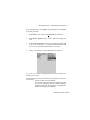
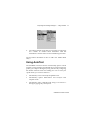
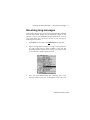
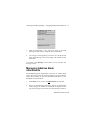
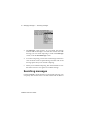
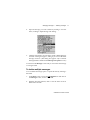
In the Messages screen, scroll to the message that you want to
delete and click to view the menu. Scroll to Delete Message and
click.
3.
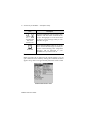
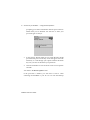
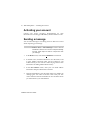
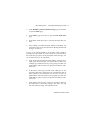
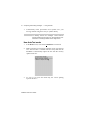
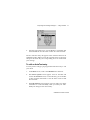
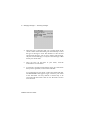
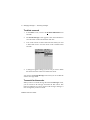
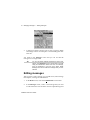
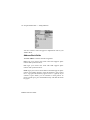
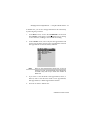
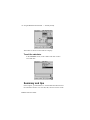
A dialog box appears, asking if you want to delete the message.
Click Yes. (This dialog box appears only if Confirm Message
Delete is enabled in the Message List Options screen.)
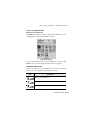
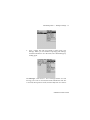
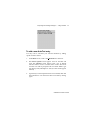
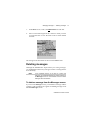
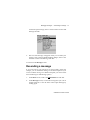
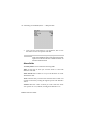
You return to the Messages screen and you can see that the message
is no longer listed.
Note
If you request more of a message, you should not delete
the message until you have received all the information.
See page 77 for more information on receiving long
messages.
To delete an open message
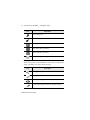
You can delete a message while it is open without returning to the
Messages screen.
1.
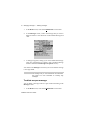
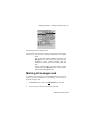
In the Home screen, scroll to the MESSAGES icon and click.
Installation and User’s Guide