1
126 Managing Tasks and Appointments — Using the Calendar function
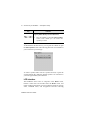
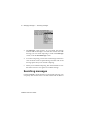
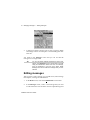
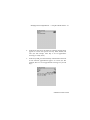
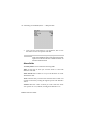
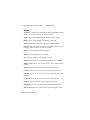
End Date: Select the end time for the appointment. The default is an
hour after the start time. (You can change the hour and minutes
settings by pressing the SPACE key.)
End Time: Select the end time for the appointment. The default is an
hour after the start time. (You can change the hour and minutes
settings by pressing the SPACE key.)
Reminder: Select how early you want to be notified of the
appointment. The default is 15 minutes in advance of the start time.
Recurrence: Set whether or not the appointment is a recurring
appointment. The default is None. See below for more details on
setting the recurrence for appointments.
Notes: Type any reference notes you want associated with this
appointment.
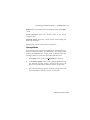
To set recurring appointments
You can specify that the same appointment reappears in your
Calendar at regular intervals.
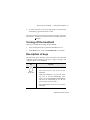
1.
In the Home screen, scroll to the CALENDAR icon and click.
2.
In the New Appointment screen, add the information for your
appointment.
3.
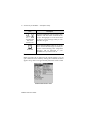
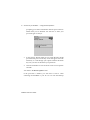
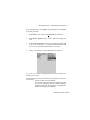
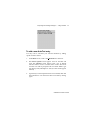
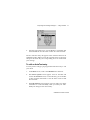
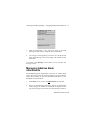
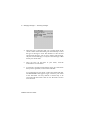
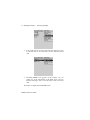
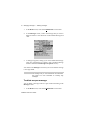
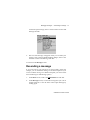
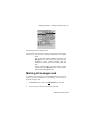
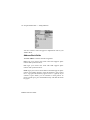
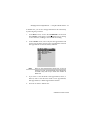
In the Recurrence field, press the SPACE key. The Set
Recurrence screen appears.
Installation and User’s Guide