1
Chapter 3 Device Manager basics 47
Statistics for single and multiple objects
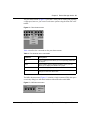
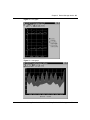
Statistics for a selected object or objects are displayed in the statistics dialog box.
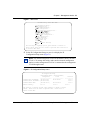
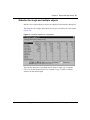
The dialog box for a single object shows all six types of statistics for each counter
(Figure 18).
Figure 18 Interface statistics for a single port
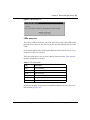
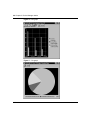
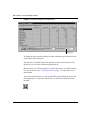
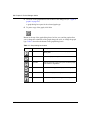
The statistics dialog box for multiple objects shows a single type of statistics
(Table 10) for the selected objects. For example, Figure 19 shows LastValue
statistics for the selected ports.
Getting Started with the Business Policy Switch 2000 Management Software