1
Feature: Creating Datablocks Automatically in Database
Manager
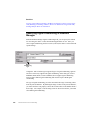
By enabling the Auto Create option in the I/O Driver Power Tool, you can
automatically create datablocks from your HMI process control software by
specifying an undefined I/O address for a database block. Once you enter the address,
the SI7 I/O driver automatically creates a datablock for it and adds the new datablock
to your driver configuration. As a result, you do not have to start the I/O Driver
Power Tool and create your datablocks before you design your process database; you
only need to create the required channels and devices.
Example
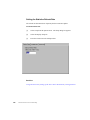
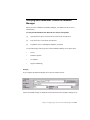
[1] Start the I/O Driver Power Tool and select Setup from the Options menu. The Setup
dialog box appears.
[2] Click the Advanced tab and select Auto Create On in the Server area.
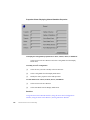
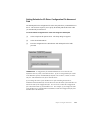
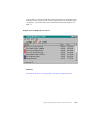
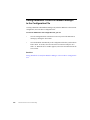
[3] Close the Setup dialog box and select Templates from the Options menu. The Templates
dialog box appears.
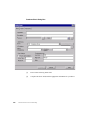
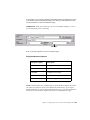
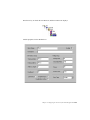
[4] Enter the default values you want to use for your channels, devices, and datablocks in the
Templates dialog box.
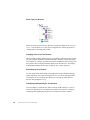
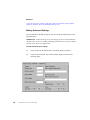
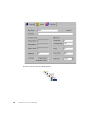
[5] Select Add Channel from the Edit menu to add Channel0.
[6] Select a primary communications processor and virtual field device for Channel0.
[7] Select Add Device from the Edit menu to add Device0 and select a primary connection
from the Connection field. Do not create any datablocks.
[8] Exit from the Power Tool and close all remote connections to the I/O Server.
46
Siemens Simatic S7 Driver Online Help