1
Efficient Networks® Router family
Technical Reference Guide
Chapter 8: WEB Management Interface
Delete Feature Page
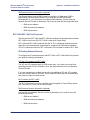
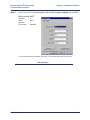
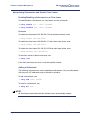
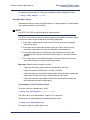
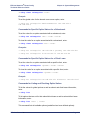
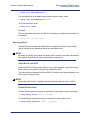
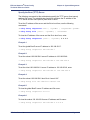
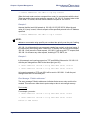
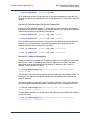
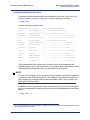
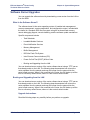
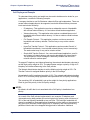
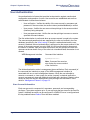
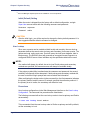
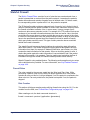
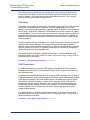
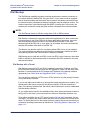
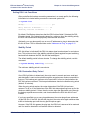
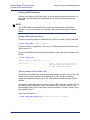
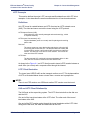
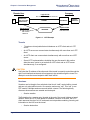
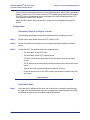
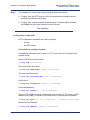
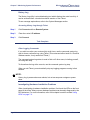
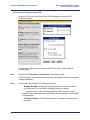
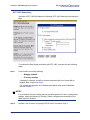
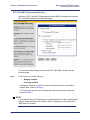
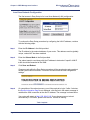
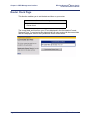
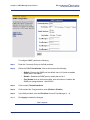
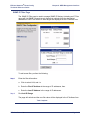
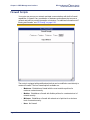
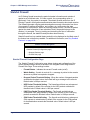
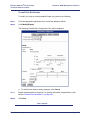
The Delete Feature page is used to delete an active key from the system. When a key
is deleted, all feature configuration information is cleared and access is removed.
Features with a key state of Manufacturing or Legacy cannot be deleted.
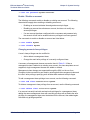
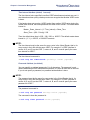
If desired, the feature can be added again re-using the original activation key; this will
not change the expiration date. You may also acquire a new activation key. The
feature can also be disabled without deleting the key. For more information on
disabling a key, see “Enabling and Disabling Features” on page 4-33. The Delete
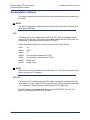
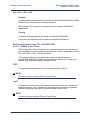
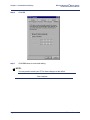
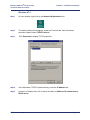
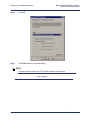
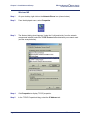
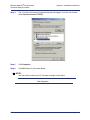
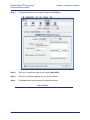
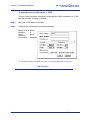
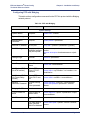
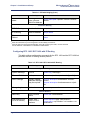
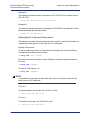
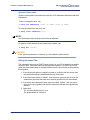
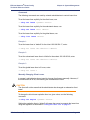
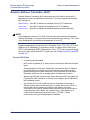
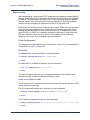
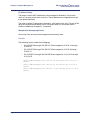
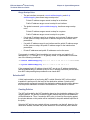
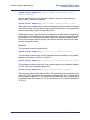
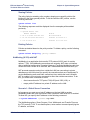
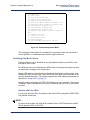
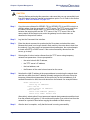
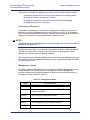
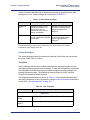
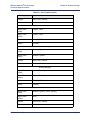
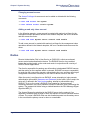
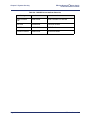
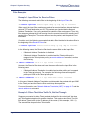
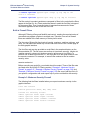
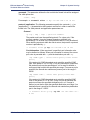
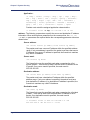
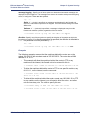
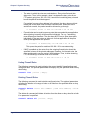
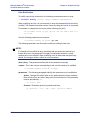
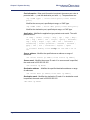
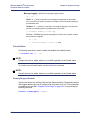
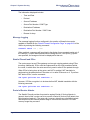
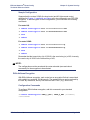
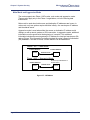
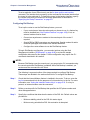
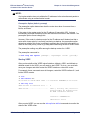
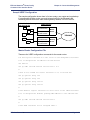
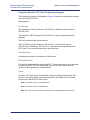
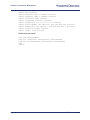
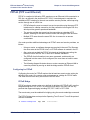
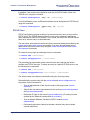
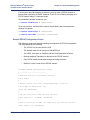
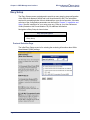
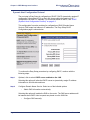
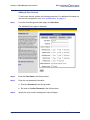
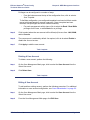
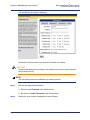
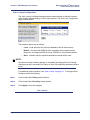
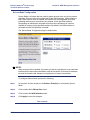
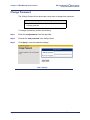
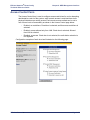
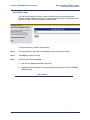
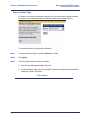
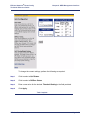
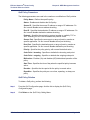
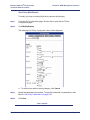
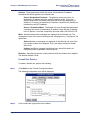
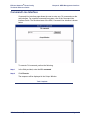
Feature page is shown below.
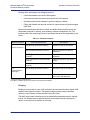
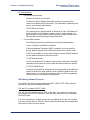
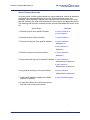
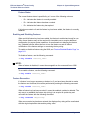
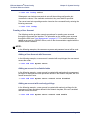
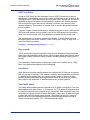
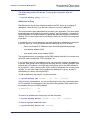
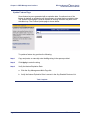
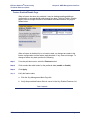
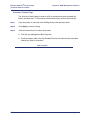
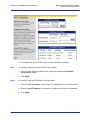
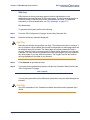
To delete a feature key, perform the following:
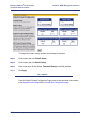
Step 1
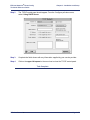
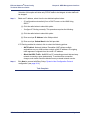
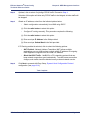
From the pull-down menu, select the Feature to be deleted.
Step 2
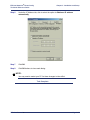
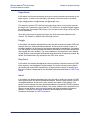
Click Apply.
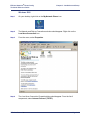
Step 3
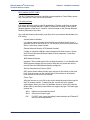
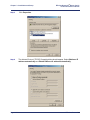
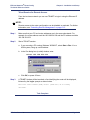
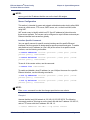
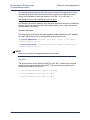
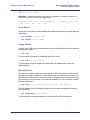
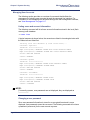
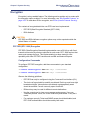
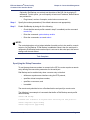
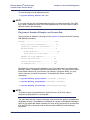
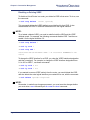
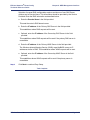
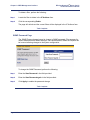
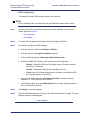
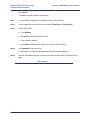
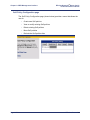
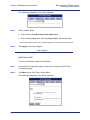
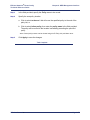
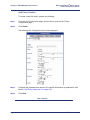
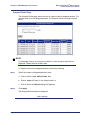
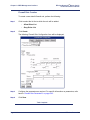
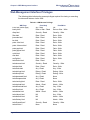
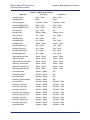
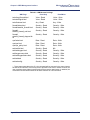
Verify the feature key is not longer installed:
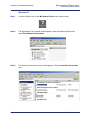
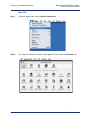
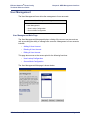
a. Click the Key Management Main Page link.
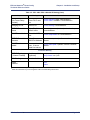
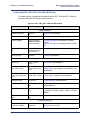
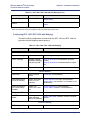
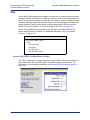
b. Verify the Key Enabled Features List indicates the feature key is Not Installed for
the prescribed feature.
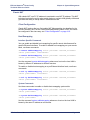
Task Complete
Efficient Networks®
Page 8-29