1
Efficient Networks® Router family
Technical Reference Guide
Chapter 8: WEB Management Interface
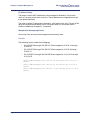
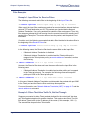
Inbound NAT Setting
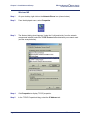
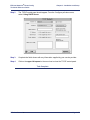
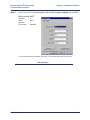
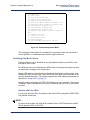
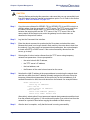
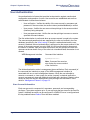
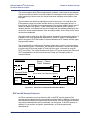
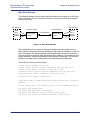
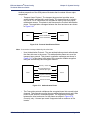
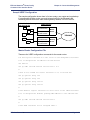
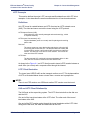
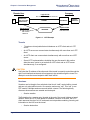
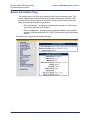
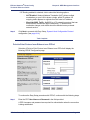
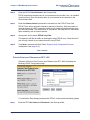
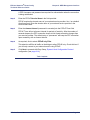
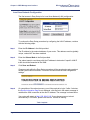
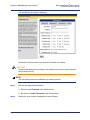
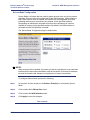
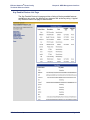
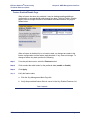
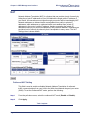
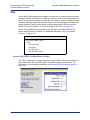
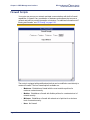
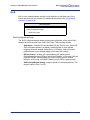
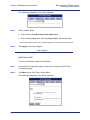
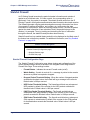
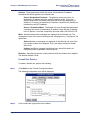
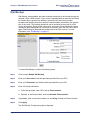
This section of the form is divided into two parts.
•
The left side contains fields for WAN settings
•
The right side contains fields for local machine settings
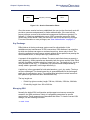
A section labeled "router" divides these two parts. This layout is a simple diagram of
how NAT works between the WAN and the local machine to translate network
addresses.
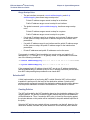
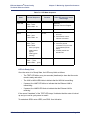
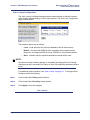
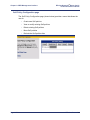
Two methods are available for making inbound NAT settings:
•
Easy Setup
•
Advanced Setup
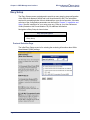
Easy Setup
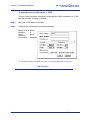
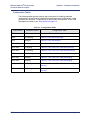
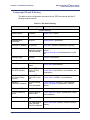
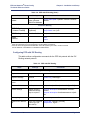
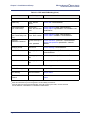
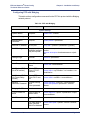
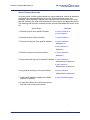
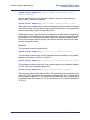
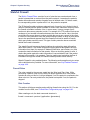
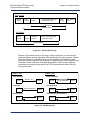
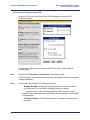
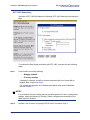
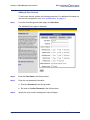
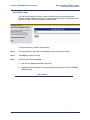
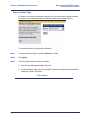
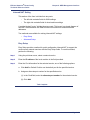
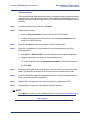
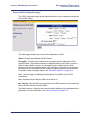
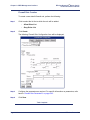
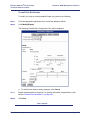
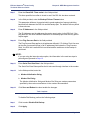
Easy Setup provides a method for quick configuration inbound NAT to support the
most common network services with the Easy Setup fields. To use this method,
perform the following:
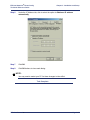
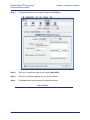
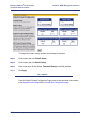
Step 1
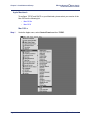
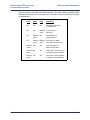
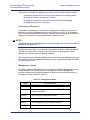
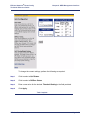
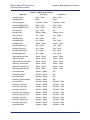
Using the pull-down menu, select a network service.
Step 2
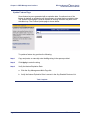
Enter the IP address of the local machine in the field provided.
Step 3
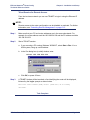
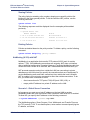
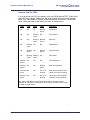
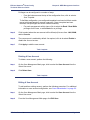
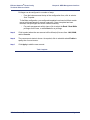
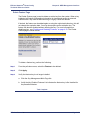
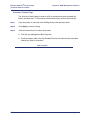
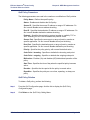
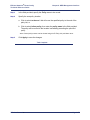
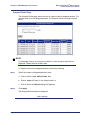
Enter the Port Information for the selected service; one of the following options:
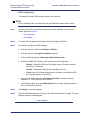
a. Click Add for Default Port# to use the default port for the specified service.
b. Assign an alternate port number for the specified service.
(1) In the Port# field, enter the alternate port number for the selected service.
(2) Click Add.
Task Complete
Efficient Networks®
Page 8-39