1
Maintenance
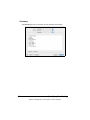
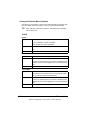
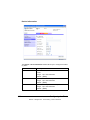
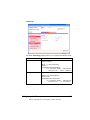
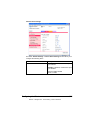
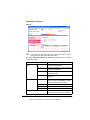
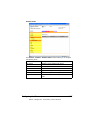
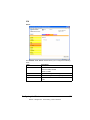
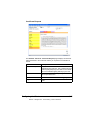
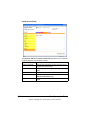
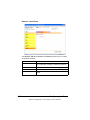
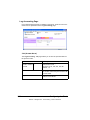
Clear Settings
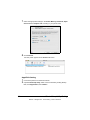
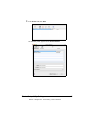
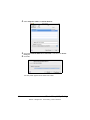
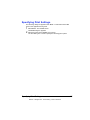
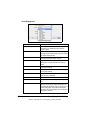
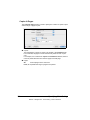
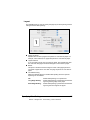
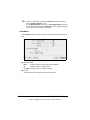
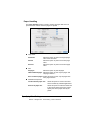
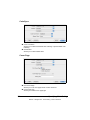
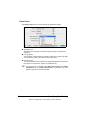
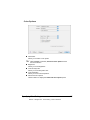
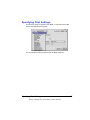
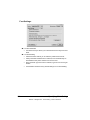
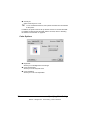
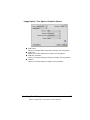
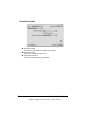
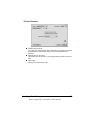
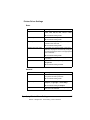
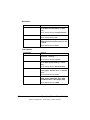
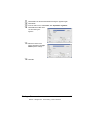
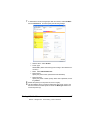
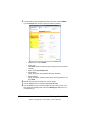
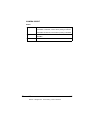
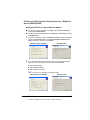
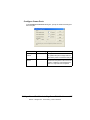
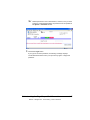
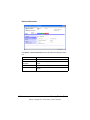
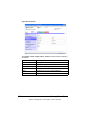
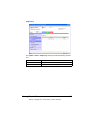
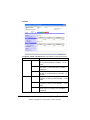
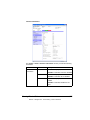
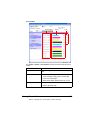
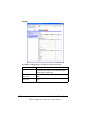
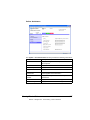
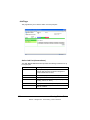
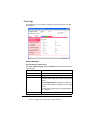
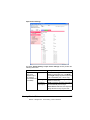
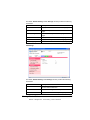
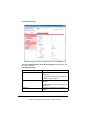
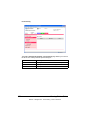
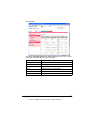
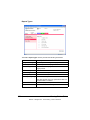
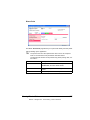
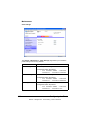
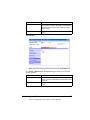
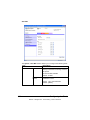
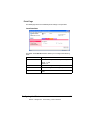
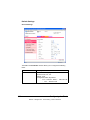
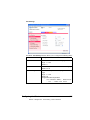
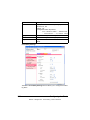
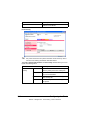
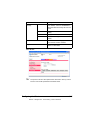
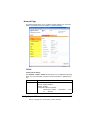
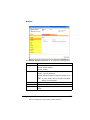
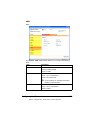
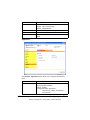
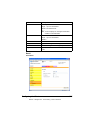
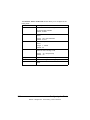
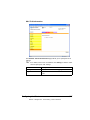
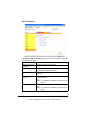
The System - Maintenance - Clear Settings page allows you to reset the
printer settings to its factory defaults.
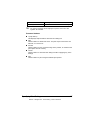
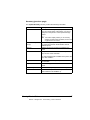
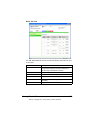
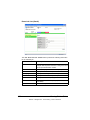
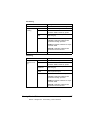
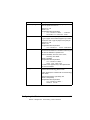
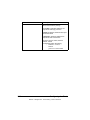
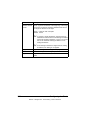
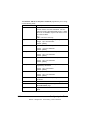
Item
Description
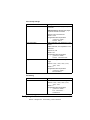
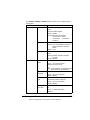
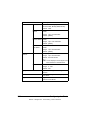
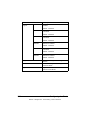
Printer Settings
Resets the printer settings to their defaults.
Configuration Menu Equivalent:
SYS DEFAULT MENU - RESTORE
DEFAULTS - RESTORE PRINTER
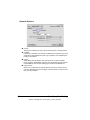
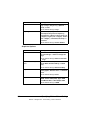
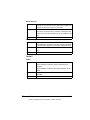
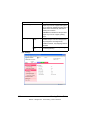
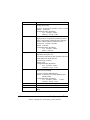
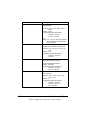
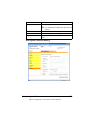
Network Settings
Resets the network settings to their defaults.
Configuration Menu Equivalent:
SYS DEFAULT MENU - RESTORE
DEFAULTS - RESTORE NETWORK
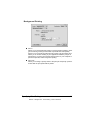
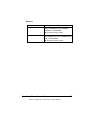
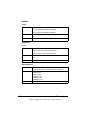
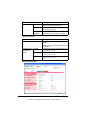
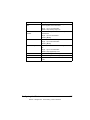
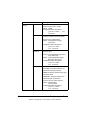
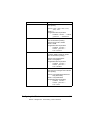
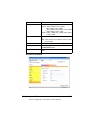
All Settings
Resets all settings to their defaults.
Configuration Menu Equivalent:
SYS DEFAULT MENU - RESTORE
DEFAULTS - RESTORE ALL
186
Configuring the Printer
EDNord - Istedgade 37A - 9000 Aalborg - telefon 96333500