1
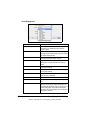
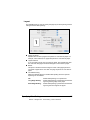
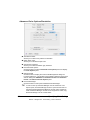
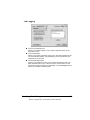
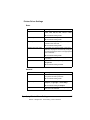
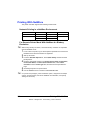
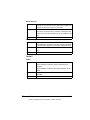
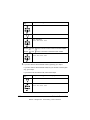
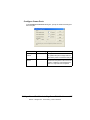
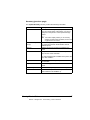
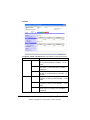
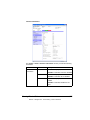
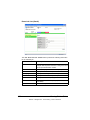
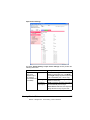
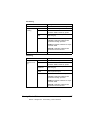
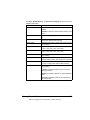
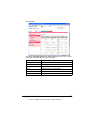
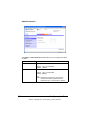
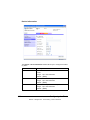
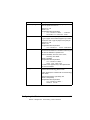
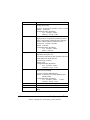
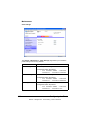
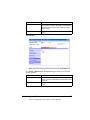
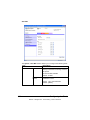
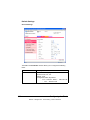
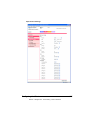
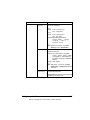
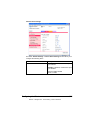
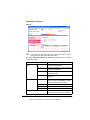
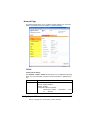
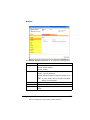
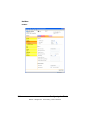
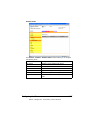
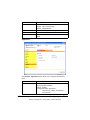
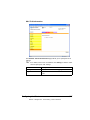
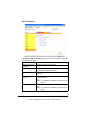
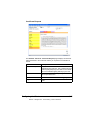
Item
Description
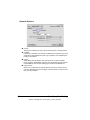
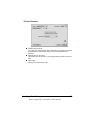
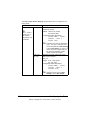
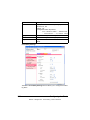
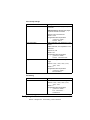
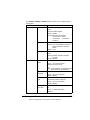
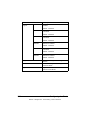
Cyan/Magenta/
Yellow/Black
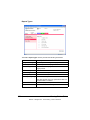
Density
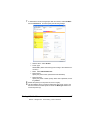
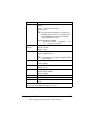
Highlight
Specifies the density of the highlight color.
Choices: +3,+2,+1,0,-1,-2,-3
Default: 0
Configuration Menu Equivalent:
QUALITY MENU CALIBRATION CMYK DENSITY
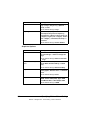
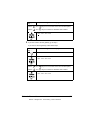
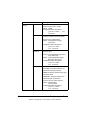
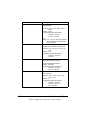
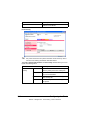
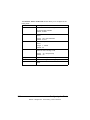
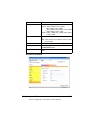
Middle
Specifies the density of the middle color.
Choices: +3,+2,+1,0,-1,-2,-3
Default: 0
Configuration Menu Equivalent:
QUALITY MENU CALIBRATION CMYK DENSITY
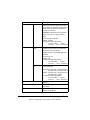
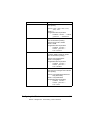
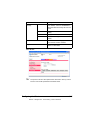
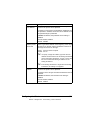
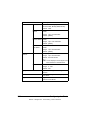
Shadow
Specifies the density of the shadow color.
Choices: +3,+2,+1,0,-1,-2,-3
Default: 0
Configuration Menu Equivalent:
QUALITY MENU CALIBRATION CMYK DENSITY
208
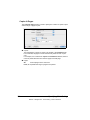
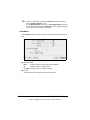
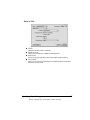
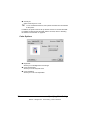
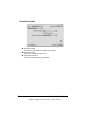
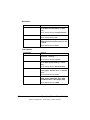
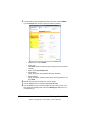
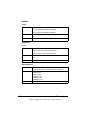
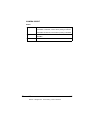
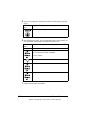
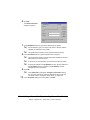
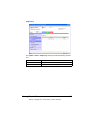
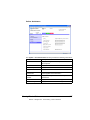
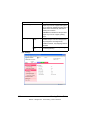
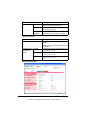
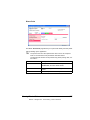
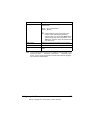
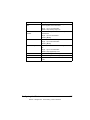
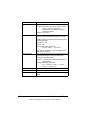
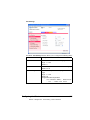
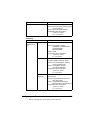
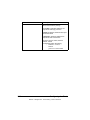
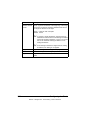
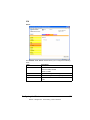
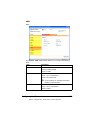
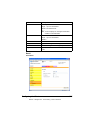
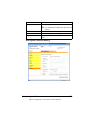
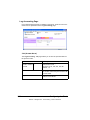
Apply button
Applies the configuration settings for this
window.
Clear button
Resets all configuration settings to previous values.
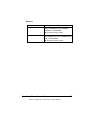
Logout button
Logs out of Administrator Mode and
returns to User Mode.
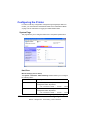
Configuring the Printer
EDNord - Istedgade 37A - 9000 Aalborg - telefon 96333500