1
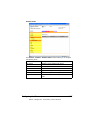
Selecting the Printer in the Desktop Printer
Utility
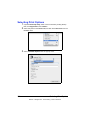
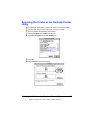
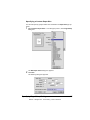
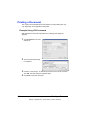
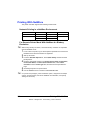
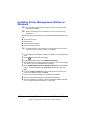
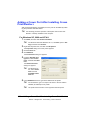
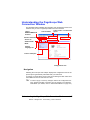
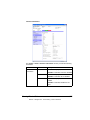
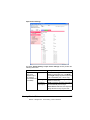
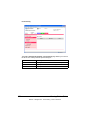
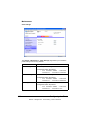
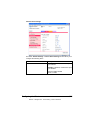
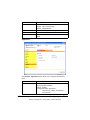
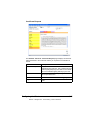
Use the Desktop Printer Utility to use a USB cable to connect the printer.
1
2
3
4
5
6
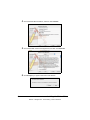
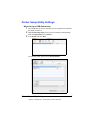
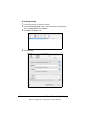
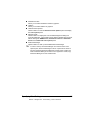
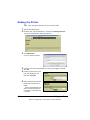
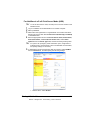
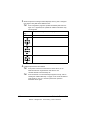
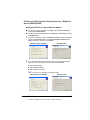
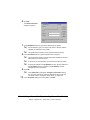
Use the USB cable to connect the printer and your computer.
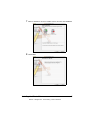
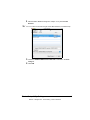
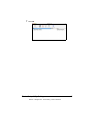
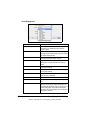
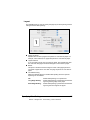
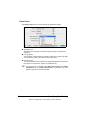
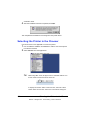
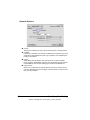
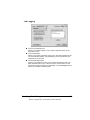
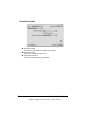
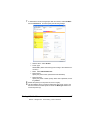
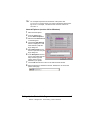
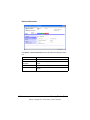
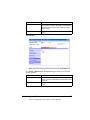
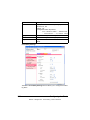
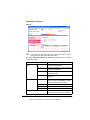
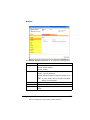
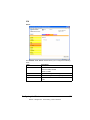
From Hard Disk, select Desktop Printer Utility.
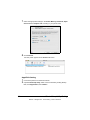
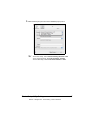
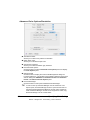
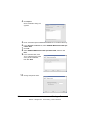
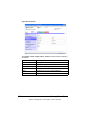
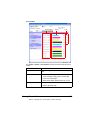
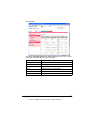
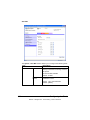
Select LaserWriter 8 from With pop-up menu.
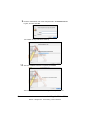
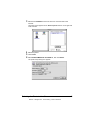
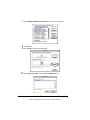
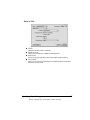
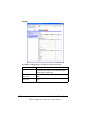
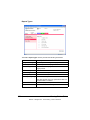
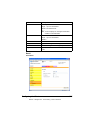
Select Printer (USB) from Create Desktop list.
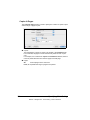
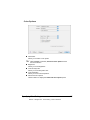
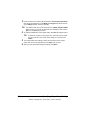
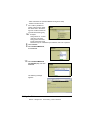
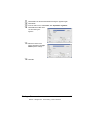
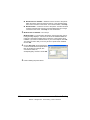
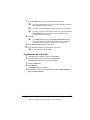
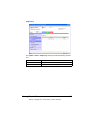
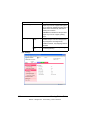
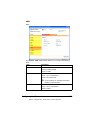
Click OK.
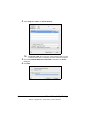
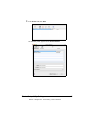
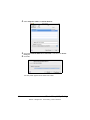
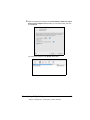
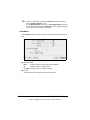
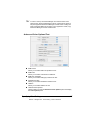
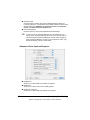
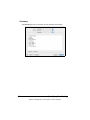
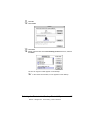
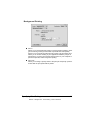
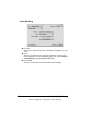
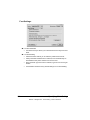
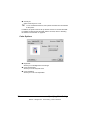
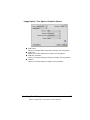
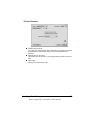
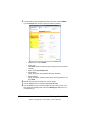
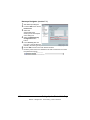
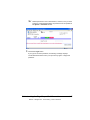
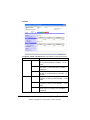
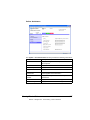
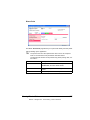
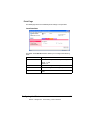
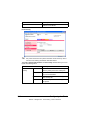
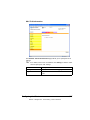
Select Change to select the PPD file.
Selecting the Printer in the Desktop Printer Utility
EDNord - Istedgade 37A - 9000 Aalborg - telefon 96333500
51