1
USER'S GUIDE____________________________________________________________________
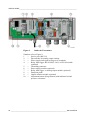
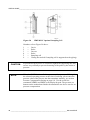
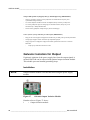
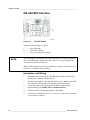
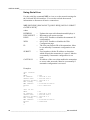
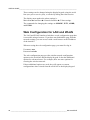
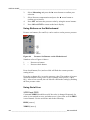
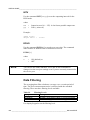
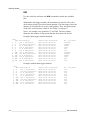
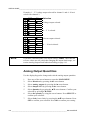
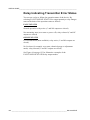
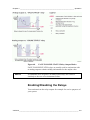
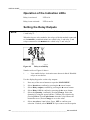
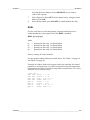
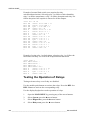
Example: 0 ... 5 V voltage output selected for channel 1 and 4...20 mA
selected for channel 2.
1 2 3 4 5 6 7 8
1 2 3 4 5 6 7 8
NOTE
OFF
█
ON
Selection
█
Voltage output selected
█
0 ... 5 V selected
█
Current output selected
█
4 ... 20 mA selected
█
█
█
█
█
█
█
█
█
█
█
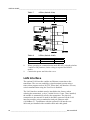
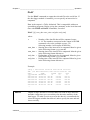
If you have customized the error output setting (AERR), check that the
set error values are still valid after changing the output mode/range, see
section Analog Output Fault Indication Setting on page 119.
Analog Output Quantities
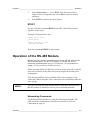
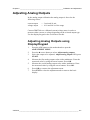
Use the display/keypad to change and scale the analog output quantities.
1.
2.
3.
4.
5.
6.
7.
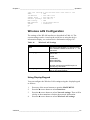
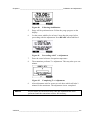
Press any of the arrow buttons to open the MAIN MENU.
Select Interfaces by pressing the ► arrow button.
Select Analog outputs by pressing the ► arrow button.
Select Output 1/2/3 by pressing the ► arrow button.
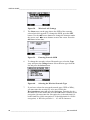
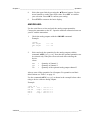
Select Quantity by pressing the ▲▼ arrow buttons. Confirm your
selection by pressing CHANGE.
Select the quantity by using the arrow buttons. Press SELECT to
confirm your selection.
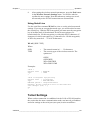
Select Scale, lower limit, by pressing the ▲▼arrow buttons. Press
SET to confirm your selection. Press OK to confirm your setting.
116 _________________________________________________________________ M210704EN-E