1
USER'S GUIDE____________________________________________________________________
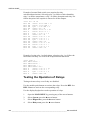
Rounding Setting
Round off one decimal by using the Rounding function . The default
setting is rounding on. Rounding has no effect on quantities without
decimals.
1.
2.
3.
4.
Open the MAIN MENU by pressing any of the ▲▼◄► arrow
buttons.
Select ►Display and confirm by pressing the ► arrow button.
Select Rounding and press ON/OFF button.
Press EXIT to return to the basic display.
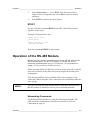
Display Backlight Setting
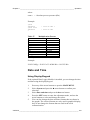
As a default the display backlight is always on. In the automatic mode
the backlight stays on for 30 seconds from the last press of the button.
When pressing any button, the light turns on again.
1.
2.
3.
4.
5.
Open the MAIN MENU by pressing any of the ▲▼◄► arrow
buttons
Select ►Display, press the ►arrow button.
Select Backlight, press the CHANGE button.
Select On/Off/ Automatic, press the SELECT button.
Press EXIT to return to the basic display.
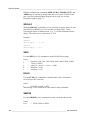
Display Contrast Setting
1.
2.
3.
4.
5.
Open the MAIN MENU by pressing any of the ▲▼◄► arrow
buttons.
Select ►Display, press the ►arrow button.
Select Contrast, press the ADJUST button.
Adjust the contrast by pressing the ◄► arrow buttons.
Press OK and EXIT to return to the basic display.
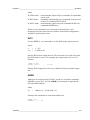
Keypad Lock (Keyguard)
This function locks the keypad and prevents unintentional key presses.
1.
2.
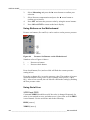
Keep pressing the left-hand function button for 4 seconds to lock
the keypad (at any display).
To unlock the keypad, press the OPEN button for 4 seconds.
76 __________________________________________________________________ M210704EN-E