1
right page (105) of CX70 Retail fug en, A31008-H7103-A1-1-7619 (14.09.2004, 10:44)
Dictat.machine
Siemens AG 2003, C:\Siemens\Produkte\CX70\output\FUG\CX70_FUG_en_040910_rs_pk_druck\ULYR_Organizer.fm
C ¢Q¢Dictat.machine
C
D
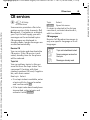
Use the dictating machine to record
short voice memos.
• Add a voice memo to an appointment in the Calendar.
• Record a call.
Warning!
The use of this feature may be subject to
restrictions under criminal law.
Please inform the other party to the
conversation in advance if you want to
record the conversation and please keep
such recordings confidential.
You may only use this feature if the other
party to the conversation agrees.
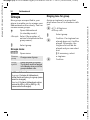
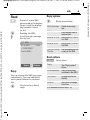
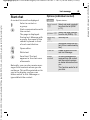
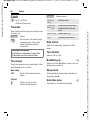
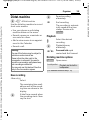
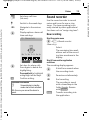
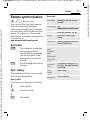
New recording
<New entry>
Select.
The remaining time available as well as the recording time are shown in the
display.
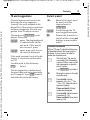
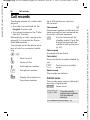
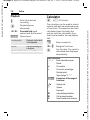
C
A brief tone sounds when
the recording starts. Now
say the text.
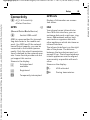
Pause/recording
alternately.
End recording.
The recording is automatically saved with a time
stamp. Rename with
§Options§.
• Use your phone as a dictating
machine when on the move.
• Record a memo as a reminder or
as a note for others.
105
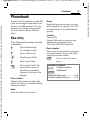
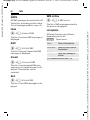
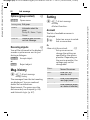
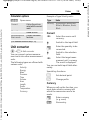
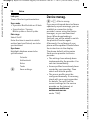
Playback
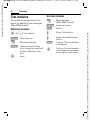
I
C
D /E
Select the desired
recording.
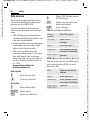
Playback/pause,
alternately.
Press and hold rapid
rewind and fast forward.
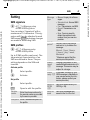
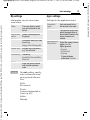
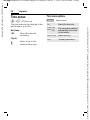
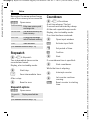
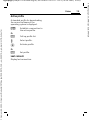
Dictating machine options
§Options§
Open menu.
Loudspeaker
Playback via the built-in
loudspeaker.
(For standard functions see p. 15)
VAR Language: en; VAR issue date: 040728
Organiser