1
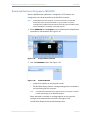
Programming the MX-6000 for a Kaleidescape Movie Server
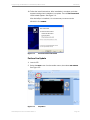
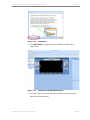
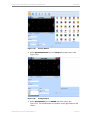
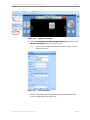
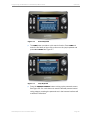
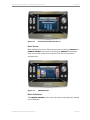
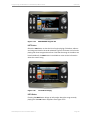
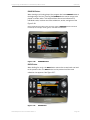
Figure 2-30
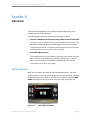
Installation
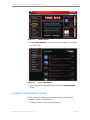
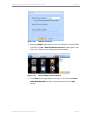
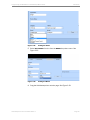
Entering IP Address
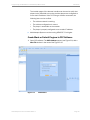
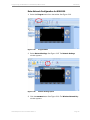
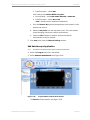
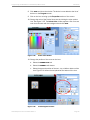
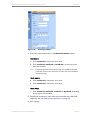
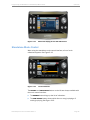
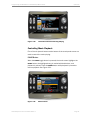
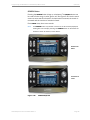
4. Enter zone control information in the Module Parameters section.
Mini System
a. Enter zoneID=00 to control the movie zone.
b. Enter zoneID=01, zoneID=02 or zoneID=03 to control one of the
three music zones.
Note:
ZoneID=00 provides control over the OSD, and zoneID=01 provides
standalone music control. These are the same zone, but controlled in
two different ways.
Movie players
a. Enter zoneID=00 to control the movie zone.
b. Enter zoneID=01 to control the music zone.
Music Player
• Enter zoneID=01, zoneID=02, zoneID=03 or zoneID=04 depending
on the zone to be controlled.
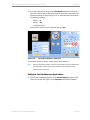
5. Repeat this procedure for each zone to be controlled by the MX-6000
beginning with "Add Kaleidescape Application" on page 18.
6. Save settings.
Kaleidescape Part No. 101-0107-00 Rev 2
Page 25