1
MFC 4550/6550MC/7550MC
OP-US-5.0
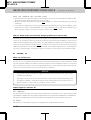
PAGING/FAX FORWARDING
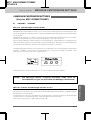
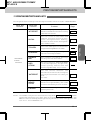
MESSAGE CENTER MODE SETTINGS
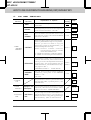
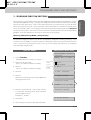
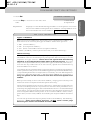
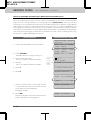
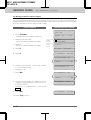
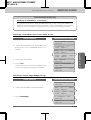
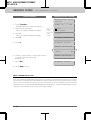
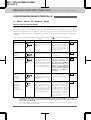
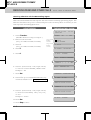
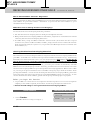
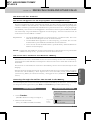
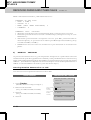
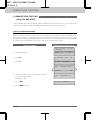
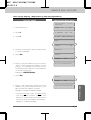
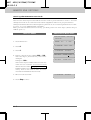
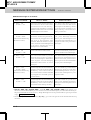
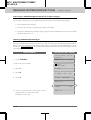
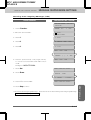
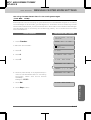
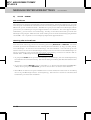
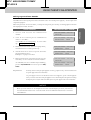
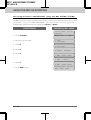
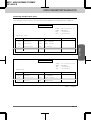
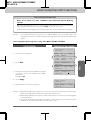
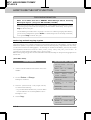
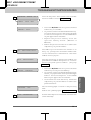
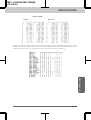
Setting Up Paging (Registering the Paging Number)
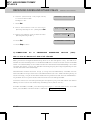
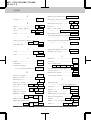
KEYSTOPRESS
THE DISPLAY WILL SHOW:
09/12/1996
ONLINE
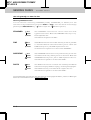
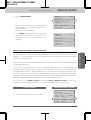
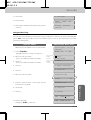
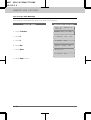
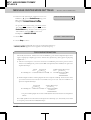
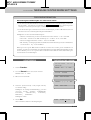
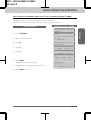
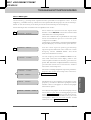
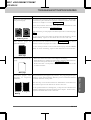
1. Press Function.
ENTER
2. Wait for two seconds.
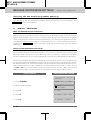
1.FAX
2.PRINTER
3. Press 1.
1.FAX
4. Press 8.
8.SETUP
5. Press 3.
3.FAX
NO.
15:25
&
SET
MSG
CTR
FWD/PAGING
OFF
SELECT
{
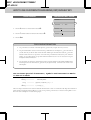
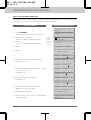
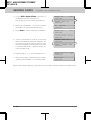
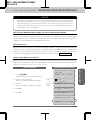
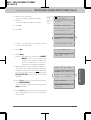
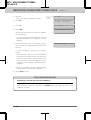
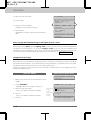
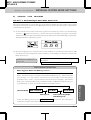
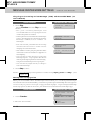
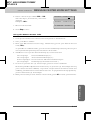
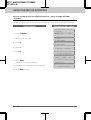
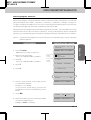
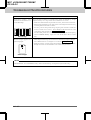
6. Press Z (left arrow) and X (right arrow)
to select PAGING.
PAGING
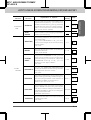
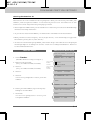
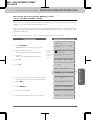
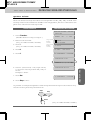
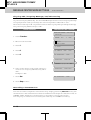
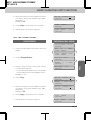
7. Press Set.
PAG#:
ENTER
&
}
&
SET
SET
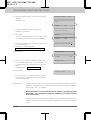
#:18002844329##_
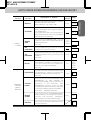
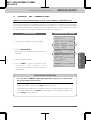
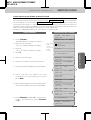
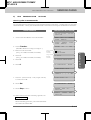
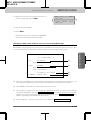
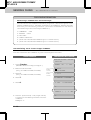
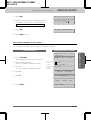
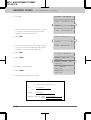
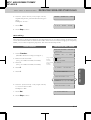
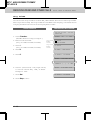
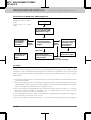
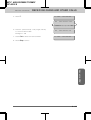
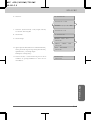
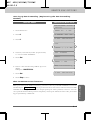
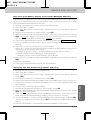
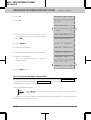
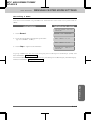
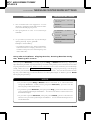
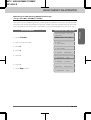
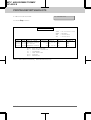
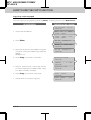
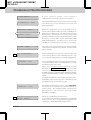
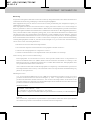
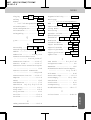
9. Press Set.
PIN#:
ENTER
&
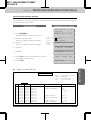
FAX Options
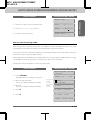
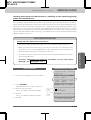
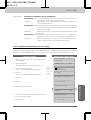
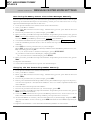
8. Enter a paging number up to 20 digits
(this is the telephone number of your
pager), followed by two # signs. Do not
include the area code if it is the same for
your MFC and pager.
Example: 18002844329##.
SET
9-21