1
MFC 4550/6550MC/7550MC
OP-US-5.0
TELEPHONE FUNCTION SETTINGS
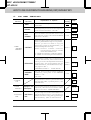
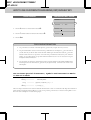
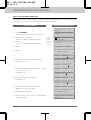
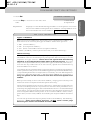
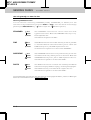
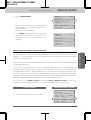
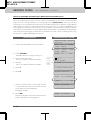
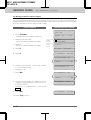
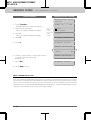
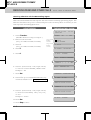
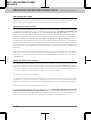
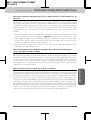
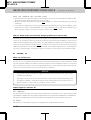
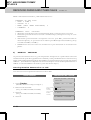
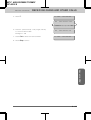
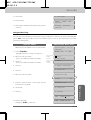
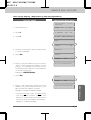
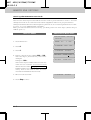
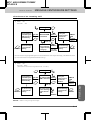
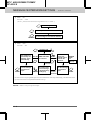
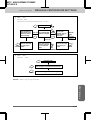
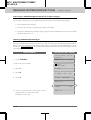
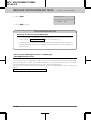
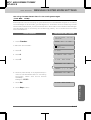
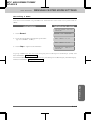
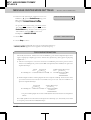
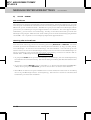
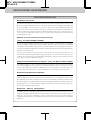
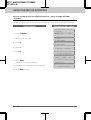
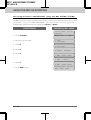
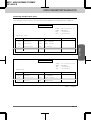
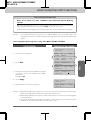
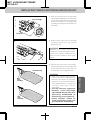
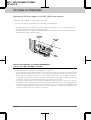
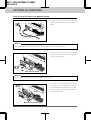
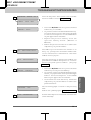
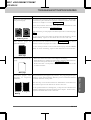
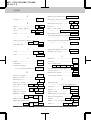
10. Press Set.
TYPE:FAX
{ }
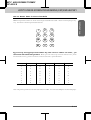
11. Select the type of number (FAX, TEL,
F/T, CHAIN) by using Z (left arrow) or
X (right arrow) to display the type you
want.
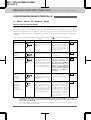
(See For Your Information on page 3-11.)
Example: FAX.
TYPE:FAX
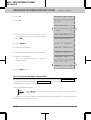
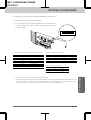
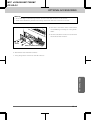
12. Press Set.
SELECT
&
SET
Information
SELECT
ONE-TOUCH
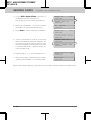
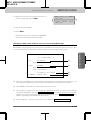
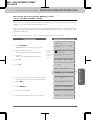
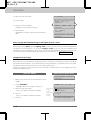
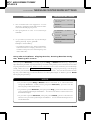
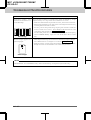
13. Return to Step 6 to enter another number,
or press Stop to return to the date and
time.
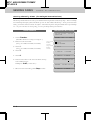
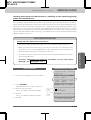
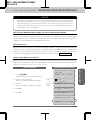
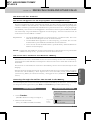
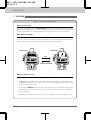
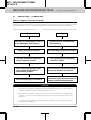
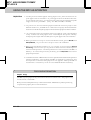
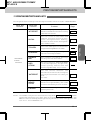
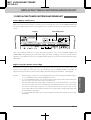
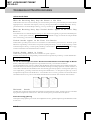
Helpful HInts
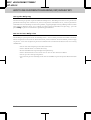
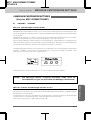
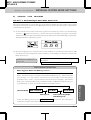
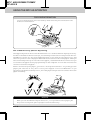
If you must wait for a dial tone to access an outside line, insert a
pause by pressing the Redial/Pause key. When you press Redial/
Pause, a dash “-” will appear on the display. By storing the numbers
with a pause, you can create a delay of 3.5 seconds.
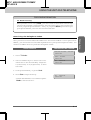
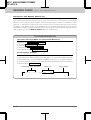
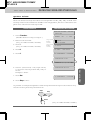
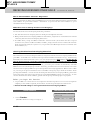
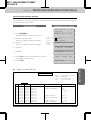
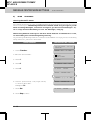
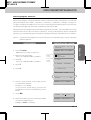
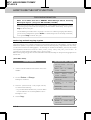
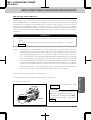
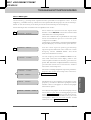
Storing the Speed-Dial Numbers
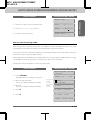
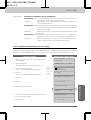
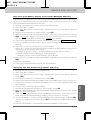
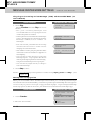
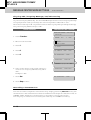
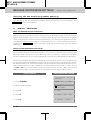
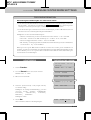
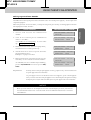
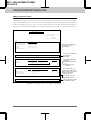
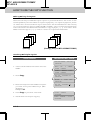
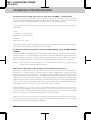
When you store a phone or fax number as a Speed-Dial number, you must enter a twodigit number, from 01 to 00 (00=100) for 7550MC and from 01 to 36 for 4550/6550MC
using the number keys. For example, you can not enter “5”. You must enter “05”. You
can store as many as 100 numbers (7550MC), 36 numbers (4550/6550MC) as SpeedDial numbers.
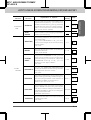
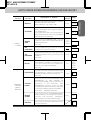
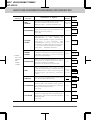
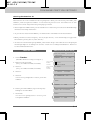
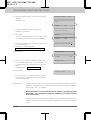
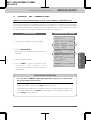
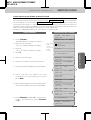
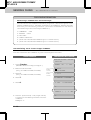
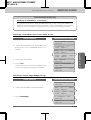
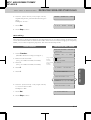
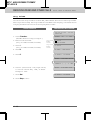
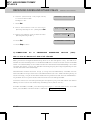
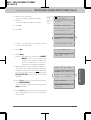
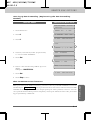
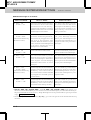
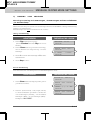
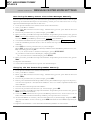
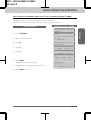
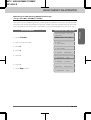
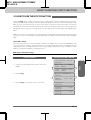
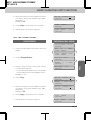
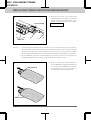
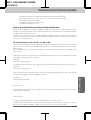
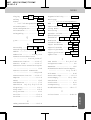
KEYS TO PRESS
THE DISPLAY WILL SHOW:
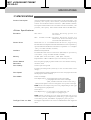
09/12/1996
ONLINE
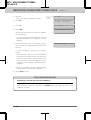
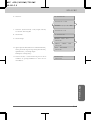
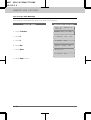
1. Press Function.
(The MFC 4550 will skip to Step 4.)
ENTER
NO.
2. Wait for two seconds.
(Only for MFC 6550MC/7550MC)
(Only for MFC
6550MC/
7550MC)
1.FAX
2.PRINTER
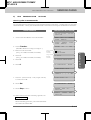
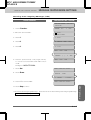
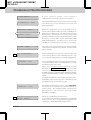
3. Press 1.
(Only for MFC 6550MC/7550MC)
(Only for MFC
6550MC/
7550MC)
1.FAX
15:25
&
SET
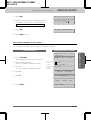
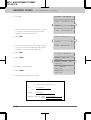
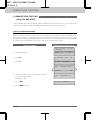
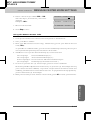
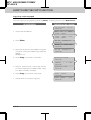
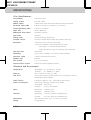
4. Press 4.
4.SET
5. Press 2.
2.SPEED-DIAL
AUTO
SPEED-DIAL?
DIAL
#_
3-7