1
MFC 4550/6550MC/7550MC
OP-US-5.0
REGULAR MAINTENANCE
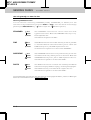
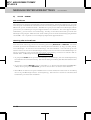
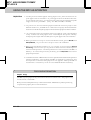
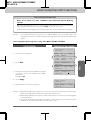
WARNING
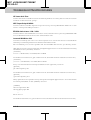
• Do not use isopropyl alcohol to clean the scanner window or the toner
sensor.
• Do not touch the scanner window with your finger.
• Handle the drum unit carefully as it contains toner. If toner scatters and
your hands or cloths get dirty, immediately wipe or wash it off with cold
water .
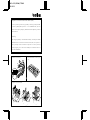
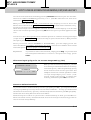
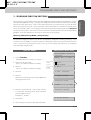
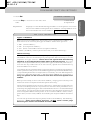
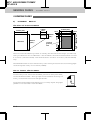
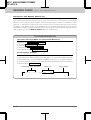
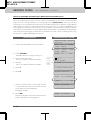
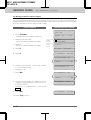
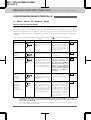
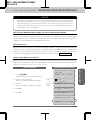
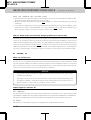
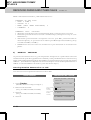
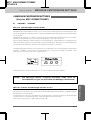
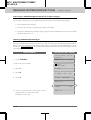
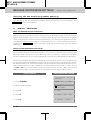
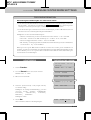
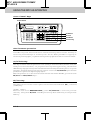
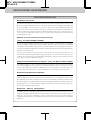
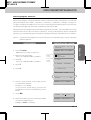
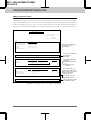
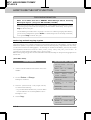
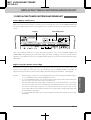
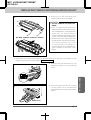
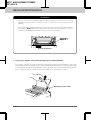
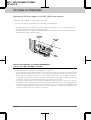
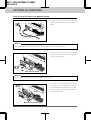
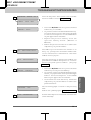
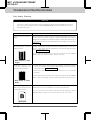
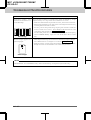
Toner sensor
Gears
Gears
Electric terminal
Scanner window
▲ Inside the machine
Shaded parts are HOT!
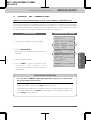
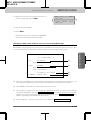
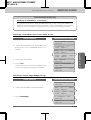
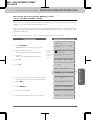
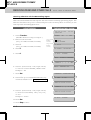
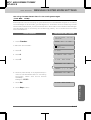
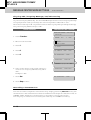
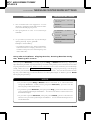
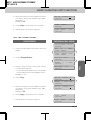
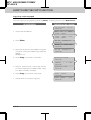
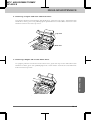
Cleaning the Drum Unit
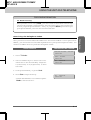
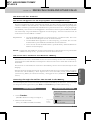
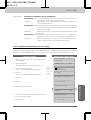
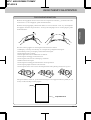
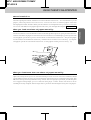
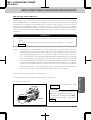
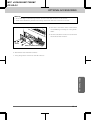
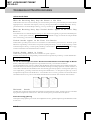
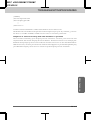
NOTE: We recommend you place the drum unit on a drop cloth or large piece of
disposable paper to avoid spilling and scattering the toner.
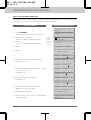
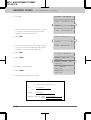
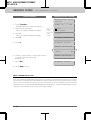
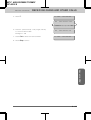
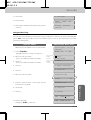
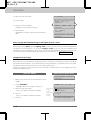
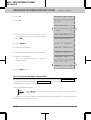
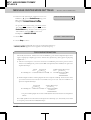
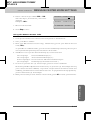
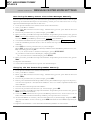
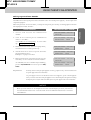
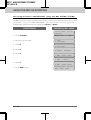
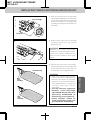
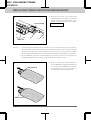
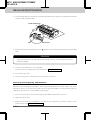
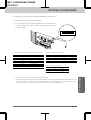
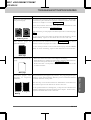
1. Turn the drum unit upside down carefully.
14-2
Maintenance
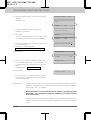
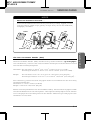
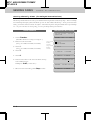
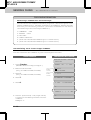
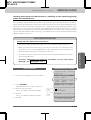
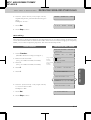
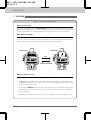
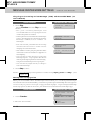
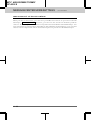
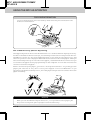
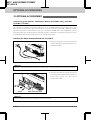
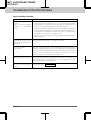
WARNING
Just after you have used the
machine, some internal parts of the
machine are extremely Hot! When
you open the top cover of the
machine, never touch the shaded
parts shown in the diagram to the
left.