1
Sample Configuration 3: Configuring a Dual-Ethernet Router for
IP Routing
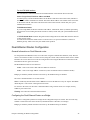
Scenario:
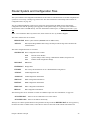
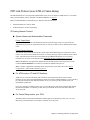
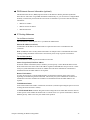
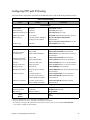
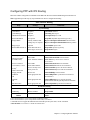
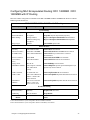
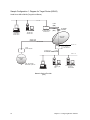
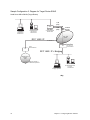
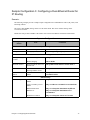
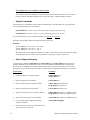
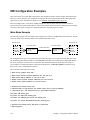
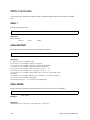
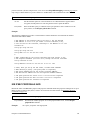
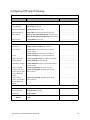
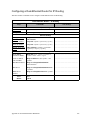
The following example provides a simple sample configuration for a Dual-Ethernet router (eth_router) with
IP routing enabled.
The routerÕs hub (ETH/0) belongs to the 192.168.254.0 subnet. The routerÕs ETH/1 belongs to the
192.168.253.0 subnet.
ETH/0 will route packets to ETH/1 at the address 192.168.253.254. DHCP is enabled for both subnets.
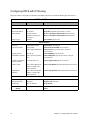
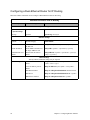
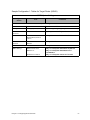
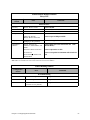
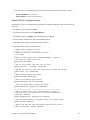
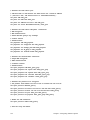
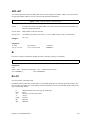
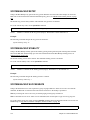
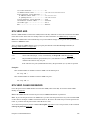
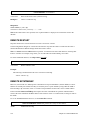
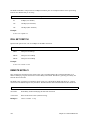
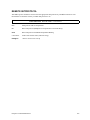
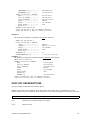
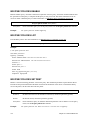
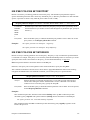
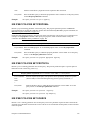
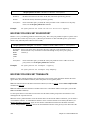
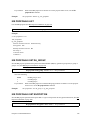
eth_router ConÞguration
ConÞguration
Section
Item
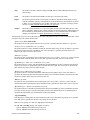
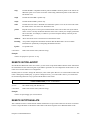
Commands
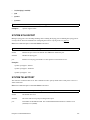
System Settings
Name
System Name (optional)
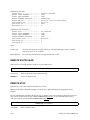
system name eth_router
Message
Message (optional)
system msg ConÞgured_Jan_1999
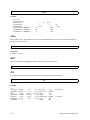
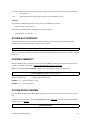
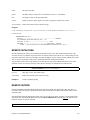
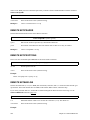
Ethernet Settings
Routing/ Bridging
Controls
Enable IP routing
eth ip enable
Disable bridging
eth br disable
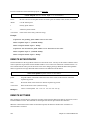
ETH/0 IP Address
DeÞne ETH/0 IP address for
the hub side
eth ip addr 192.168.254.254 255.255.255.0 0
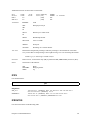
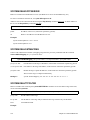
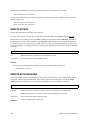
ETH/1 IP Address
DeÞne ETH/1 IP address for
the single 10Base-T side
eth ip addr 192.168.253.254 255.255.255.0 1
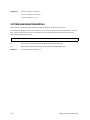
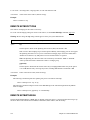
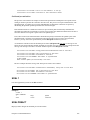
TCP/IP default route
address
ETH/0 sends all trafÞc to
ETH/1
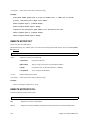
eth ip addroute 0.0.0.0 255.255.255.255
192.168.253.254 1 1
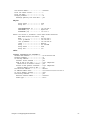
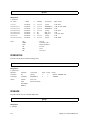
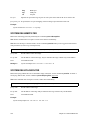
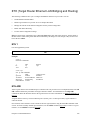
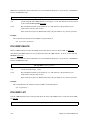
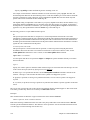
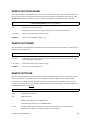
DHCP Settings
DHCP Settings
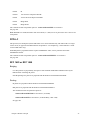
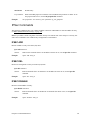
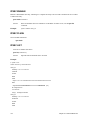
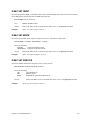
DeÞne DHCP network for
ETH/1
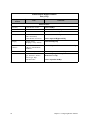
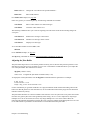
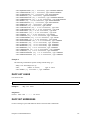
dhcp add 192.168.253.0 255.255.255.0
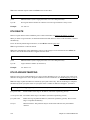
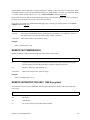
Create an address pool for
ETH/1
dhcp set addresses 192.168.253.2 192.168.253.20
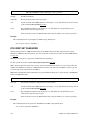
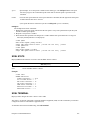
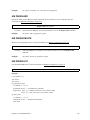
DNS Domain Name
dhcp set valueoption domainname myISP.com
DNS Server
dhcp set valueoption domainnameserver
192.168.200.1
WINS Server Address
dhcp set valueoption winsserver 172.16.0.2
Chapter 3. Configuring Router Software
75