1
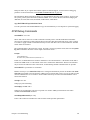
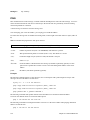
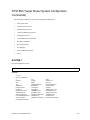
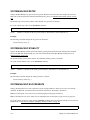
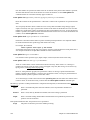
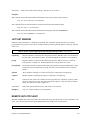
FILTER BR (Bridge Filtering) Commands
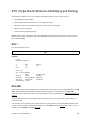
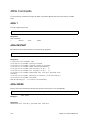
Bridge filtering allows you to control the packets transferred across the router. This feature can be used to enhance
security or improve performance. Filtering is based on matched patterns within the packet at a specified offset.
Two filtering modes are available.
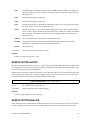
¥
Deny mode will discard any packet that matches the deny filter database and let all other packets pass.
¥
Allow mode will only pass the packets that match the allow filter database and discard all others.
Up to 40 deny and 40 allow filters can be activated from the filter database.
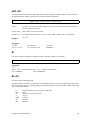
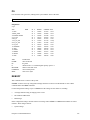
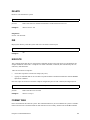
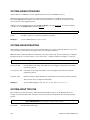
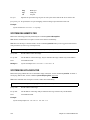
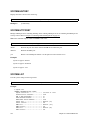
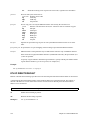
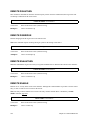
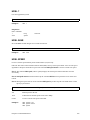
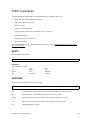
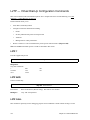
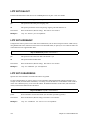
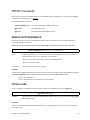
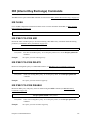
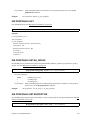
FILTER BR ?
Lists the supported keywords.
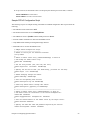
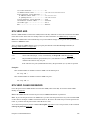
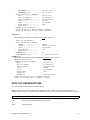
filter br ?
Response:
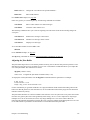
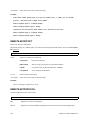
Bridge filter commands:
?
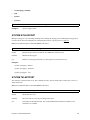
add
use
list
del
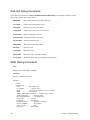
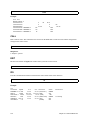
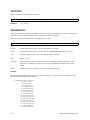
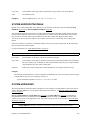
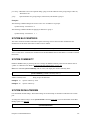
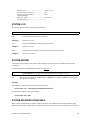
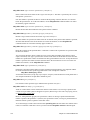
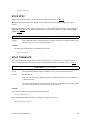
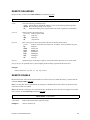
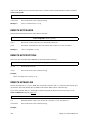
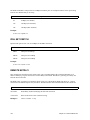
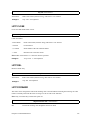
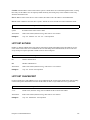
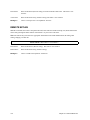
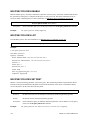
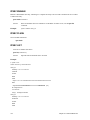
FILTER BR ADD
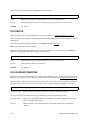
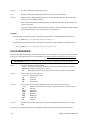
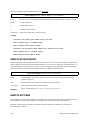
Adds a bridging filter to the filtering database. The filter can allow or deny the forwarding of packets based on
the contents of the packets. The command specifies the position within the packet that is checked and the data that
must appear in that location in order for the packet to match this filter.
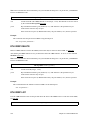
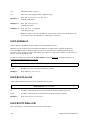
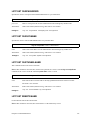
filter br add [pos] [data] allow | deny
pos
Byte offset within a packet; number from 0-127.
data
Hexadecimal number up to 6 bytes.
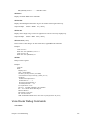
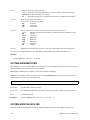
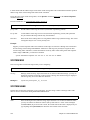
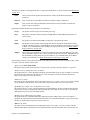
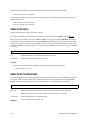
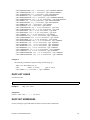
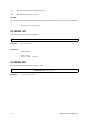
Example:
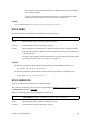
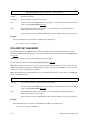
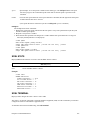
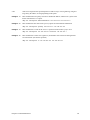
This filter prevents forwarding of RARP packets across the bridge. The data at byte offset 12 in each packet is
checked and, if the data is hex 8035, the packet is denied forwarding.
filter br add 12 8035 deny
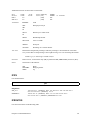
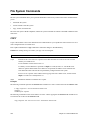
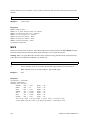
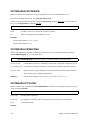
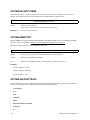
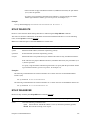
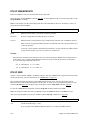
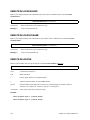
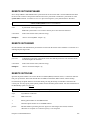
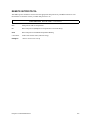
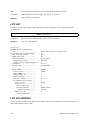
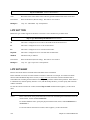
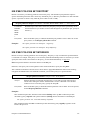
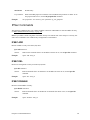
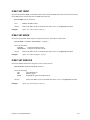
FILTER BR DEL
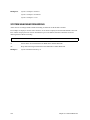
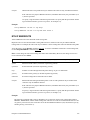
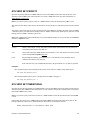
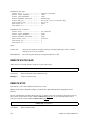
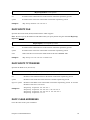
Deletes a bridging filter from the filtering database. The parameters on the command identify the filter to be
deleted.
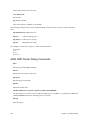
filter br del [pos] [data] allow | deny
Chapter 8. Command Reference
331